Skip to content
Camera Security Now

Hybrid Meeting Rooms

Conference Room AV for Hybrid Meetings

Camera Security Now helps offices, boardrooms, training rooms, and civic spaces evaluate conference room cameras, Meeting Owl systems, video bars, Zoom Rooms and Microsoft Teams Rooms hardware, displays, audio, networking, and structured cabling — matched to how the room is actually used.

Build a Room People Can Start Without Calling IT

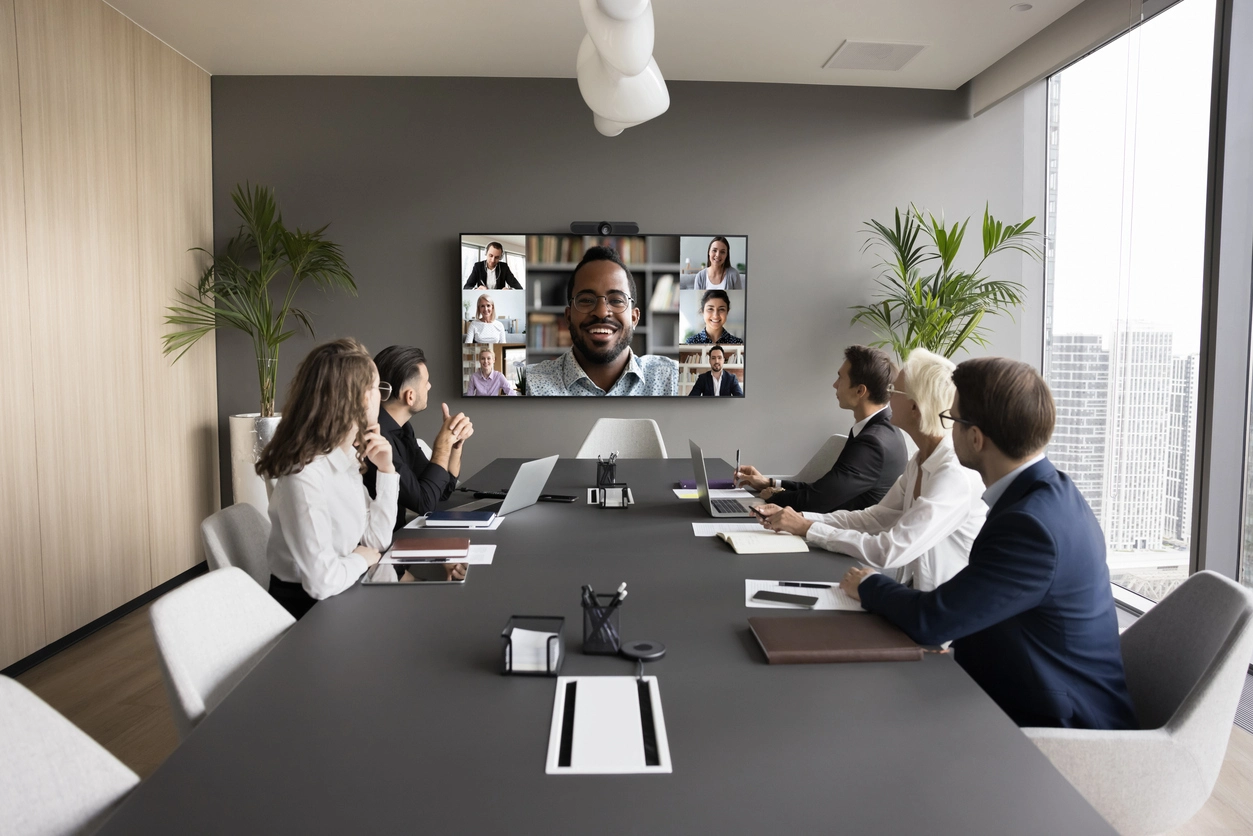
Hybrid meetings fail when remote participants cannot see or hear the table, when cables and adapters pile up, or when the system only works with one platform. The fix is rarely “buy a more expensive camera.” It is treating the room as a complete system: camera, microphones, speakers, display, network, and a simple join path for Teams, Zoom, Google Meet, or Webex.

A small huddle space may need only a display, a USB video bar, and a reliable Ethernet drop. A boardroom may need PTZ cameras, multiple microphones, DSP, room controls, and dedicated Teams Rooms or Zoom Rooms appliances.

Camera Security Now already plans commercial networking, structured cabling, security cameras, and access control. Conference room AV fits naturally beside that infrastructure — especially during office buildouts and remodels — so you are not coordinating five unrelated contractors for one floor.

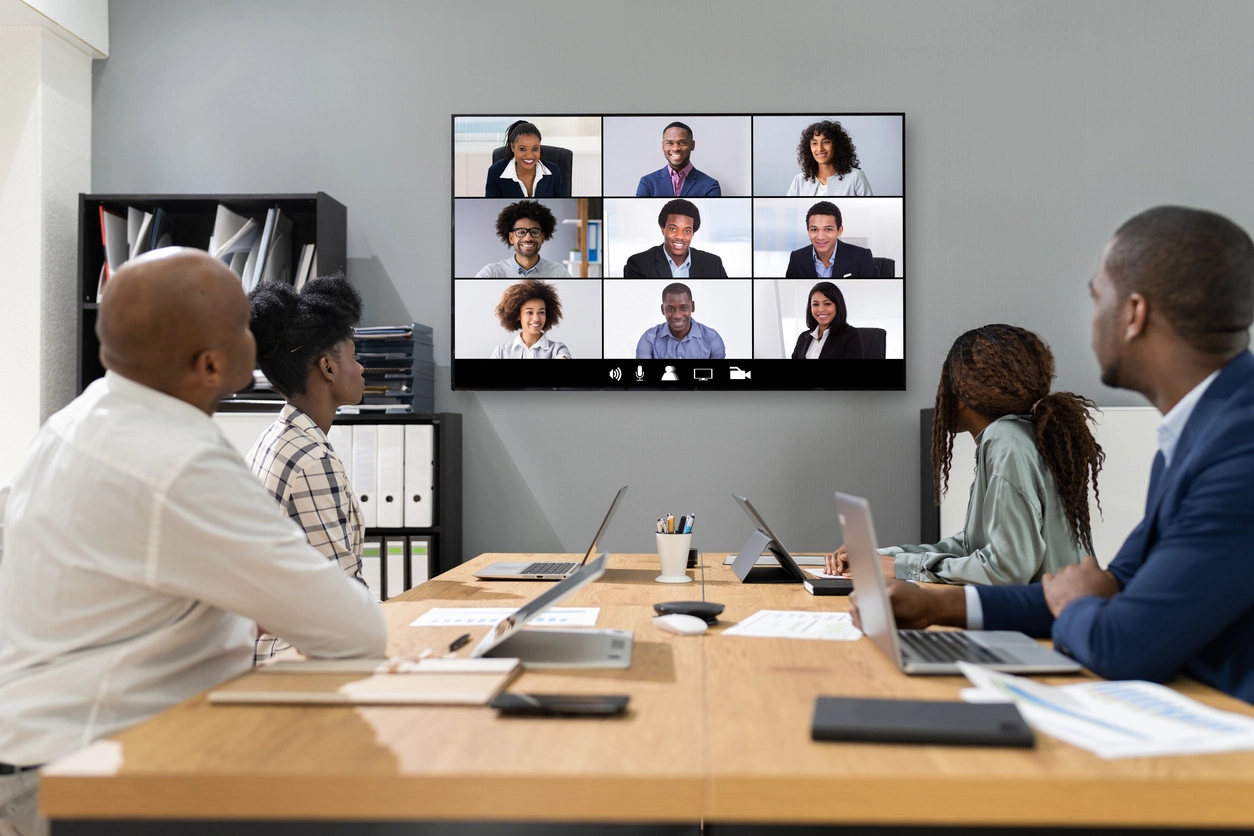
team in a hybrid meeting with remote participants on a display

Why Organizations Plan Conference Rooms as Systems

Audio coverage and join simplicity usually matter more than camera megapixels.

Match Technology to Room Size

Pick a video bar, Meeting Owl, or integrated AV stack based on table length, seating, and how often guests join remotely.

Make Every Platform Easy

Employees should start or join Teams, Zoom, Meet, or Webex without a scavenger hunt for adapters.

Reuse What Already Works

Keep usable displays, mounts, Ethernet, and PCs; replace only the camera, mics, or network pieces that cause the pain.

Conference Room Options We Support

There is no single best product. Choose the least complicated setup that reliably covers who needs to be seen and heard.

small conference room with display and video bar

Simple Video Bar / USB Conference Camera Rooms

An all-in-one camera, microphone array, and speaker under or near the display — often paired with an existing TV and laptop or room PC. Examples include Logitech MeetUp-style bars with digital PTZ and built-in mics suited to smaller rooms.

Best for
Huddle rooms and small meeting spaces where built-in audio reach is enough
Strengths
Lower cost, quick install, fewer components to manage
meeting room table planned for 360-degree conferencing

Meeting Owl Systems

Center-of-table 360° conferencing (including Meeting Owl 4+) with AI speaker framing and a multi-mic array. Optional proprietary Expansion Mics extend pickup; third-party mics are not supported and can interfere with Owl intelligence.

Best for
Small and medium hybrid rooms with people on multiple sides of the table who want simple USB-style operation
Strengths
360° framing and one-device simplicity; tradeoff is proprietary audio expansion only
conference room with dedicated video conferencing camera and display

Microsoft Teams Rooms and Zoom Rooms

Dedicated room systems and certified hardware so joining the company's primary platform is one-touch, with peripherals selected for the room tier.

Best for
Standardized corporate rooms where IT wants consistent join experiences
Strengths
Predictable employee experience and centralized management options
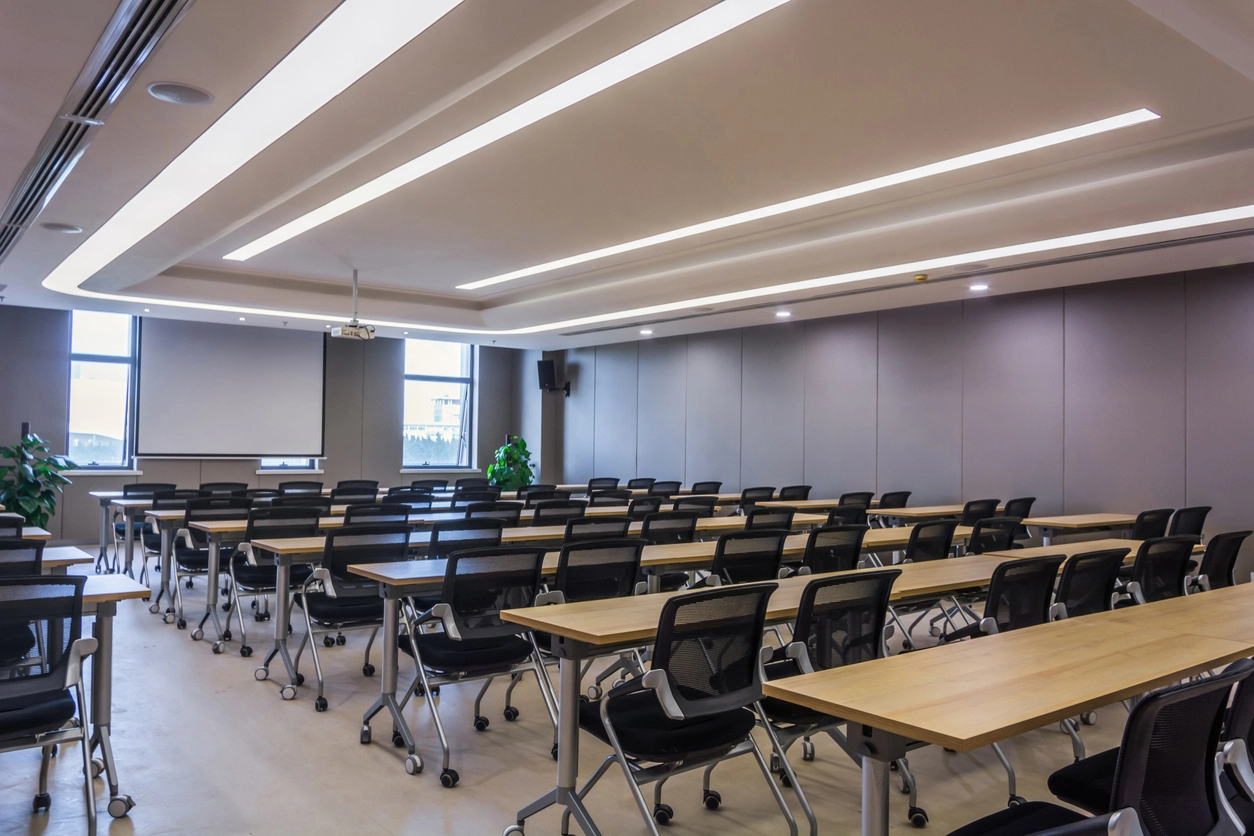
training room with front-of-room camera and displays

Integrated AV With PTZ and Multi-Mic

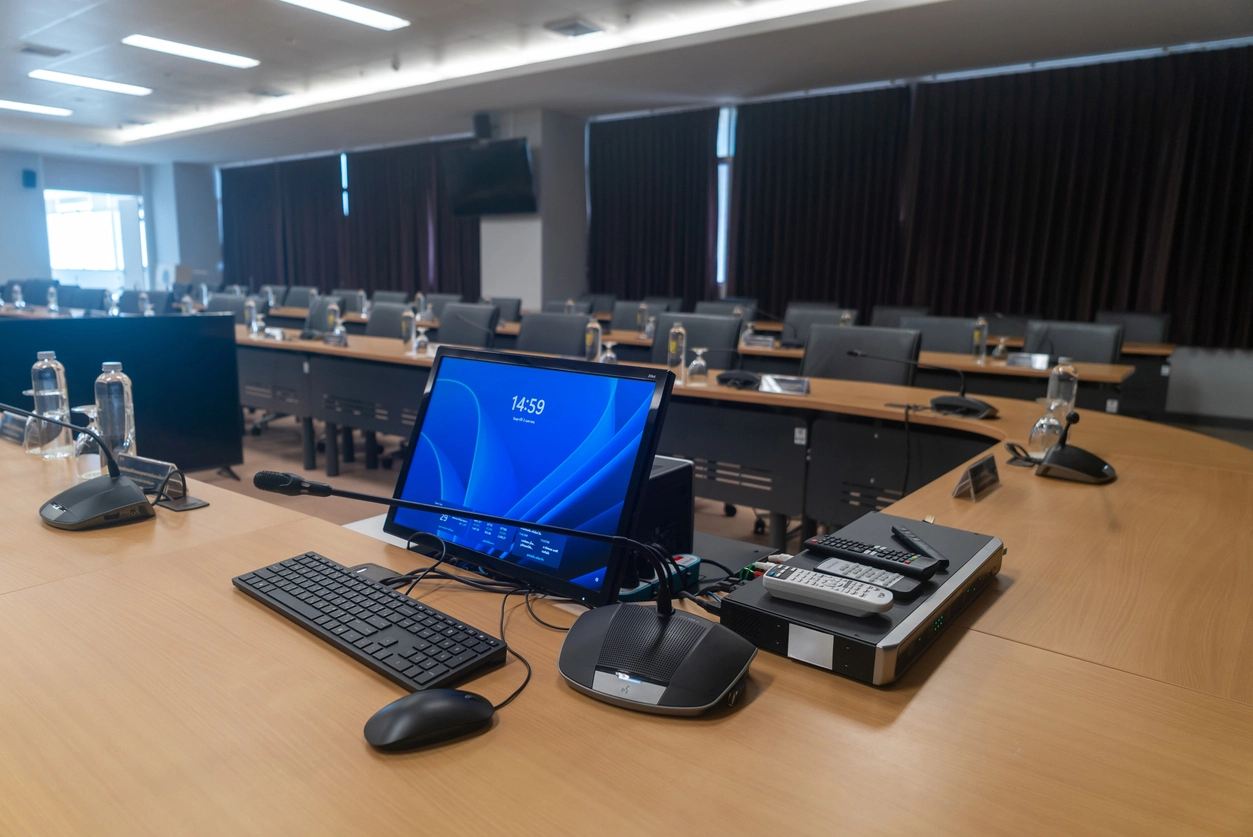
Independent PTZ or multi-camera setups, table or ceiling mics (including Logitech Rally-style mic pods), dedicated speakers, DSP, touch controls, and equipment racks.

Best for
Boardrooms, training rooms, council chambers, and long tables that need flexible mic placement
Strengths
Highest control over audio coverage and camera angles; higher design and install effort
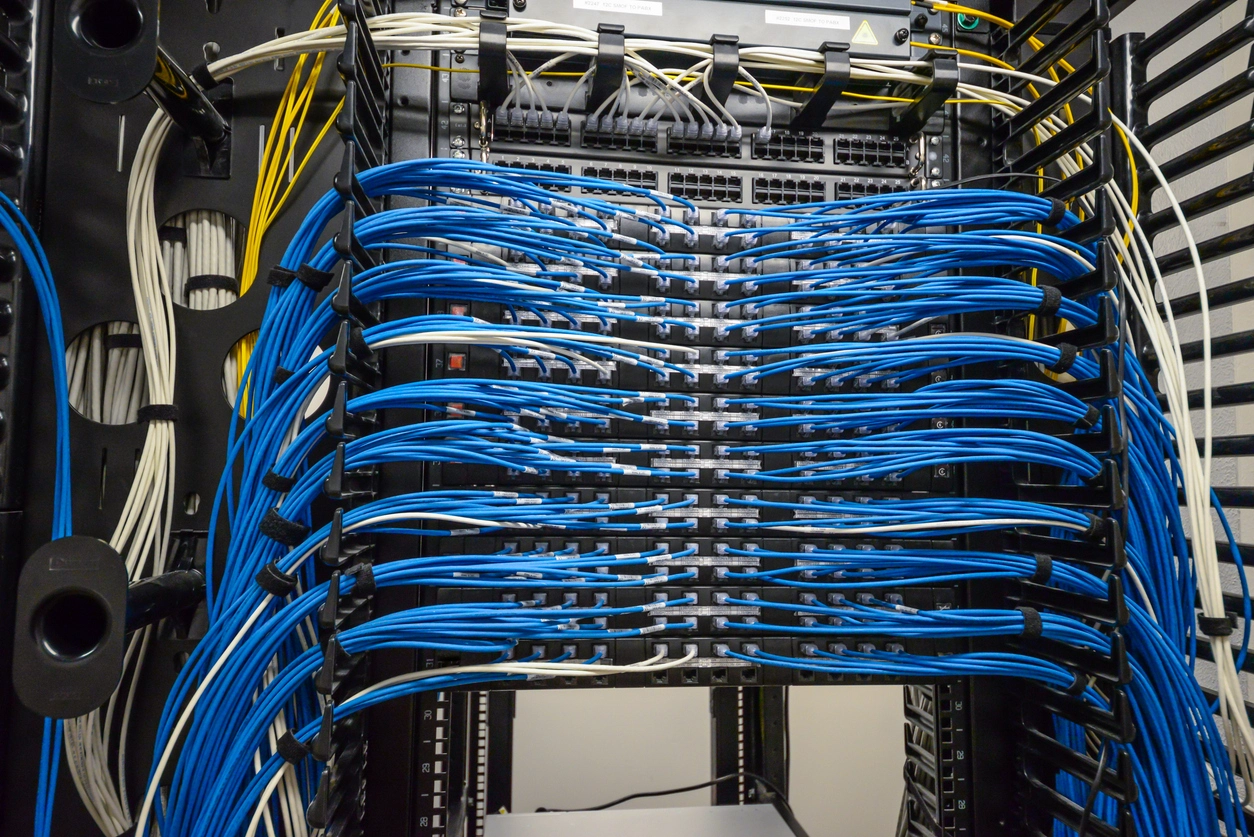
office network cabling installation

Displays, Mounts, Cabling, and Network

Commercial displays, professional mounting, HDMI/USB routing, Ethernet drops, switches, Wi-Fi improvements, cable management, and testing — often the difference between a demo that works once and a room that works daily.

Best for
New buildouts, remodels, and rooms with unreliable wireless-only conferencing
Strengths
Clean permanent infrastructure that supports future camera or platform changes
Structured cabling →

Common Conference Room Applications

Design follows seating and meeting type — not a catalog page.

Huddle and Small Meeting Rooms

Display plus video bar or compact conference camera, wired network, and a clear laptop or room-PC path.

Medium Hybrid Conference Rooms

Meeting Owl or comparable center-table systems when 360° framing helps, or a front-of-room bar when everyone faces the display.

Boardrooms and Executive Suites

Multiple mics, PTZ or multi-camera framing, dual displays when needed, and room controls staff will actually use.

Training Rooms and Classrooms

Presenter and audience coverage, voice tracking where useful, and platforms that support both internal and guest meetings.

Council Chambers and Presentation Spaces

Podium and dais coverage, preset camera positions, and audio processing for larger seating layouts.

Multi-Room Standardization

Repeatable small / medium / large designs so employees and IT see the same patterns across floors or sites.

What We Help Buyers Evaluate

Conference projects go wrong when the product is chosen before the room is measured.

  • Room: Size, table shape, seating sides, lighting, and acoustics.
  • Platforms: Teams, Zoom, Google Meet, Webex — primary vs. guest invitations.
  • Audio: Built-in reach vs. proprietary expansion vs. multi-mic architecture.
  • Infrastructure: Existing displays, mounts, Ethernet, Wi-Fi, power, and cable paths.

How the process works

  1. 1. Tell us about the room and how meetings run

    Share participant counts, platforms, and whether the pain is audio, video, joining, or all three.

  2. 2. We evaluate reuse vs. replacement

    We look at displays, network, cabling, and cameras already in place before recommending new gear.

  3. 3. Review a tiered design and quote

    You see a simple bar option, a Meeting Owl-class option, and/or an integrated AV option with clear tradeoffs.

  4. 4. Install, configure, and test

    Mounting, cabling, platform setup, and a walk-through so staff can start a meeting without IT on speed dial.

Who Uses Conference Room AV Services?

Any organization whose hybrid meetings depend on rooms that work the first time.

Conference Room AV, Meeting Owl, and Hybrid Room Buildouts

Think in three tiers. Simple rooms: USB camera or video bar, built-in audio, existing display, Ethernet. Meeting Owl rooms: 360° center-table framing for small and medium hybrid tables, with optional proprietary mic expansion only. Integrated AV rooms: PTZ or multi-camera, configurable mics, DSP, room controls, and dedicated Teams Rooms or Zoom Rooms hardware.

Owl Labs advises against ordinary third-party speakers or microphones with Meeting Owl because they can interfere with speaker detection; Expansion Mics are the supported path when more pickup is required. Long tables or specialized audio needs often point to a traditional multi-mic design instead.

Wired connectivity for permanent room systems is usually more reliable than Wi-Fi alone. Planning Ethernet and structured cabling during the buildout also makes the next upgrade easier — the same lesson as IP security camera projects that reuse PoE runs.

Camera Security Now has helped organizations plan commercial security cameras, access control, networking, and structured cabling since 1998. Conference room technology is an extension of that same infrastructure mindset: start with the room, keep what works, and install the simplest system that staff will actually use. Already standardized on Lifesize? See our Lifesize video conferencing page.

Frequently Asked Questions

Common questions from organizations planning hybrid meeting rooms and AV upgrades.

Does Camera Security Now only do security cameras?

No. Alongside cameras and access control, we help with conference room AV, Meeting Owl systems, displays, networking, and structured cabling.

Is the Meeting Owl right for every room?

No. It shines in small and medium rooms that want 360° framing and simplicity. Rooms that need flexible third-party mics or advanced multi-camera tracking often need integrated AV instead.

Can you work with Microsoft Teams and Zoom in the same office?

Yes. We design for the platforms your employees and customers actually use, including guest joins.

Do we have to replace our TVs and cabling?

Not always. Many projects keep working displays, mounts, and Ethernet and only refresh the camera and audio path.

Can conference AV be installed with our security and cabling project?

Often yes. Coordinating drops, racks, and room readiness during a broader technology buildout reduces duplicate labor.

How is this different from your Lifesize page?

This page covers Meeting Owl, Zoom Rooms, Teams Rooms, video bars, PTZ, and full AV buildouts — not a single brand path.

Ready to Scope a Conference Room AV Project?

Tell us about your rooms, platforms, and what fails in meetings today. We will help you move toward a design that fits the space — whether that is a simple video bar, a Meeting Owl, or a full AV buildout.

146 N Breiel Blvd, Middletown, OH 45042