
Office and Lobby Entrances
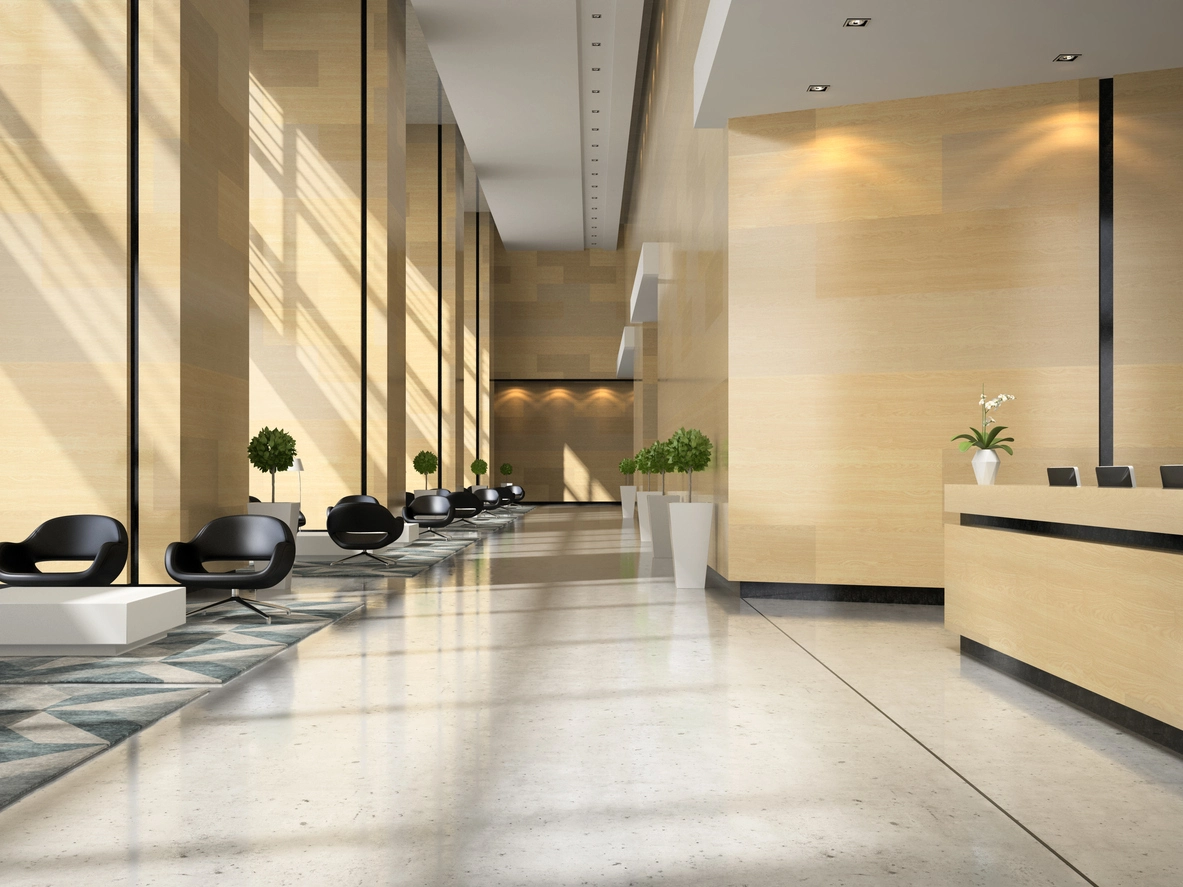
Give reception or authorized staff a clearer way to communicate with visitors at primary entrances.
See, Hear, and Respond at the Door
Camera Security Now helps businesses evaluate commercial video intercom systems that combine visitor video, two-way communication, and supported access-control workflows at doors, gates, lobbies, and controlled entrances.
A video intercom can give an authorized user visual and audio context before responding to a visitor at a controlled entrance. Depending on the platform, the same workflow may support remote communication, call routing, event history, and door release.
Commercial intercom design should account for the entry point, camera view, microphone and speaker performance, network connectivity, credentialed access, staffing model, and how visitors are handled after hours.
Video intercoms can complement surveillance cameras and access control, but system capabilities vary by manufacturer and deployment.
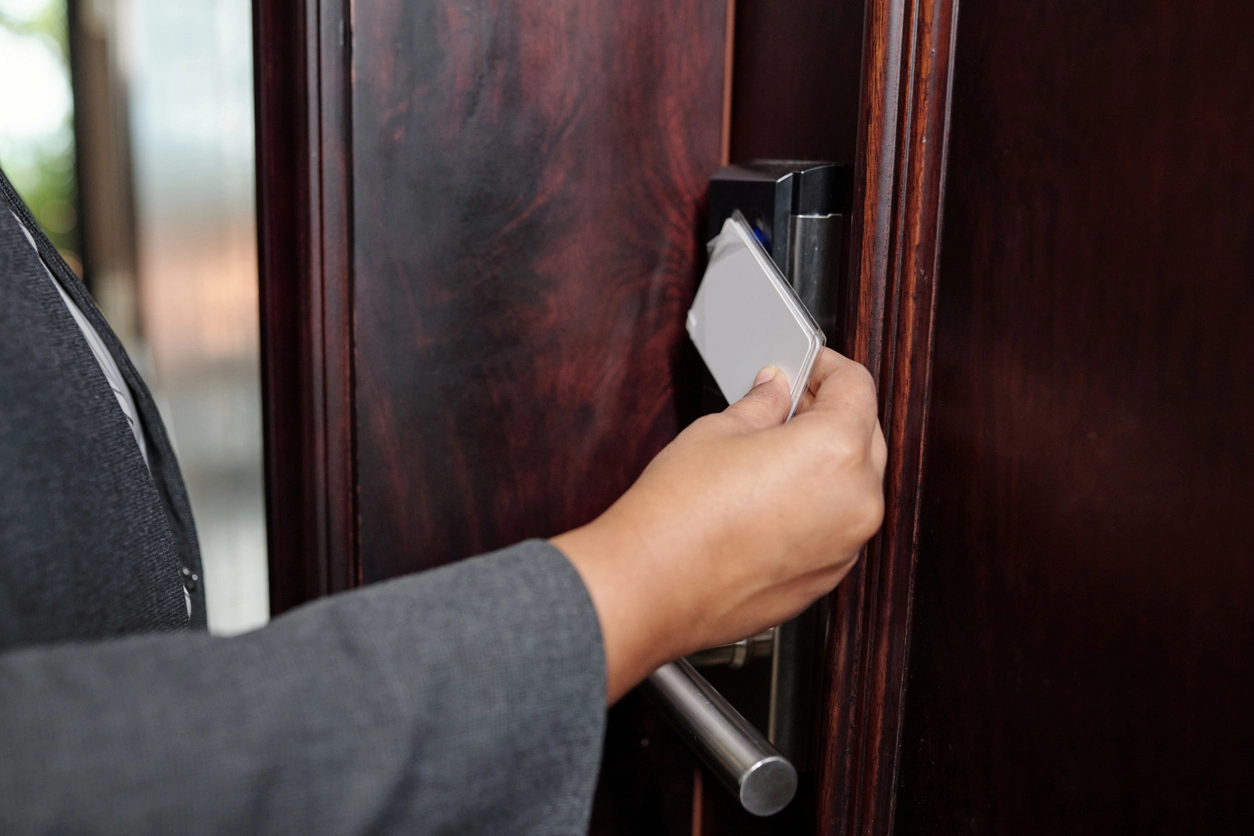
Video intercoms help teams handle visitor entry more deliberately when someone needs to communicate before a door or gate is opened.
See who is requesting entry before responding to the call or access request.
Speak with visitors, vendors, delivery personnel, or staff through supported intercom hardware and software.
Selected platforms can route calls to approved users and support remote door release when the access-control design allows it.
Intercoms are most useful at entrances where visitor communication and controlled entry need to work together.
Give reception or authorized staff a clearer way to communicate with visitors at primary entrances.
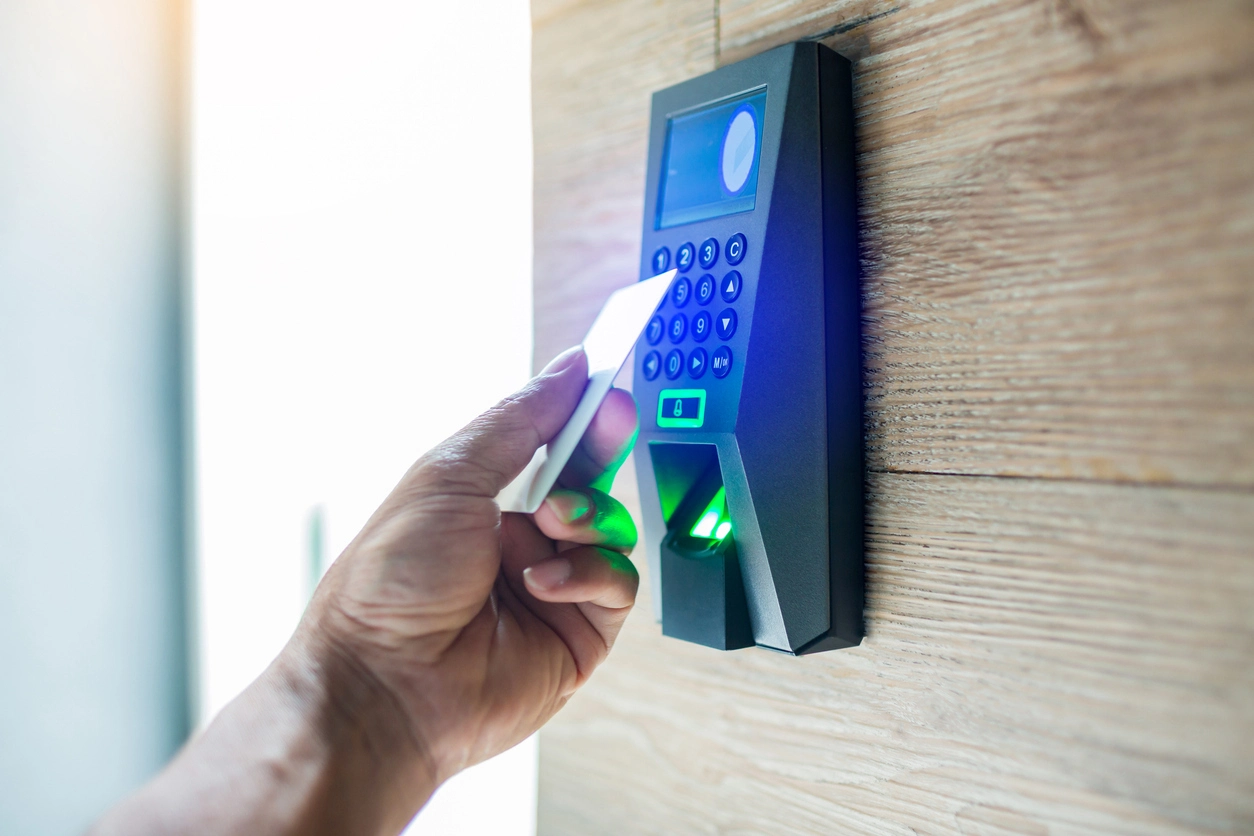
Use video communication at entrances that may be locked while staff, vendors, or service personnel still need a response workflow.
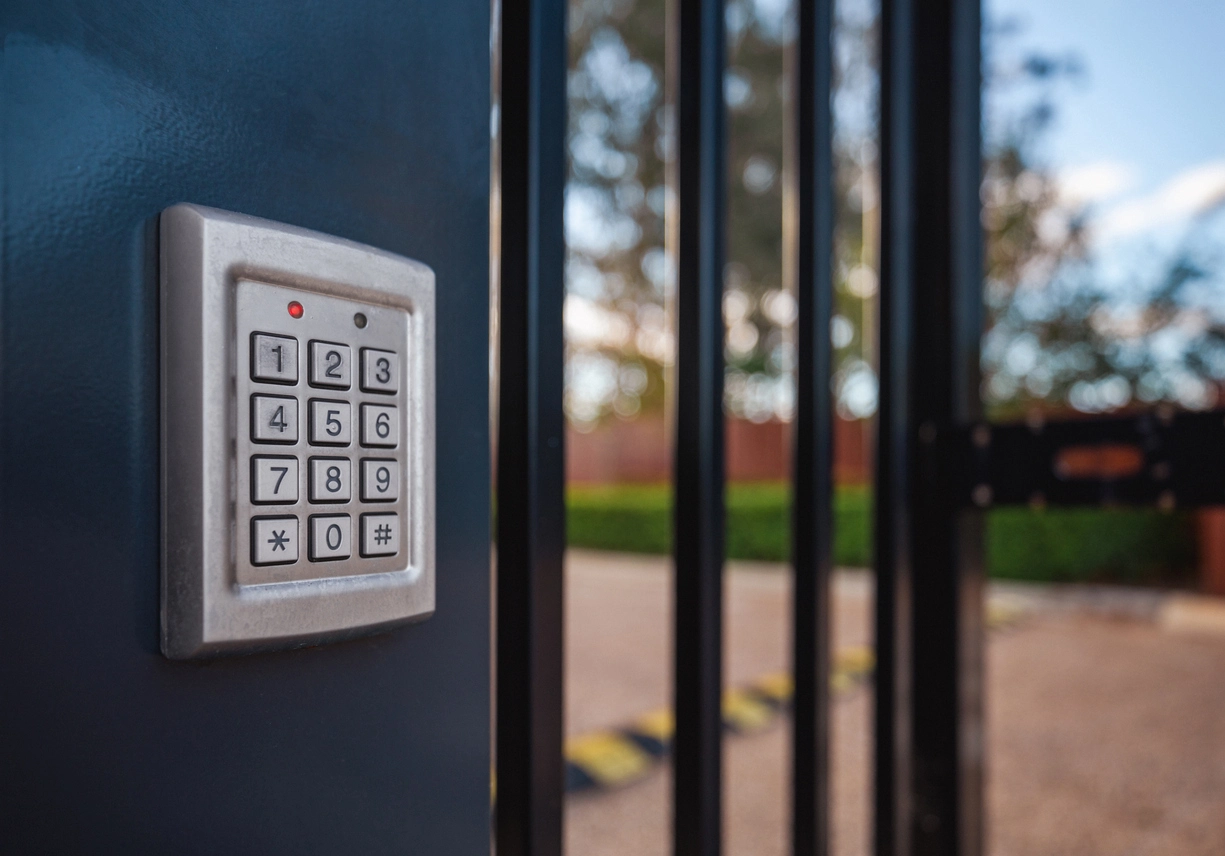
Support remote communication at gated access points where staff may not be stationed continuously.
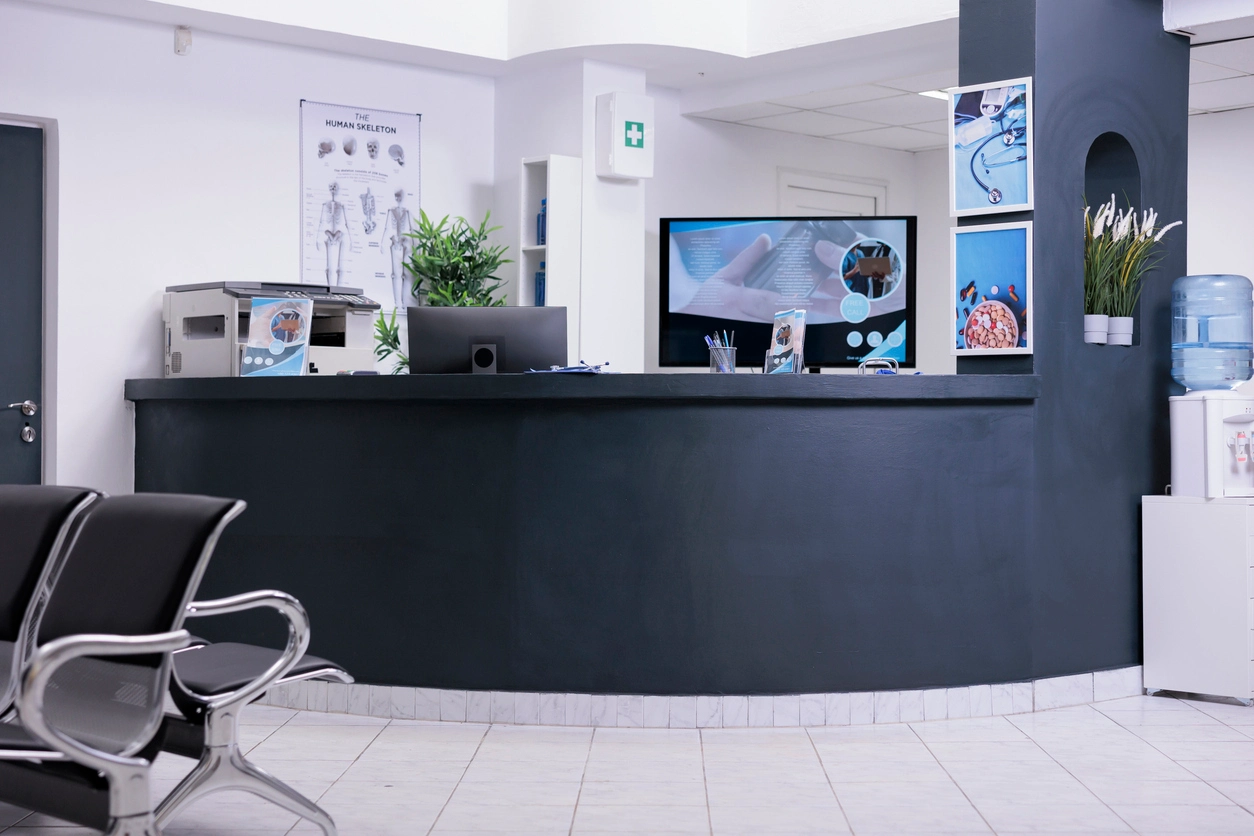
Coordinate visitor entry at facilities where reception, staff-only areas, and controlled doors need clear separation.
Planning Considerations
The ability to unlock a door remotely can be convenient, but it should be treated as an access-control action rather than a simple camera feature.
Organizations should define which users can release which doors, whether a live video or intercom check is expected first, how remote actions are authenticated, and whether the platform records door activity for later review.
Where supported, video, intercom calls, access events, and audit records can provide stronger context around who requested entry and how the organization responded.
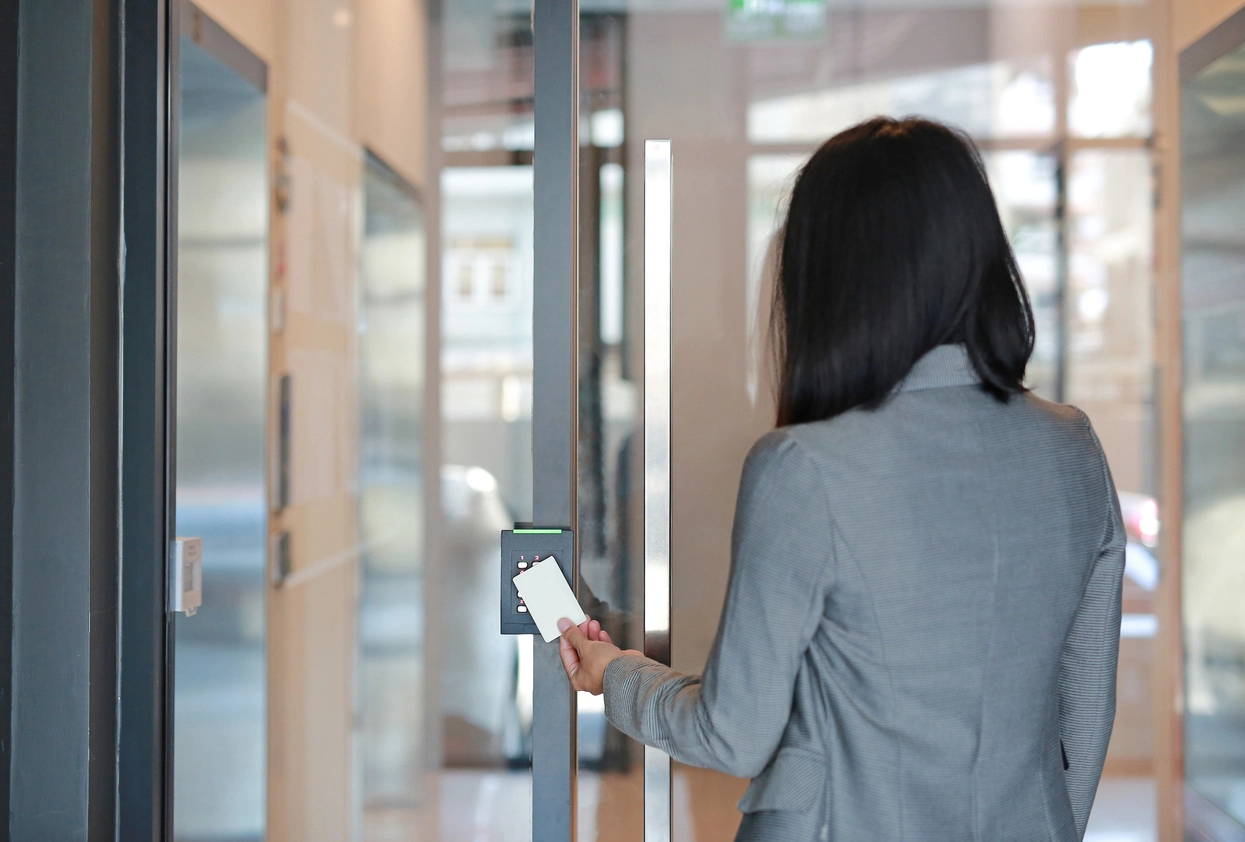
A useful intercom deployment depends on the entrance environment, access-control hardware, network, user permissions, and visitor workflow.
Confirm how the intercom connects to the access-control controller, relay, reader, lock, or gate equipment.
Make sure the person requesting entry can be seen clearly despite backlight, glass, shadows, mounting height, or nighttime conditions.
Determine who receives calls during business hours, after hours, and when the primary user is unavailable.
Confirm whether the platform records intercom calls, access events, remote unlock actions, snapshots, or associated video for authorized review.
Video intercoms often work alongside commercial access control, visitor management, audio-capable cameras, remote access, and camera coverage at controlled entrances.
Video intercoms connect visitor communication with the broader access-control workflow.
At a commercial entrance, a video intercom can help staff or remote users identify and communicate with a visitor before deciding what should happen next. The system may work with a controlled door, gate, reception workflow, mobile device, cloud platform, or on-site security desk.
The strongest deployments define who is allowed to answer intercom calls, who can remotely unlock a door, how after-hours calls are handled, and how access events are reviewed afterward.
Camera Security Now helps organizations compare video intercoms with access-control systems, cameras, credential workflows, visitor management, remote administration, and entry-point networking.
Get answers to common questions about this security camera solution.
A commercial video intercom combines a camera and two-way communication at an entrance so an authorized user can see and speak with a visitor before responding.
Some video intercom and access-control systems support remote door release when compatible hardware, permissions, and configuration are in place.
Yes. Supported intercom systems can be planned alongside readers, controllers, locks, credentials, door events, and other access-control components.
Some cloud-managed and mobile-capable platforms can route intercom calls to authorized phones or other devices. Capability varies by system.
Tell us how visitors request entry, who should answer, and whether remote door control is needed. We’ll help you compare intercom and access-control options.