
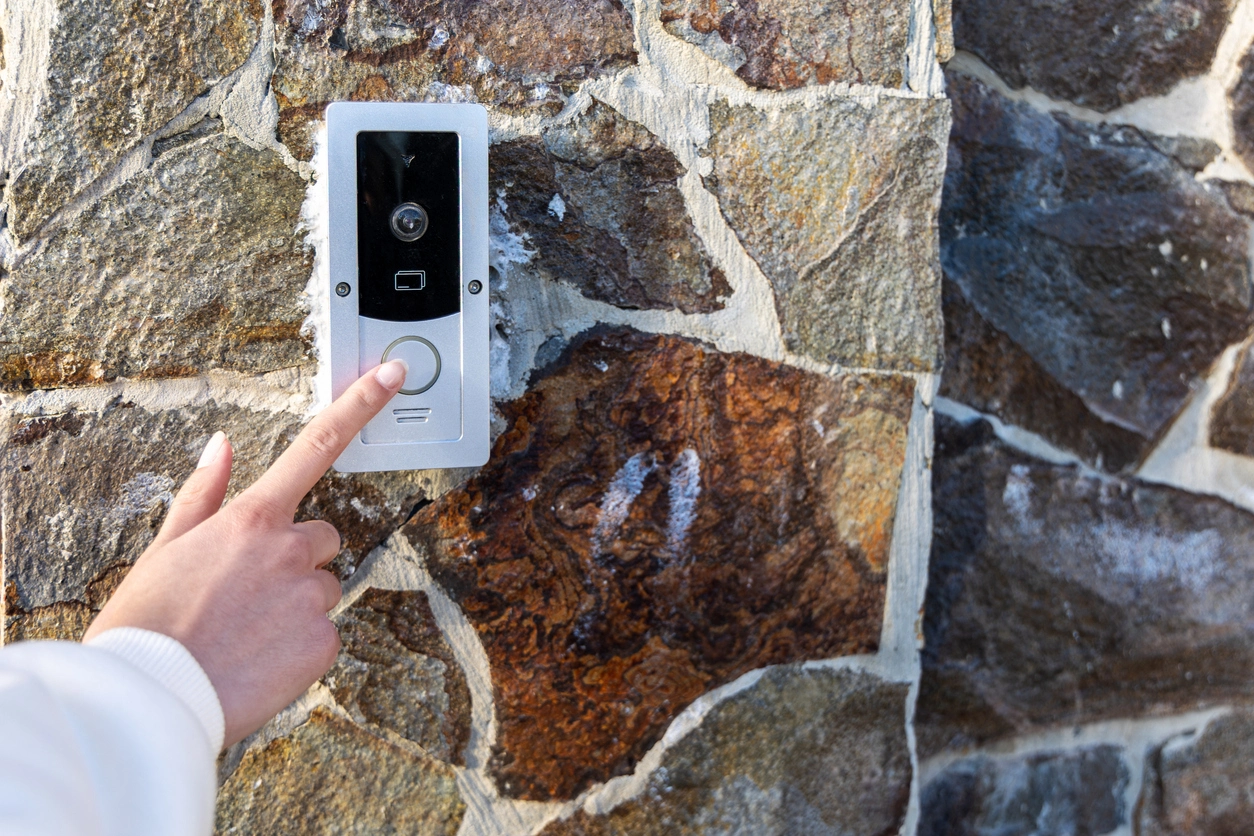
Building Entrances and Video Intercoms
Use video and supported two-way audio to communicate with visitors before granting or denying access.
Video Surveillance With Audio
Camera Security Now helps businesses evaluate security cameras with microphones, speakers, one-way audio, or two-way communication where audio supports a legitimate commercial security or operational need.
Some commercial security cameras can capture audio through a built-in or connected microphone. Selected models can also use a speaker so an authorized user can communicate through the camera or related intercom system.
Audio can add context that video alone may not provide, and two-way communication can support entrances, gates, service areas, remote facilities, and other locations where a user may need to speak with someone at the site.
Audio recording and monitoring requirements vary by jurisdiction and use case. Businesses should evaluate applicable consent, privacy, employment, and recording laws before enabling audio capture or retention.
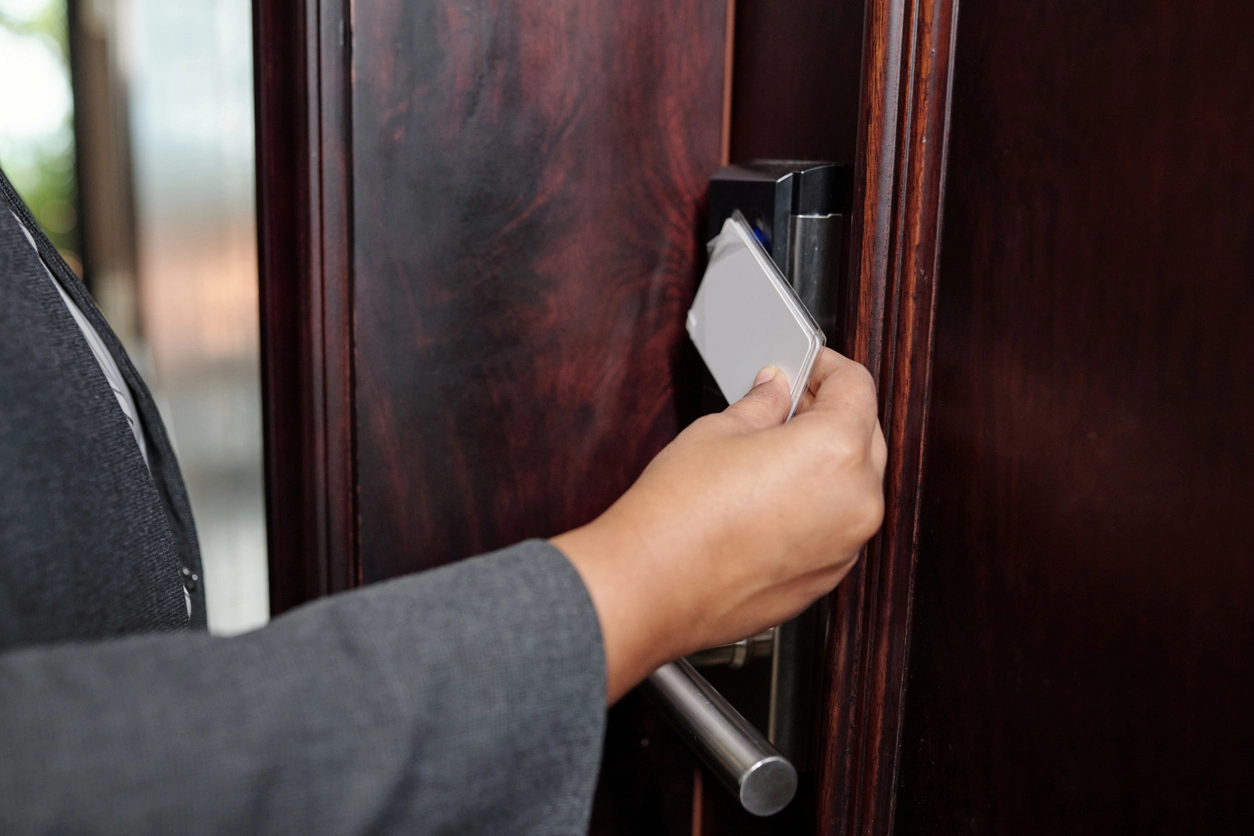
Audio is most useful when it supports a defined communication or review workflow rather than being enabled everywhere by default.
Supported microphones can add sound to recorded or live video where lawful and appropriate.
Selected cameras and intercom systems can allow authorized users to speak with visitors, staff, vendors, or people at remote locations.
Audio can complement remote viewing so an authorized user can see activity and, on supported systems, communicate without being physically present.
Audio-capable cameras are often evaluated around entrances, controlled access points, customer-facing areas, and remote properties.
Use video and supported two-way audio to communicate with visitors before granting or denying access.
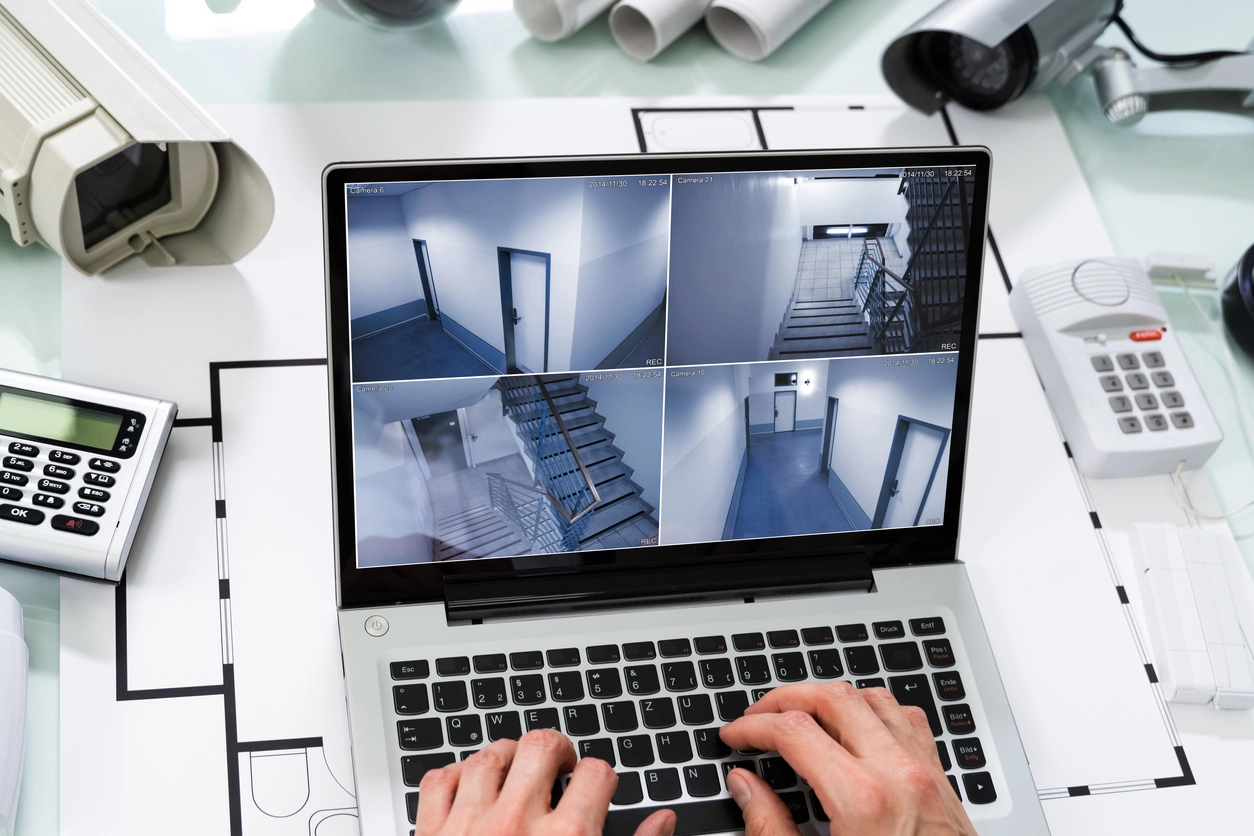
Pair mobile viewing with supported audio so approved users can review activity and communicate from off site.
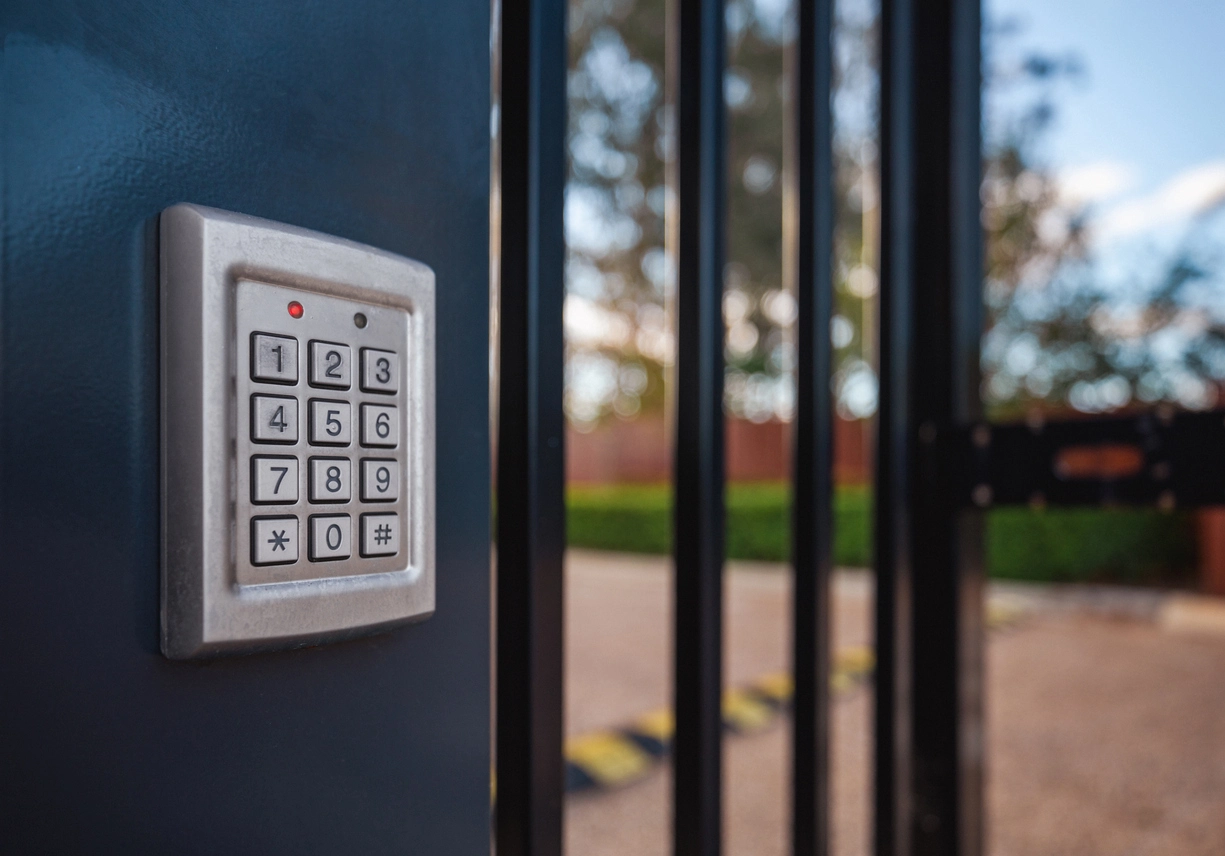
Use camera coverage and supported communication at gates or access points where staff may not be stationed continuously.
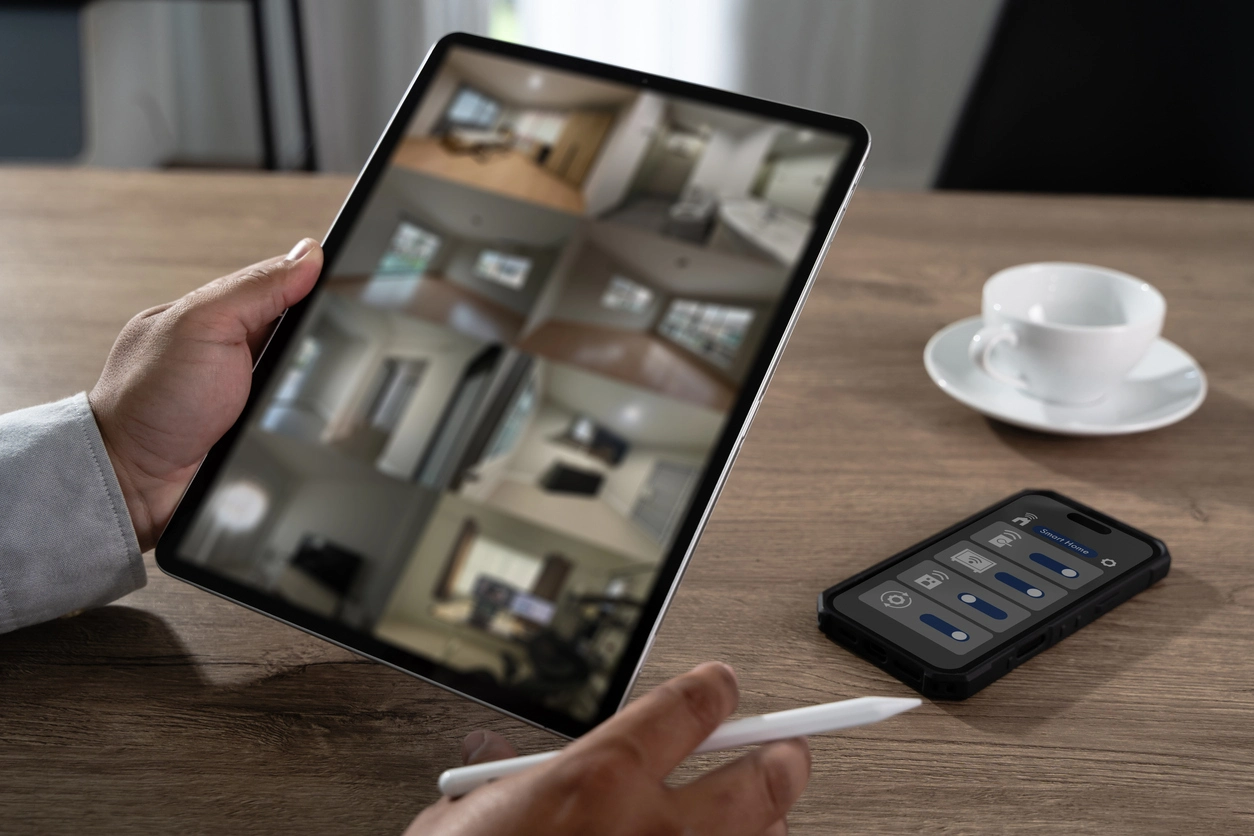
Combine recorded video with available audio context where lawful and where the selected system records audio.
Planning Considerations
A camera may support audio technically, but that does not automatically mean audio should be enabled in every location.
Organizations should determine whether audio capture is lawful and appropriate for the specific environment, whether notice or consent is required, who can access recordings, how long audio is retained, and whether workplace or customer-facing policies apply.
Camera Security Now can help evaluate equipment capability and system design, but customers should address their own legal and policy obligations before recording conversations or other audio.
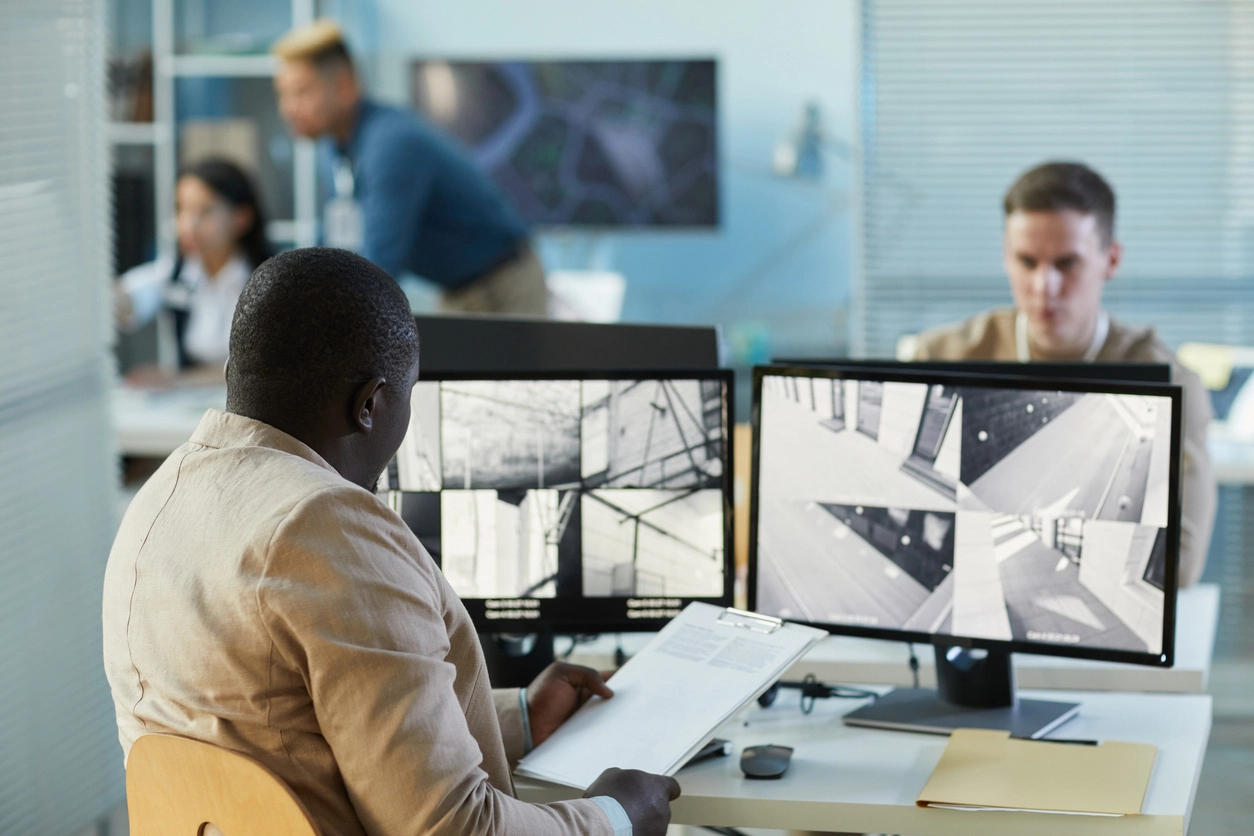
Audio performance and appropriate use depend on equipment capability, environment, network design, permissions, and applicable rules.
Confirm whether the exact camera has a built-in microphone, audio input, speaker, audio output, or full two-way audio capability.
Traffic, machinery, HVAC, wind, echoes, crowds, and microphone distance can affect intelligibility.
Two-way audio may depend on the manufacturer app, VMS, NVR, cloud platform, permissions, and network configuration.
Decide whether audio should be live-only or recorded, who can access it, and how retention aligns with organizational policy and applicable law.
Audio-capable cameras often connect to remote access, PTZ cameras, access control, PoE networking, NVRs, and centralized video management.
Audio-enabled cameras can add communication and context to commercial surveillance when the use case and legal requirements support it.
Security camera audio capabilities vary significantly by model. Some cameras provide a built-in microphone, some accept external audio inputs, and selected cameras or intercom devices add speakers for two-way communication.
Businesses may consider audio around entrances, gates, visitor areas, remote facilities, customer-service locations, and other areas where communication is part of the security workflow.
Specialized acoustic detection systems, including gunshot detection, should be evaluated separately from ordinary camera microphones or two-way audio. Where supported, those systems may integrate with nearby cameras, alerts, or monitoring workflows for additional event context.
Camera Security Now helps organizations compare cameras, audio capability, remote access, recording platforms, network requirements, and access-control integration while keeping the decision to record audio tied to appropriate organizational and legal review.
Get answers to common questions about this security camera solution.
Some security cameras include built-in microphones or audio inputs and can record sound when the camera, recorder, VMS, and configuration support it.
Two-way audio uses a microphone and speaker so an authorized user can hear supported audio from the camera location and speak back through the camera or related intercom device.
Audio recording laws and consent requirements vary by jurisdiction and situation. Businesses should review applicable legal and policy requirements before enabling audio recording.
No. Audio capability varies by camera model, recorder, VMS, cloud platform, wiring, and software.
Tell us where audio would support your security or operational workflow. We’ll help you compare compatible cameras, recorders, remote-access options, and communication features.