
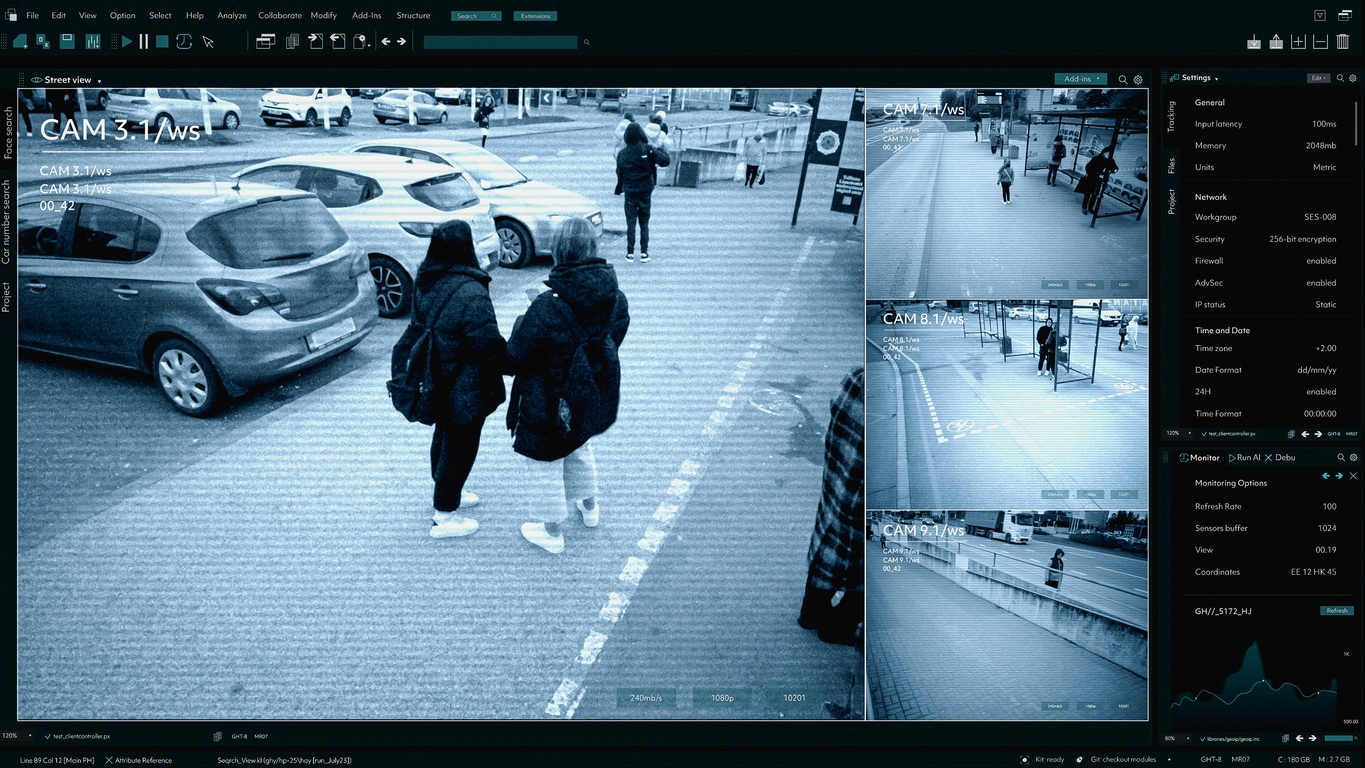
Perimeter Boundaries
Monitor fence lines, property edges, yards, and exterior approaches for entry into protected areas.
AI Intrusion Detection
Camera Security Now helps businesses evaluate AI intrusion detection security cameras that monitor defined zones and generate alerts when supported people or vehicles enter restricted areas.
Intrusion detection analytics use virtual areas inside a camera view to monitor for supported objects entering or remaining within a protected zone.
Unlike basic motion detection, AI-enabled intrusion rules may classify people or vehicles before creating an event. This can reduce nuisance alerts from weather, vegetation, shadows, and unrelated motion.
Intrusion analytics are commonly used around fence lines, yards, equipment areas, rooftops, construction sites, data centers, utilities, restricted corridors, and other spaces where unauthorized entry matters.
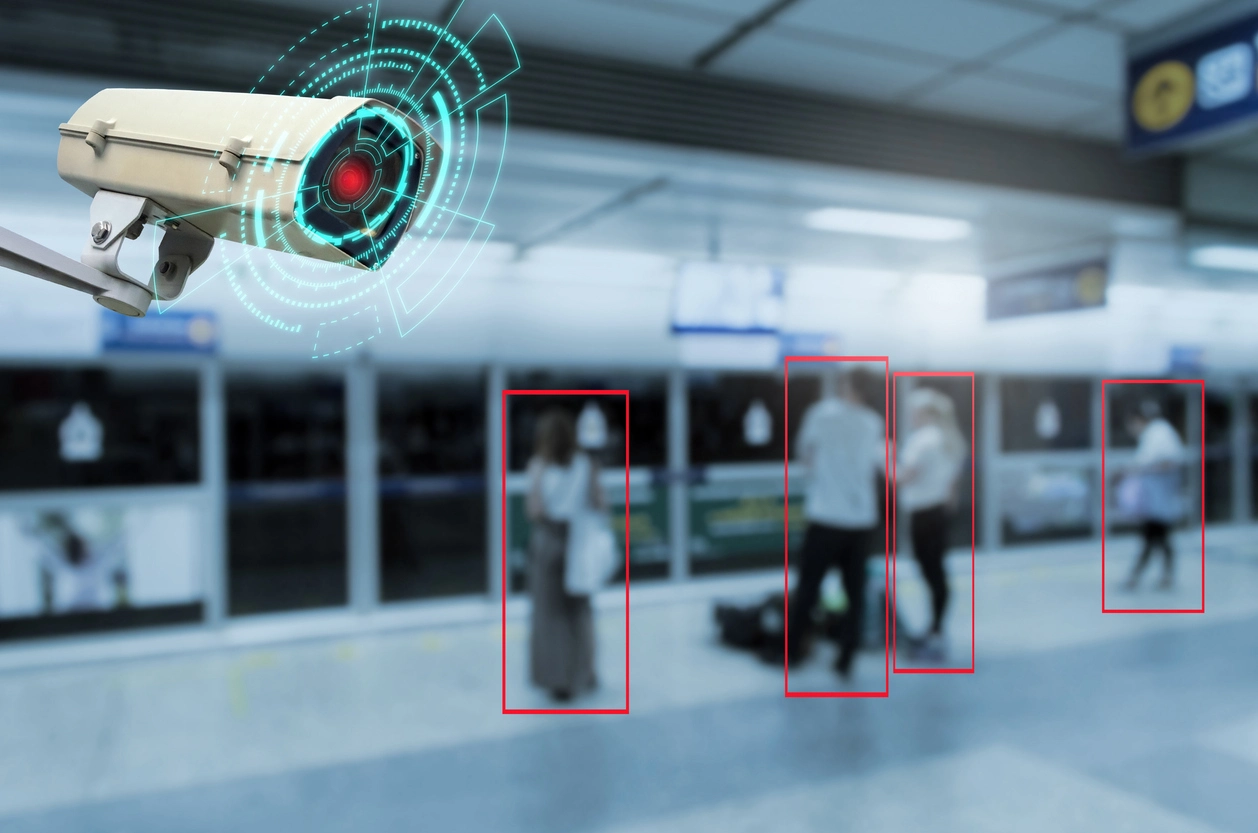
Virtual-zone analytics can create more focused alerts around areas that should remain clear or controlled.
Create rules around specific portions of the camera image instead of reacting to movement everywhere.
Supported systems can apply intrusion rules only to selected object types.
Use schedules so restricted-zone alerts become active when the area should be unoccupied.
Intrusion rules are strongest where camera placement provides a clear view of the protected zone.
Monitor fence lines, property edges, yards, and exterior approaches for entry into protected areas.
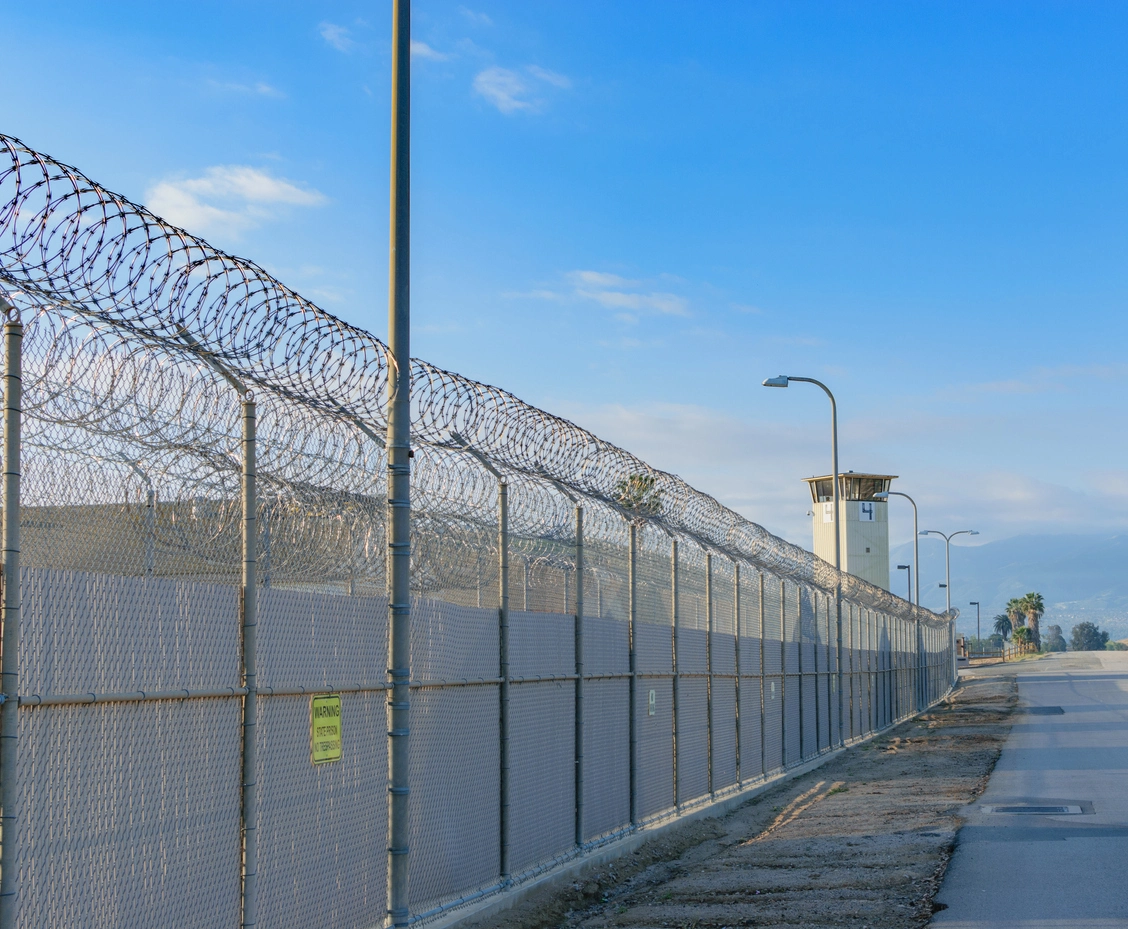
Protect exterior and restricted infrastructure areas where unauthorized entry requires rapid review.
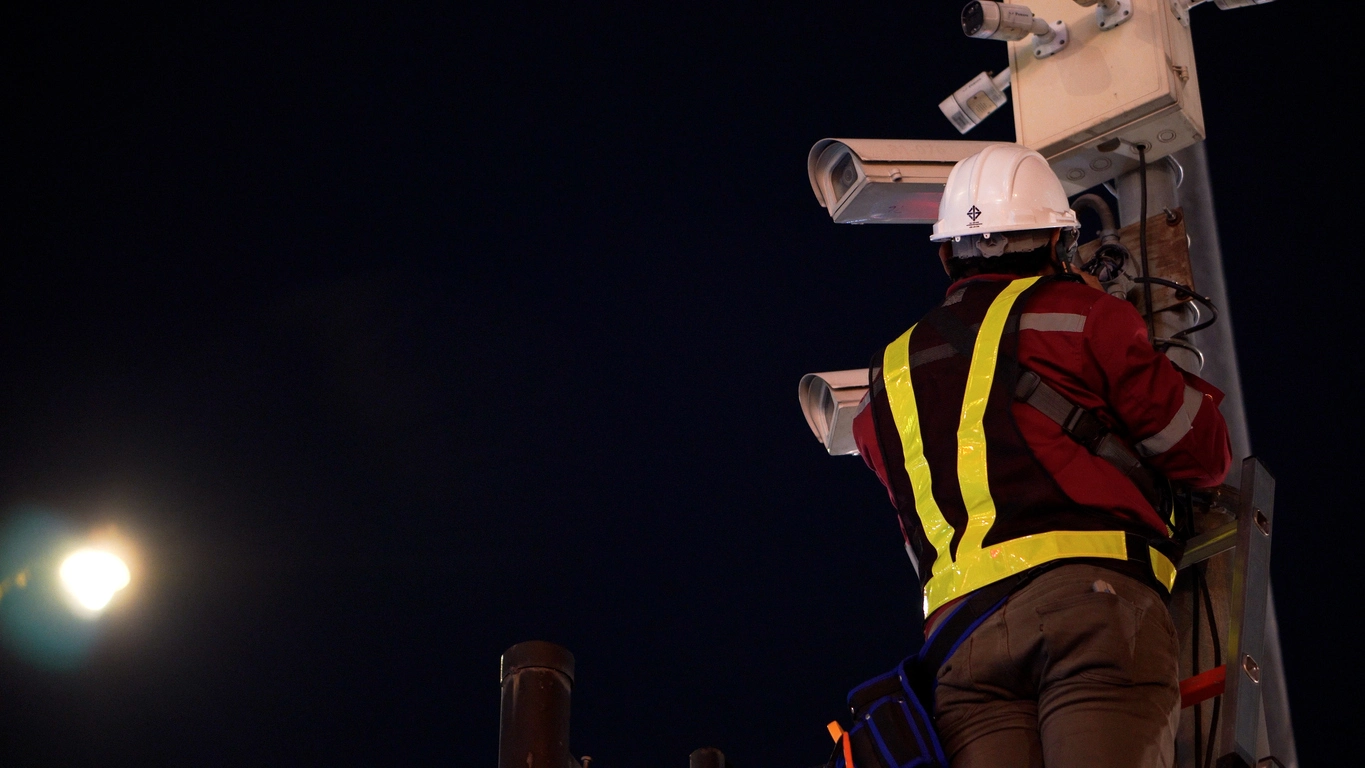
Detect after-hours entry around temporary perimeters, equipment zones, and active jobsites.
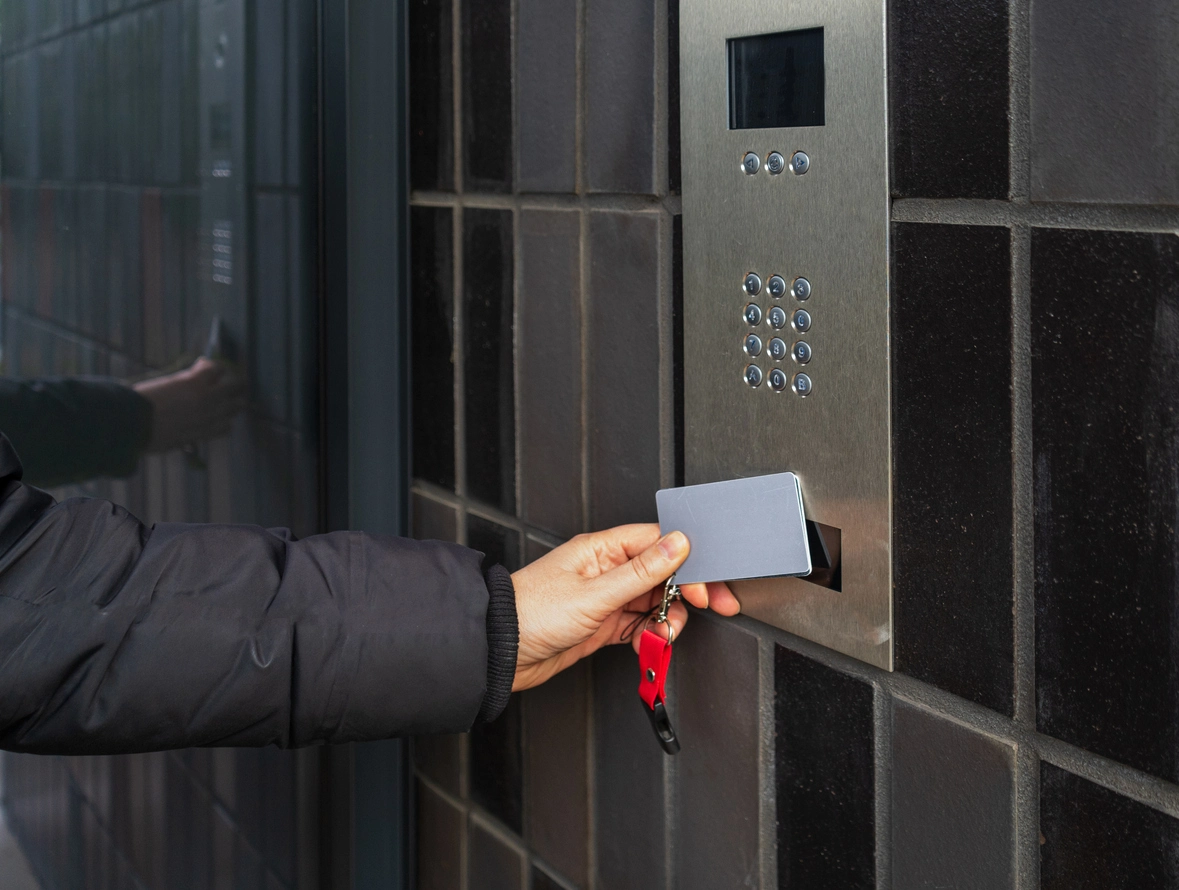
Combine video analytics with controlled doors and restricted-area policies inside commercial facilities.
Planning Considerations
The camera should see the protected area clearly enough for the analytics to understand when a supported object enters the zone.
Complex scenes with heavy traffic, obstructions, reflections, moving vegetation, or poor lighting can make intrusion rules harder to tune. Camera location and zone shape should be selected around the actual path someone would take into the protected area.
Intrusion detection can also be combined with line crossing, thermal cameras, remote monitoring, access control, and recording rules depending on the application.
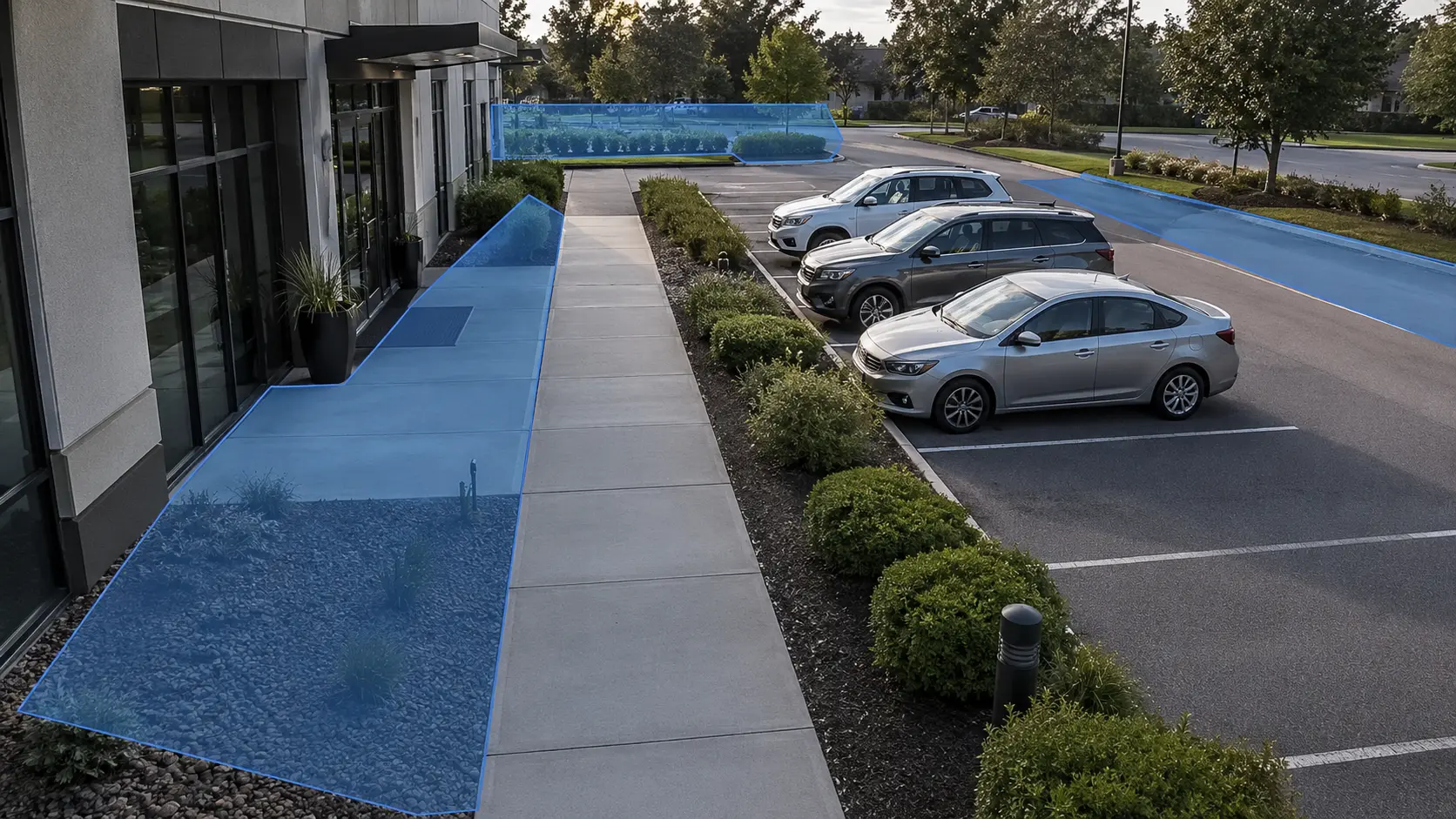
Good intrusion analytics require both camera design and rule configuration.
Virtual zones should align with real restricted areas and avoid irrelevant public or high-traffic space.
Confirm whether rules can target people, vehicles, or other supported classes.
Define when the zone is protected and whether an object must remain inside for a minimum time.
Determine whether an event should create an alert, bookmark footage, trigger monitoring review, or integrate with another system.
Intrusion detection often works alongside perimeter protection, line crossing, thermal cameras, remote access, and access control.
Intrusion detection adds virtual security zones to camera views so organizations can focus on unauthorized entry into defined areas.
For many commercial properties, the important question is not whether anything moved—it is whether a person or vehicle entered an area where it should not be. AI intrusion detection is designed around that distinction.
Effective deployment depends on camera view, object size, lighting, zone geometry, schedules, and the capabilities of the analytics platform. Testing should be performed under real operating conditions before relying on the rule for security response.
Camera Security Now helps organizations combine intrusion analytics with appropriate cameras, recording, remote monitoring, access control, and perimeter-security design.
Get answers to common questions about this security camera solution.
Video intrusion detection uses analytics to monitor a defined area within a camera view and create an event when a supported object enters or remains in that zone.
Motion detection reacts to image changes. AI intrusion detection can apply zone rules and object classification so alerts focus on people, vehicles, or other supported targets entering protected areas.
Yes, if the camera provides suitable nighttime imagery or thermal detection and the selected analytics platform supports the scene.
Some commercial platforms can correlate video events with doors, credentials, alarms, or other security systems. Integration capabilities vary by manufacturer.
Tell us which areas should be protected and when. We’ll help you evaluate intrusion-detection camera coverage and analytics.