Skip to content
Camera Security Now

Commercial Security Camera Features

Security Camera Features

Camera Security Now helps businesses, schools, government facilities, and multi-site organizations compare commercial security camera features for AI analytics, intelligent alerts, video management, image quality, night visibility, storage, remote monitoring, access control, networking, specialty detection, and long-term surveillance planning.

Choose Camera Features Around the Areas You Need to Protect

A useful camera system is not built by choosing one feature and applying it everywhere. Different areas of a property often need different combinations of resolution, lighting, recording, weather protection, network connectivity, access control, and remote access.

A parking lot camera may need weatherproofing, night visibility, and license plate capture. A warehouse camera may need wide-area coverage, motion recording, and longer storage. A multi-location business may need centralized management and secure remote access.

Camera Security Now helps buyers compare these features in the context of real properties, real camera views, and real footage review needs.

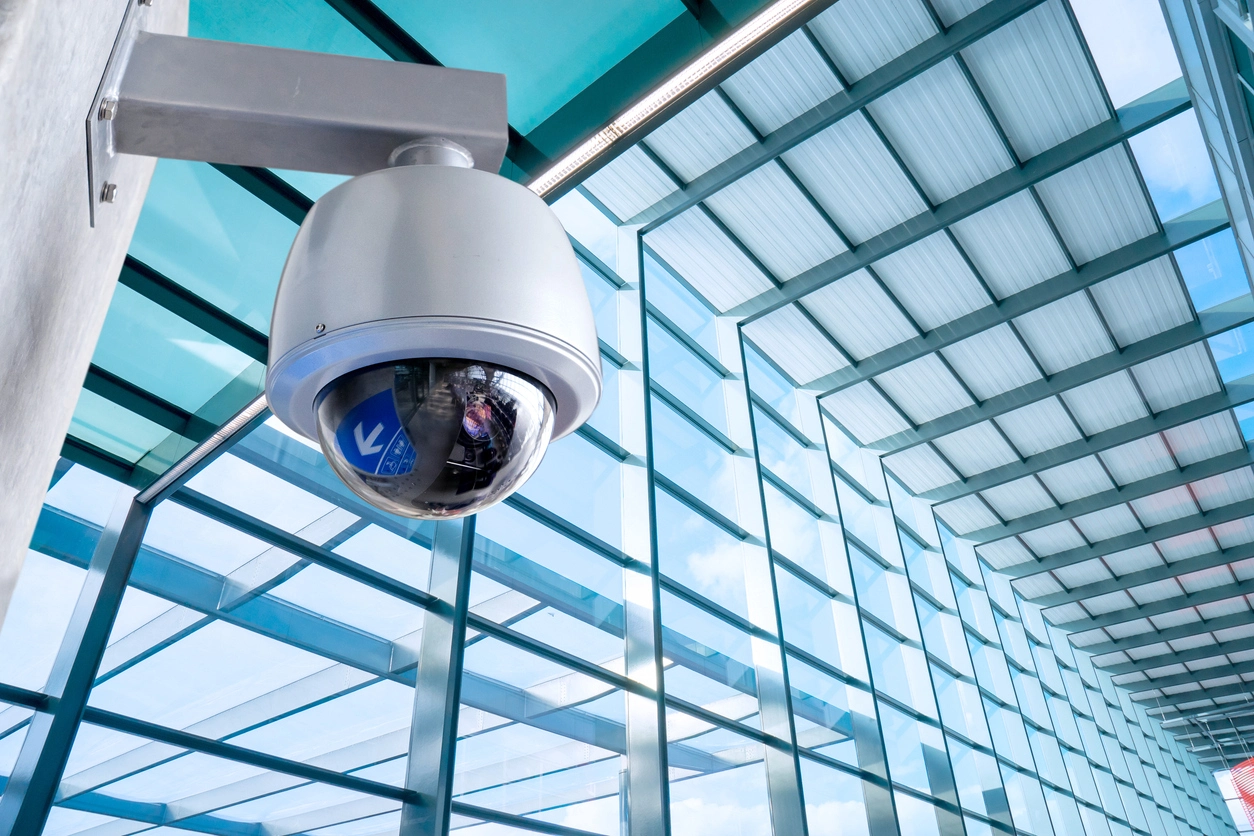
commercial security camera features for business surveillance systems

Match Features to Each Camera View

Choose resolution, lens type, night visibility, weather protection, storage, access control, and analytics based on what each camera needs to capture.

Improve Footage Review

Better feature selection can make recorded video easier to search, clearer to review, and more useful after an incident occurs.

Plan for Growth

Scalable camera systems should support future cameras, additional locations, longer retention, remote users, and changing property needs.

Featured Security Camera Capabilities

Start with the major technologies that shape modern commercial surveillance, then use the organized feature groups below to explore more specialized capabilities.

commercial AI video analytics monitoring people and activity

AI Video Analytics

AI video analytics help commercial security systems classify activity, reduce nuisance alerts, support investigations, and generate operational insight.

Explore AI Video Analytics
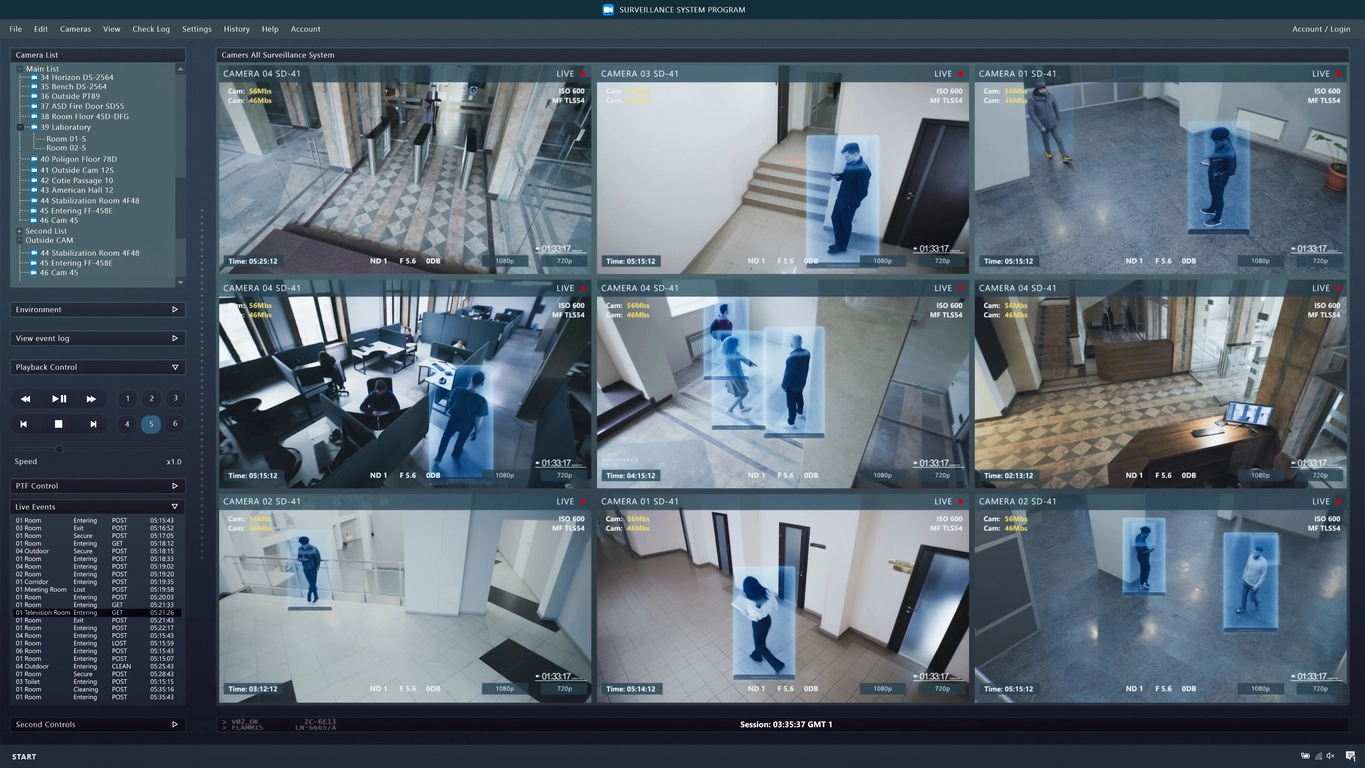
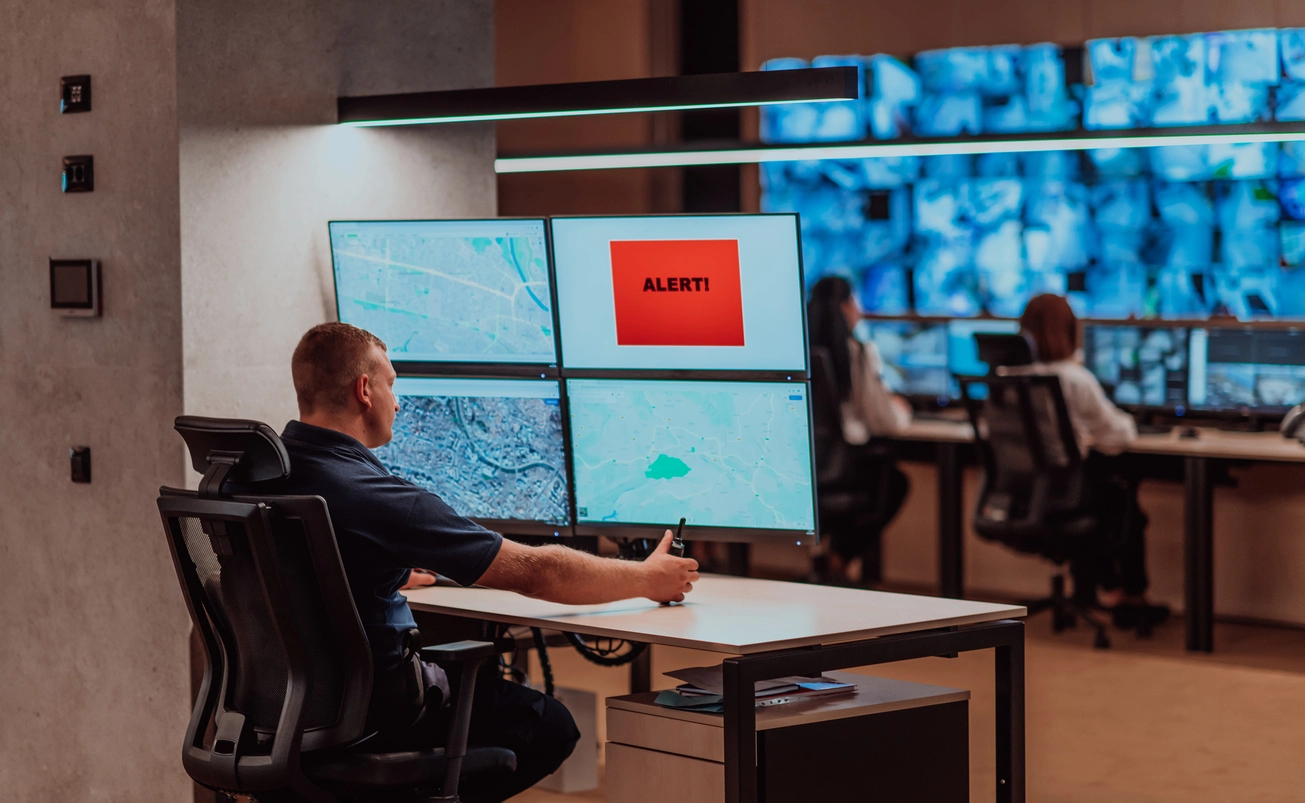
commercial video management system displaying multiple security camera views

Video Management Systems

Video management systems organize cameras, live views, recorded video, events, users, alerts, and integrations across commercial surveillance deployments.

Explore Video Management Systems
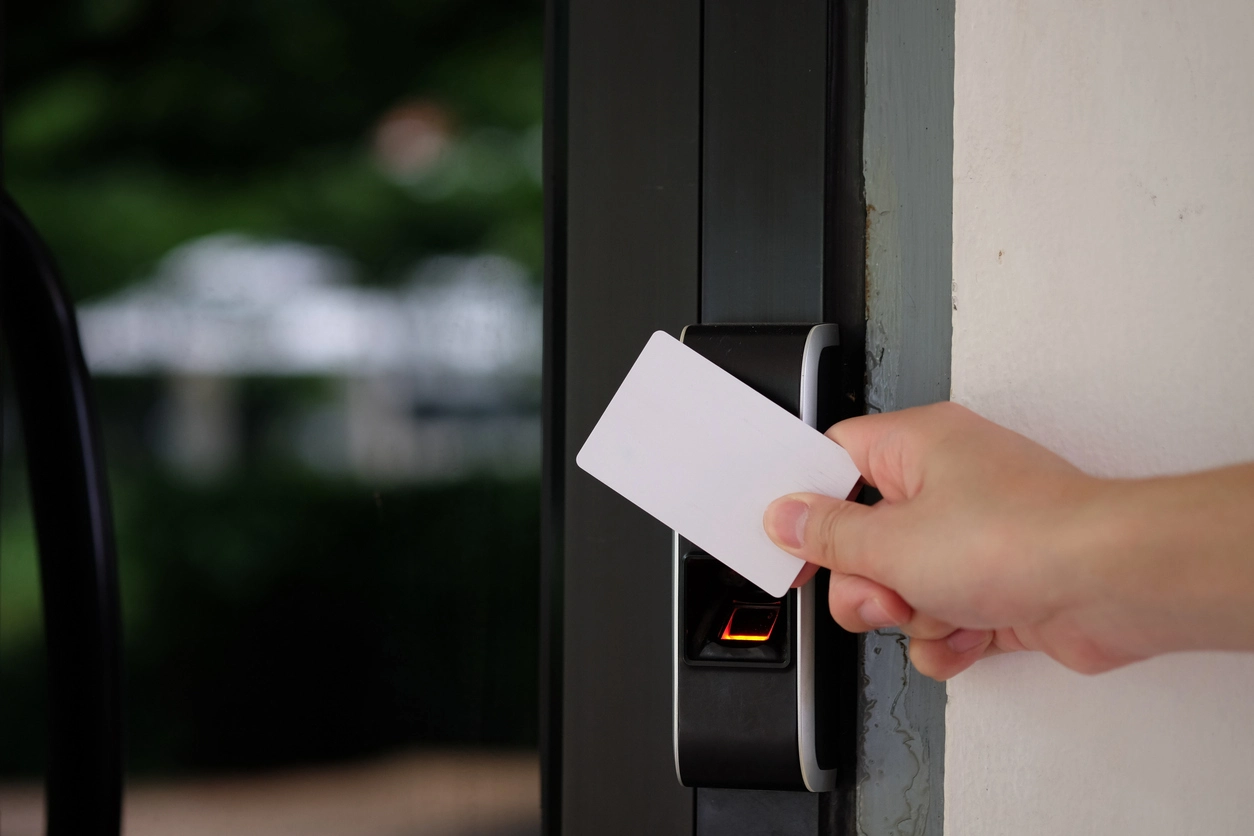
commercial access control system at a secured business entrance

Access Control

Access control helps businesses manage doors, gates, restricted rooms, staff-only areas, offices, warehouses, and other controlled spaces.

Explore Access Control
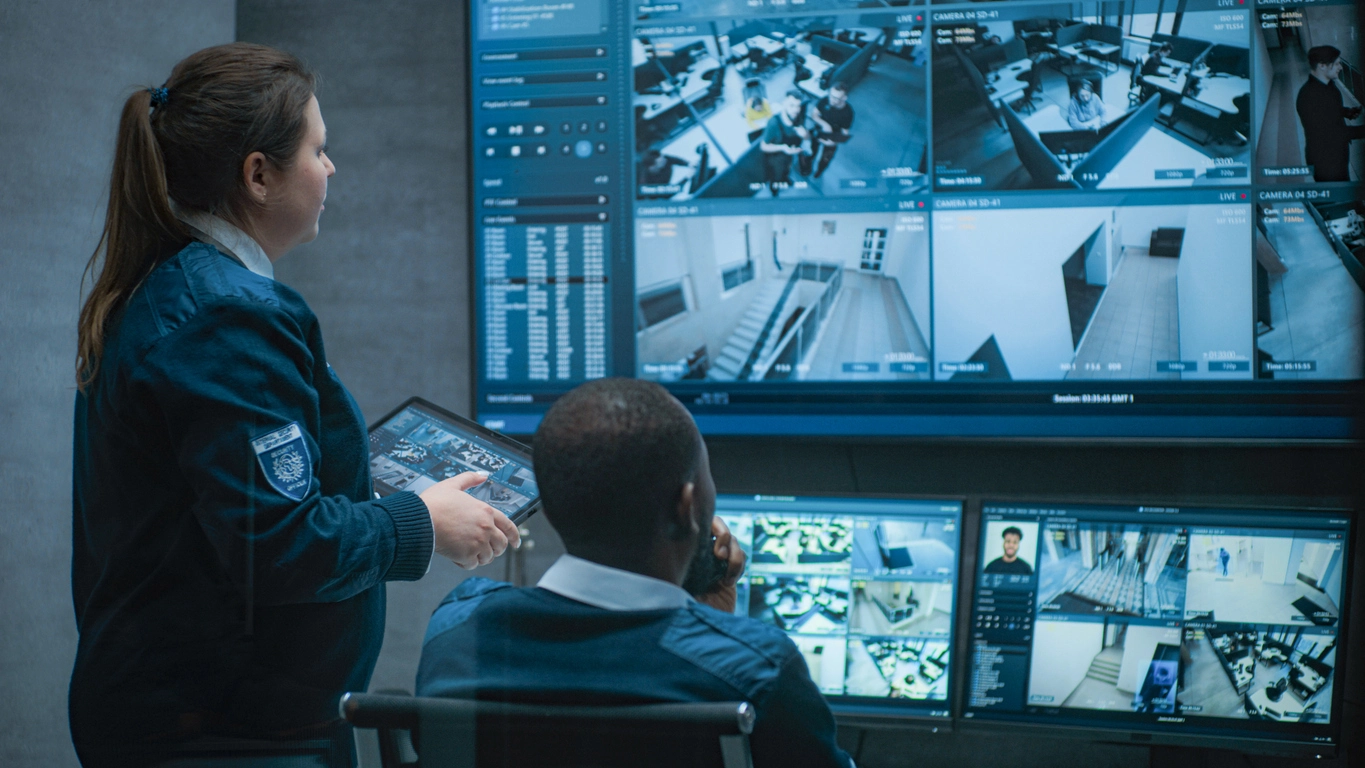
centralized security camera management workstation showing multiple business locations

Centralized Management

Centralized management helps organizations view and manage cameras across multiple buildings, stores, offices, campuses, or facilities.

Explore Centralized Management
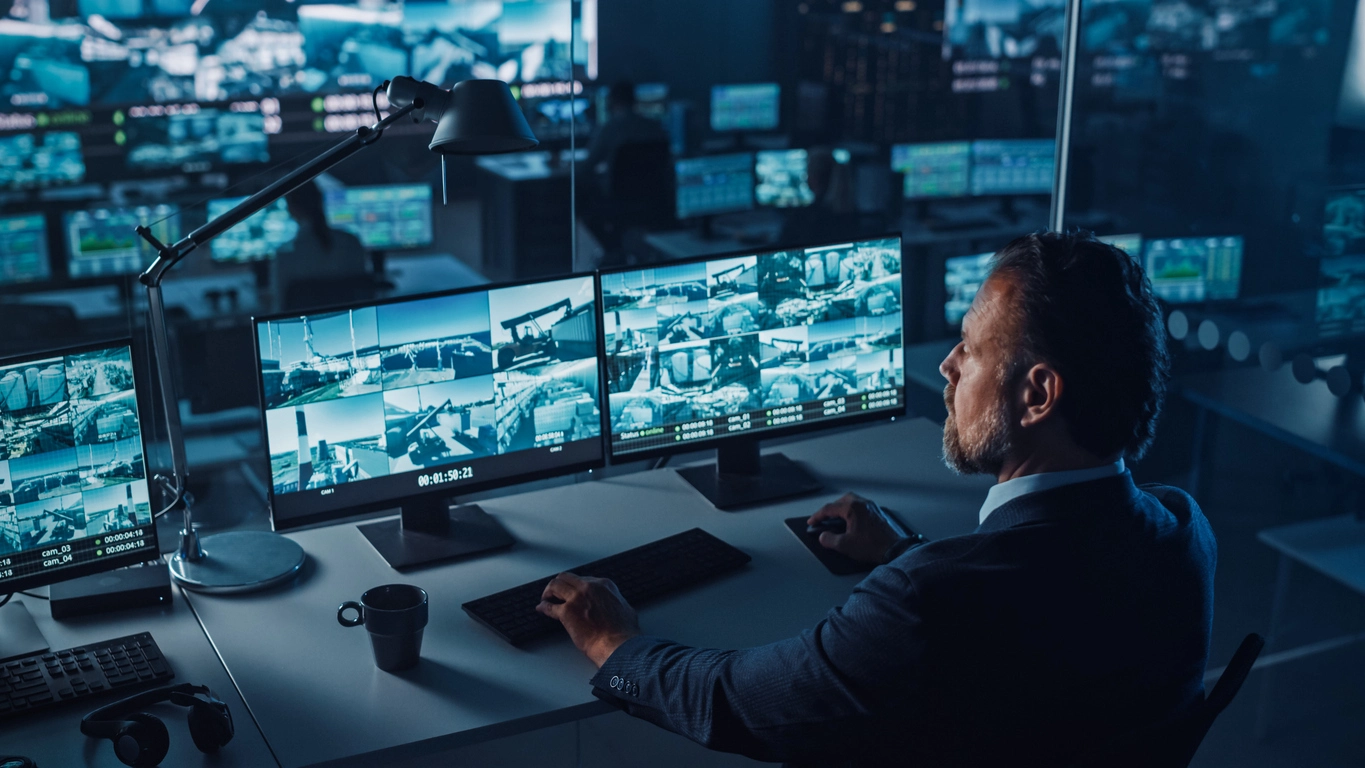
remote commercial security camera monitoring across multiple locations

Remote AI Monitoring

Remote AI monitoring combines prioritized video events, remote review, alerts, and centralized security workflows for commercial properties.

Explore Remote AI Monitoring
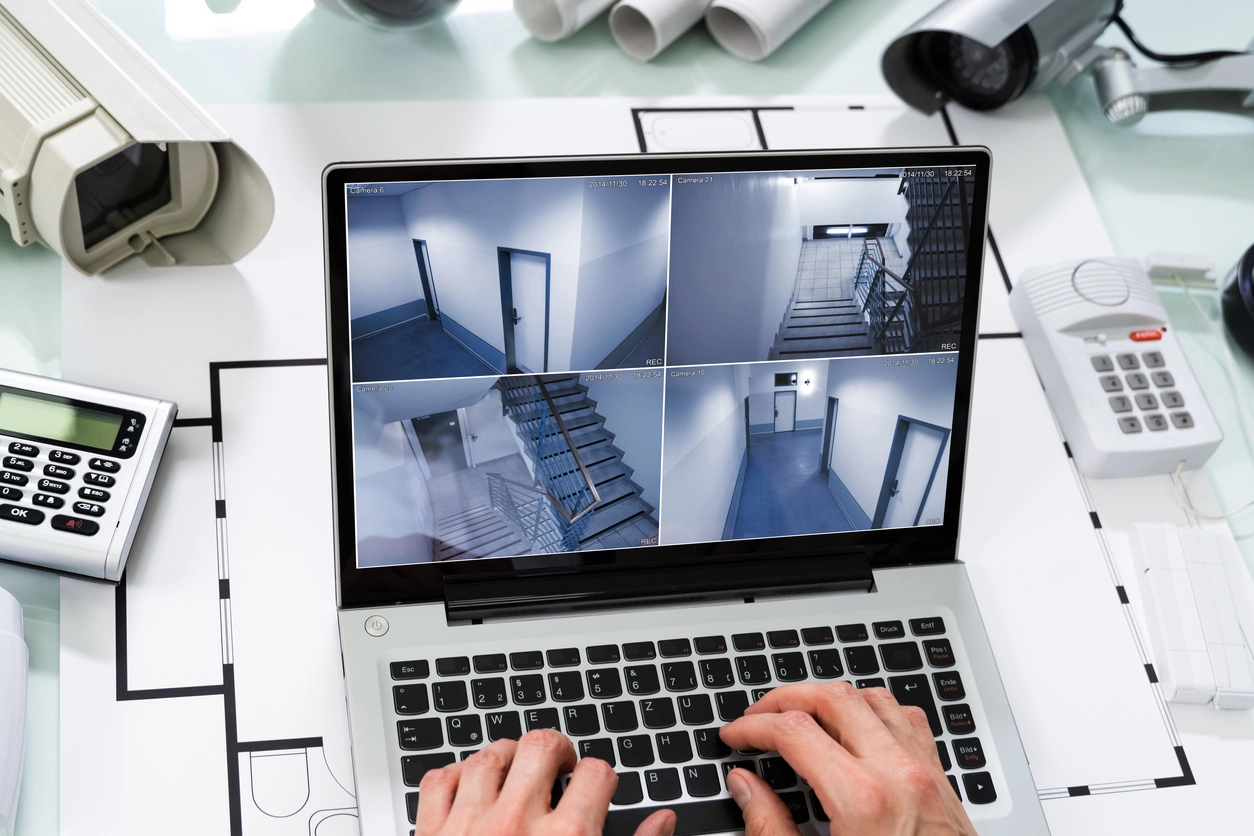
commercial security monitoring for real-time camera alerts and event review

Real-Time Alerts

Real-time alerts notify authorized users about supported camera, analytics, access-control, alarm, and system events.

Explore Real-Time Alerts
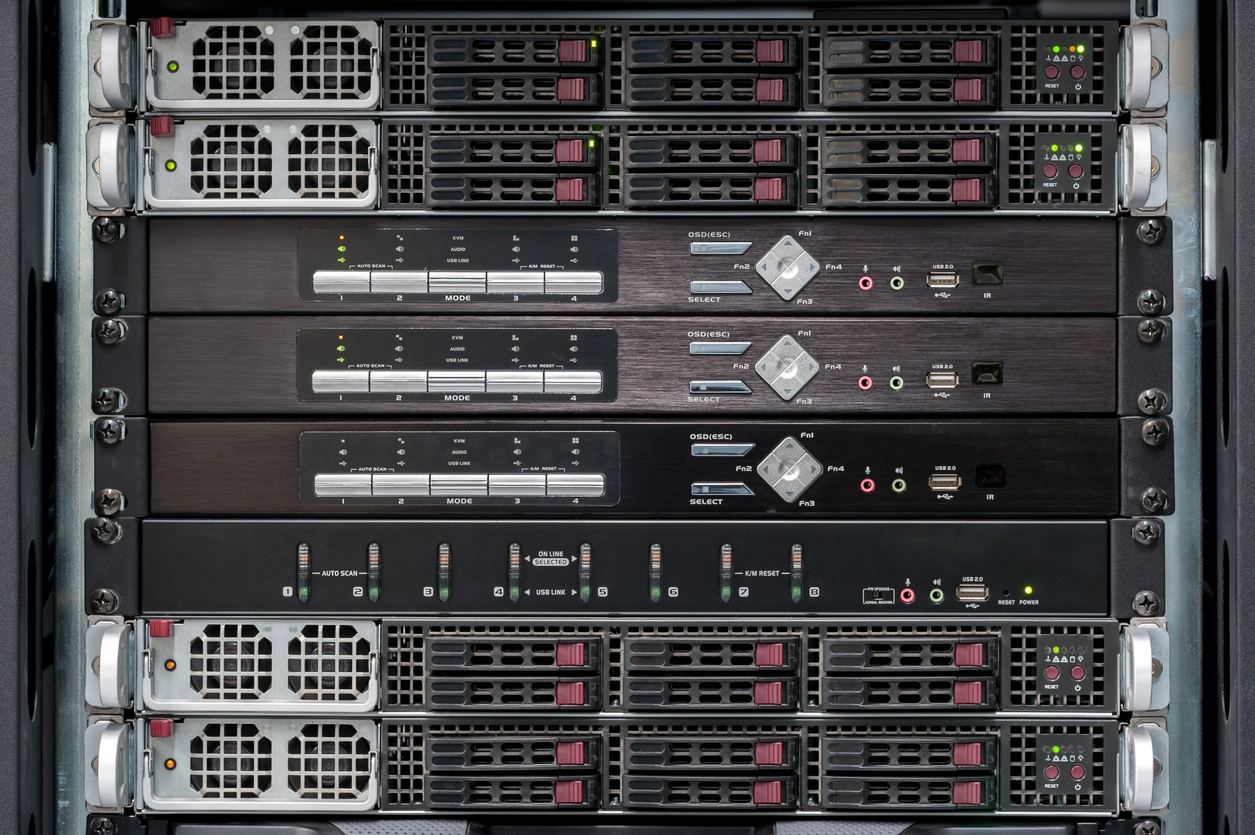
network video recorder for commercial security camera system

Network Video Recorders

Network video recorders store, manage, and provide playback access for IP security camera systems.

Explore Network Video Recorders
remote access security camera app showing live business surveillance cameras on mobile phone

Remote Access

Remote access lets approved users view live and recorded camera footage from phones, tablets, laptops, or desktop computers.

Explore Remote Access
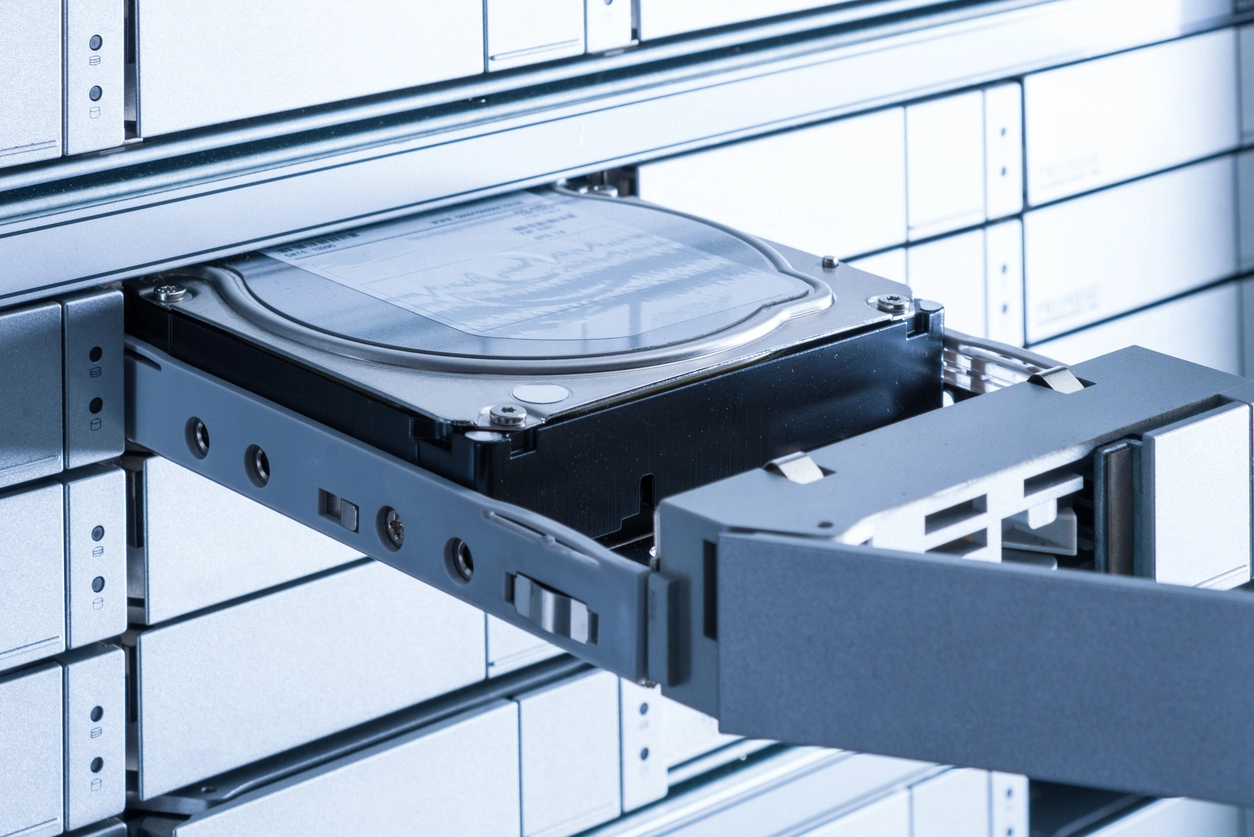
security camera video storage system with NVR hard drives

Video Storage

Security camera storage planning determines how long footage remains available and whether the system can scale as camera needs grow.

Explore Video Storage
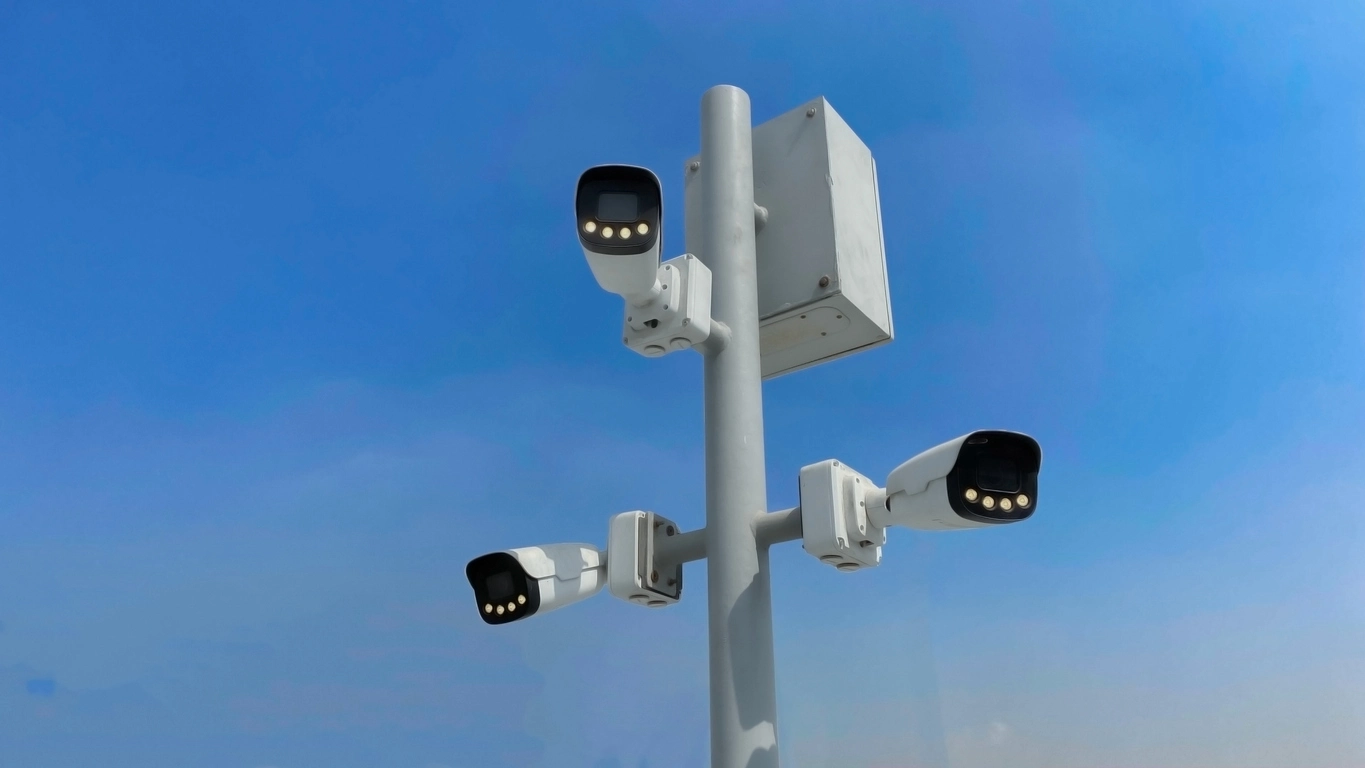
4K commercial security camera monitoring business entrance with high resolution detail

4K Resolution Cameras

4K security cameras help organizations capture sharper footage in areas where detail matters.

Explore 4K Resolution Cameras
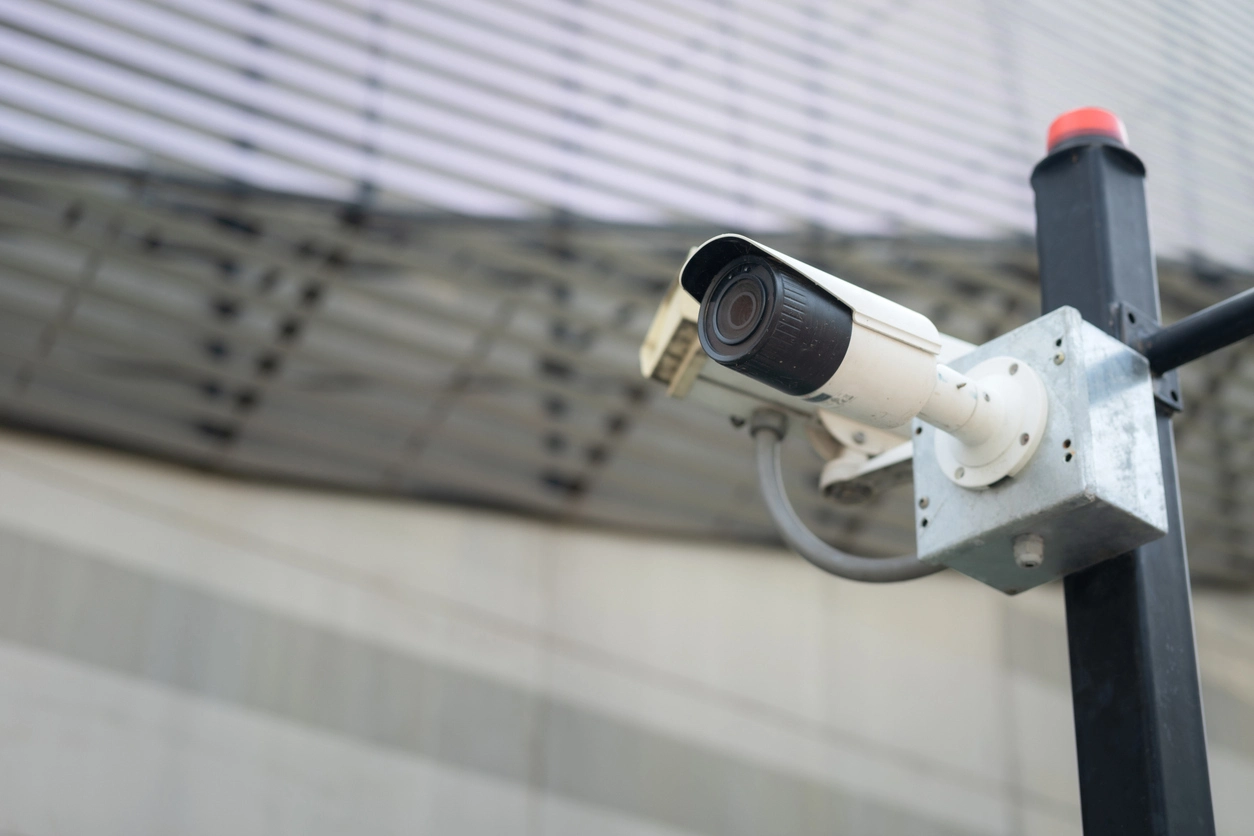
PTZ security camera mounted outdoors monitoring large commercial property

PTZ Cameras

PTZ cameras provide pan, tilt, and zoom control for large areas where flexible viewing and closer live review are valuable.

Explore PTZ Cameras
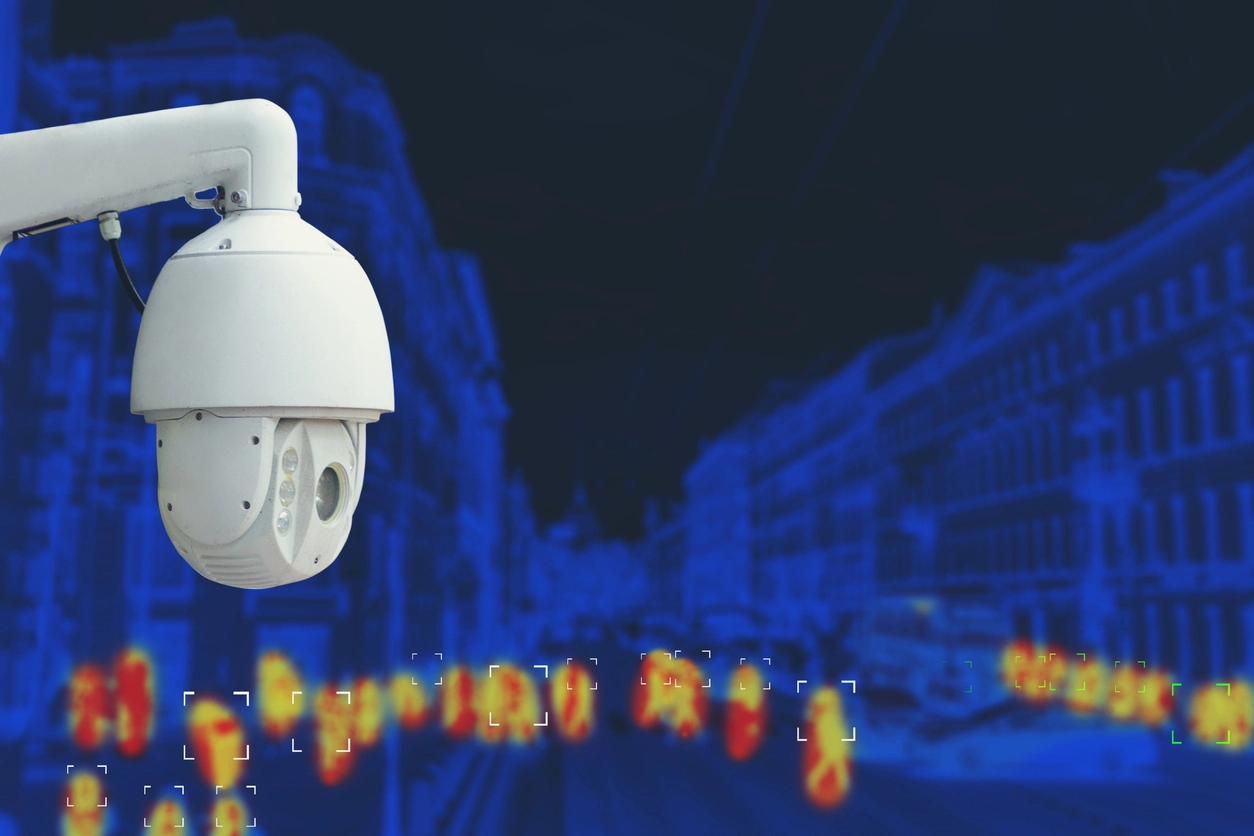
thermal security camera view showing heat signatures around commercial property

Thermal Cameras

Thermal cameras detect heat signatures instead of relying on visible light, helping businesses monitor dark or low-visibility environments.

Explore Thermal Cameras

Explore Features by Security Goal

Modern surveillance systems combine cameras, analytics, recording, alerts, access control, networking, and specialized sensors. These groups make it easier to find related capabilities without treating every feature as an isolated product.

How Camera Features Fit Real Surveillance Needs

Feature selection works best when it starts with the property type, camera location, lighting conditions, recording requirements, and review expectations.

Security Camera Features for Better Business Surveillance

The right camera features can make the difference between footage that simply exists and footage that is actually useful.

Commercial surveillance systems need to be planned around the way a property operates. A camera near a glass entrance may need wide dynamic range. A parking lot camera may need weatherproofing, infrared, full color at night, or license plate recognition. A warehouse may need motion recording, storage planning, remote access, and high-resolution coverage in priority areas.

Modern systems may also combine AI video analytics, real-time alerts, smart search, remote monitoring, access control, and video management software so teams can move from detection to review and investigation more efficiently.

Feature decisions also affect long-term system performance. Higher resolution may improve detail but increase storage needs. Wireless networking may reduce trenching, but it still requires line of sight and reliable power. Remote access can help managers respond faster, but it should be configured with appropriate permissions and secure access.

Camera Security Now helps organizations compare these options so the final camera system supports useful footage, practical monitoring, reliable recording, and future expansion.

Frequently Asked Questions

Common questions from organizations comparing commercial security camera features and surveillance system options.

Which security camera features matter most for a business?

The most important features depend on the property, but common priorities include image quality, night visibility, AI analytics, video management, alerts, remote access, storage, access control, networking, camera durability, and placement.

What is the difference between AI analytics and a video management system?

AI analytics identify or classify supported activity and events, while a video management system organizes cameras, live views, recordings, users, alerts, search, and integrations. Many commercial systems use both together.

Do I need 4K, 5MP, or another camera resolution?

Resolution should be selected based on the area being monitored, distance from the target, lighting, field of view, storage limits, and the level of detail needed during playback.

What features help cameras work better at night?

Infrared cameras, full color at night cameras, thermal cameras, good lighting, proper placement, and weatherproof outdoor equipment can all improve nighttime surveillance performance.

Can security camera systems be viewed remotely?

Yes. Many commercial camera systems support remote access for approved users through phones, tablets, laptops, or desktop computers, depending on the recorder and software setup.

How do I choose between PoE and wireless camera networking?

PoE is often preferred for modern IP camera systems because one Ethernet cable can carry power and data. Wireless networks can help where trenching or long cable runs are difficult, but cameras still need reliable power and proper network planning.

Need Help Choosing the Right Camera Features?

Tell us what areas you need to monitor, what lighting conditions you are dealing with, how long you need to keep footage, and whether you need remote access, outdoor protection, license plate capture, access control, or specialty camera features.