Office and Lobby Areas
Estimate how many people are using shared reception, lobby, or office spaces.
AI Occupancy Monitoring
Camera Security Now helps organizations evaluate occupancy monitoring analytics that estimate how many people are present within defined rooms, zones, or facilities.
Occupancy monitoring combines person detection, counting, entry and exit logic, or other analytics to estimate how many people are present in a defined area.
Organizations may use occupancy data to understand space utilization, customer flow, staffing demand, room usage, congestion, or capacity trends depending on the selected platform.
Occupancy estimates are only as reliable as the camera coverage and counting logic. Multiple entrances, occlusion, tailgating, poor camera placement, or unmonitored exits can affect totals.
Occupancy data can support both operational awareness and long-term space planning.
Estimate how many people are currently present within a defined space.
Compare occupancy across rooms, hours, days, or locations when supported reporting is available.
Use thresholds to identify when monitored areas approach operational or policy limits.
Occupancy analytics can be useful anywhere organizations need to understand how spaces are actually being used.
Estimate how many people are using shared reception, lobby, or office spaces.
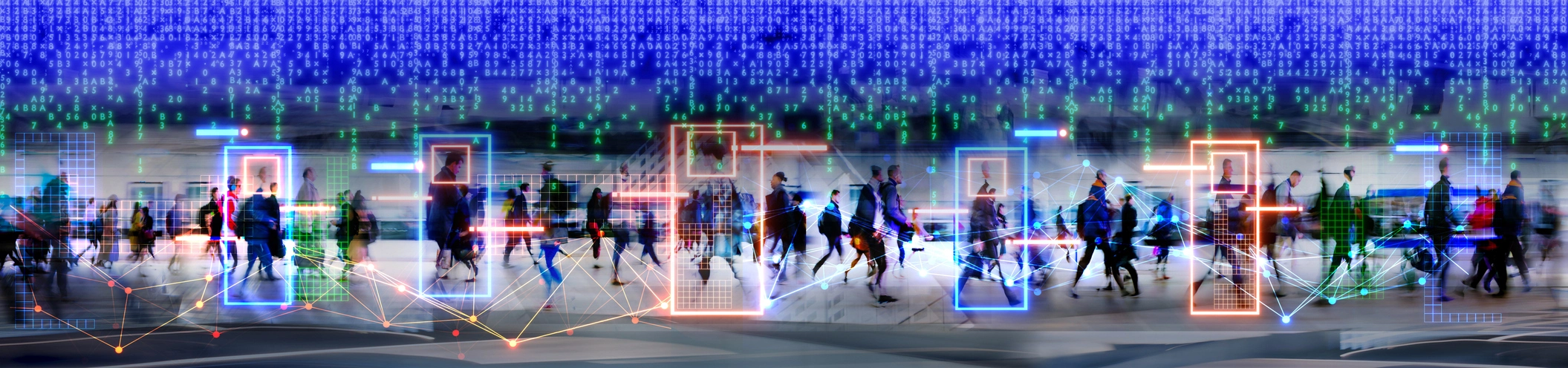
Review store or zone occupancy alongside customer traffic and heat-map analytics.
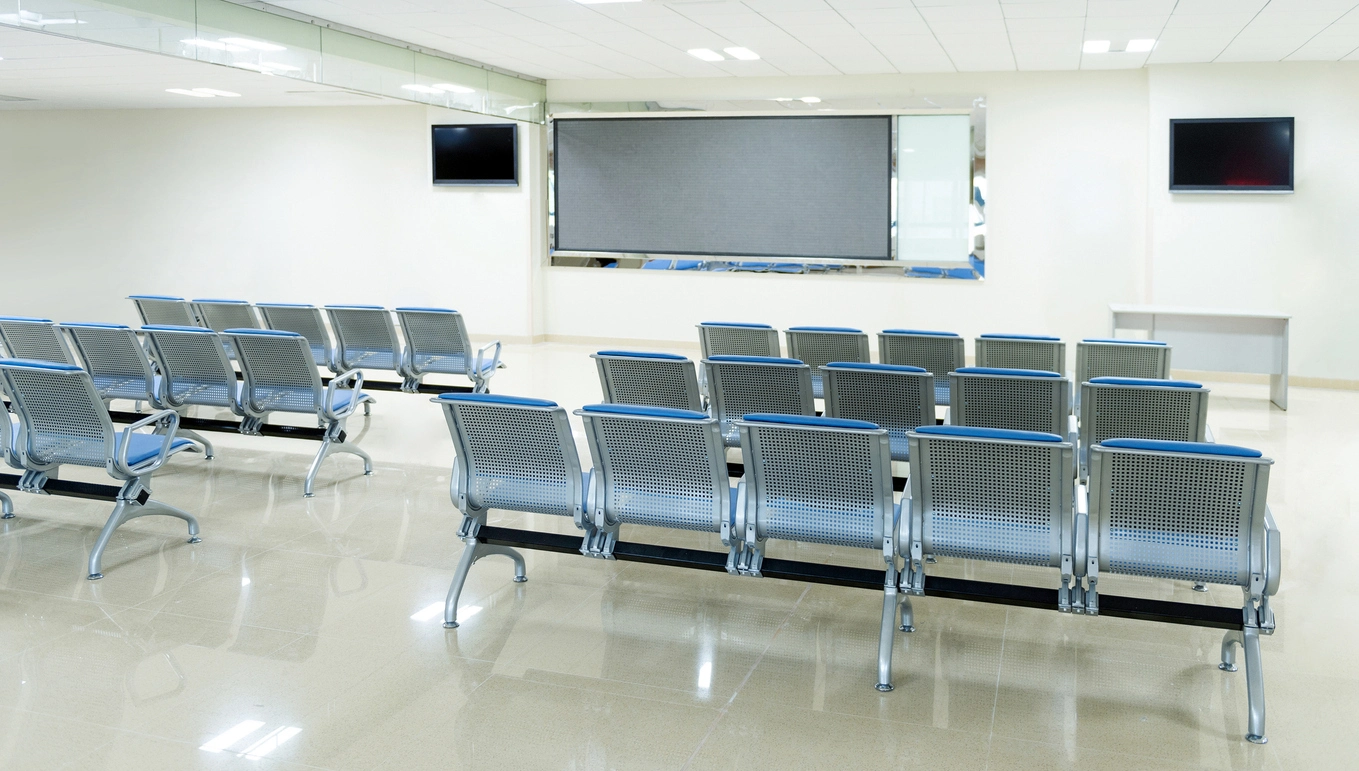
Monitor public-area occupancy and waiting-room utilization trends.
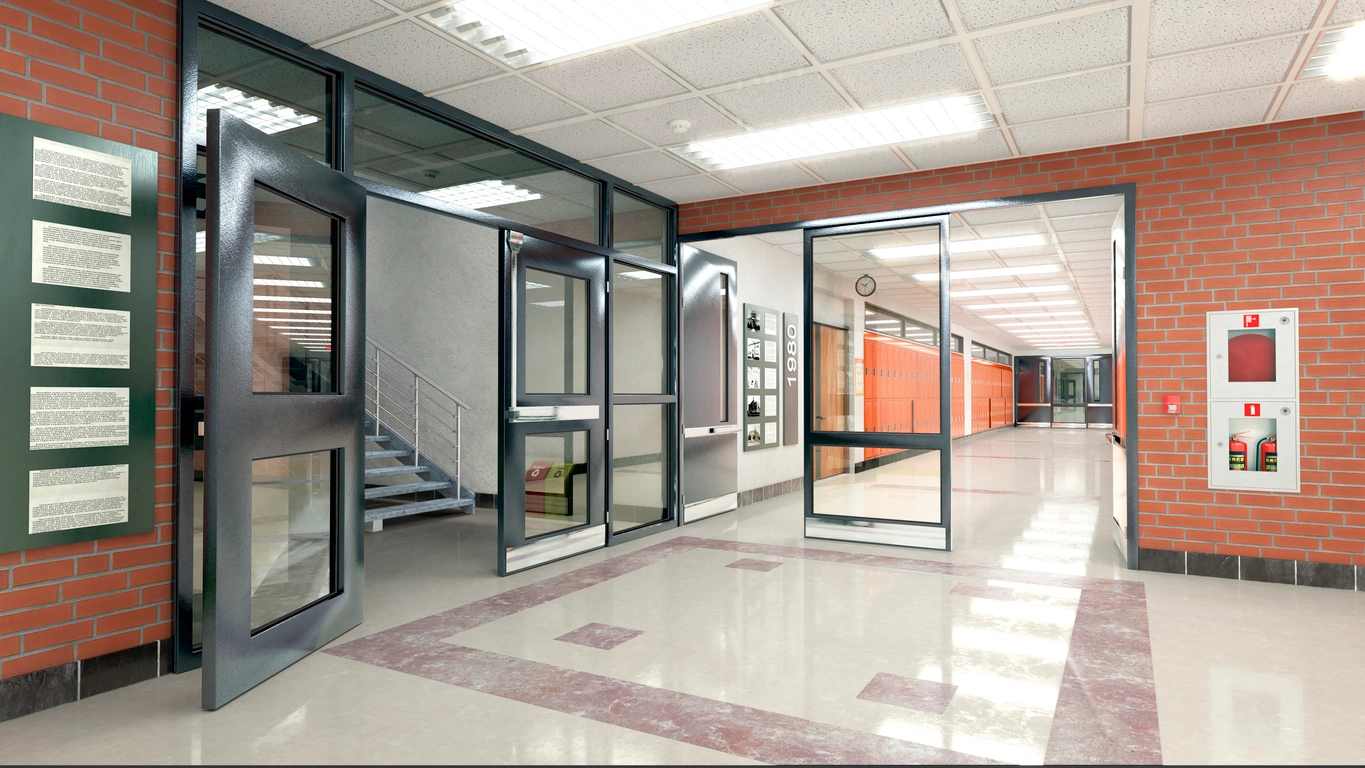
Estimate utilization of selected lobbies, common areas, or other monitored spaces.
Planning Considerations
Some systems count people currently visible in a zone, while others maintain a running total based on entries and exits.
Visible-zone occupancy works best when the camera can see most of the monitored area. Entry-exit occupancy depends on accurately counting people through every relevant entrance and exit.
Organizations should understand which method the selected platform uses, especially if the count will influence staffing, capacity, or operational decisions.
Reliable occupancy data requires complete coverage of the relevant space or traffic paths.
Determine whether occupancy is based on visible people, entry-exit counts, sensors, or a combination.
All relevant entry and exit points may need coverage if the platform maintains a running count.
Define whether occupancy limits are informational, operational, or used to trigger alerts.
Confirm whether the platform stores utilization trends, dashboards, exports, or multi-location comparisons.
Occupancy monitoring often works alongside people counting, crowd detection, heat mapping, queue monitoring, and centralized management.
Occupancy monitoring helps organizations understand how many people are using a room, zone, or facility and how that usage changes over time.
Occupancy analytics can support facility management, retail operations, office planning, customer-service decisions, congestion awareness, and capacity monitoring.
Different systems calculate occupancy differently. Some count visible people within a zone, while others track entries and exits to maintain a running estimate.
Camera Security Now helps organizations evaluate cameras, analytics, dashboards, networking, and reporting so occupancy data matches the intended business use.
Get answers to common questions about this security camera solution.
Occupancy monitoring uses video analytics to estimate how many people are present in a defined area, room, or facility.
People counting often measures how many people cross an entrance or line. Occupancy monitoring focuses on how many people are currently present within a defined area.
Some commercial platforms can create alerts when occupancy estimates reach configured thresholds.
Yes. If the platform calculates occupancy from entries and exits, every relevant entrance and exit should be accounted for to maintain an accurate running total.
Tell us which rooms, areas, or facilities you need to monitor. We’ll help you evaluate occupancy analytics and camera coverage.