
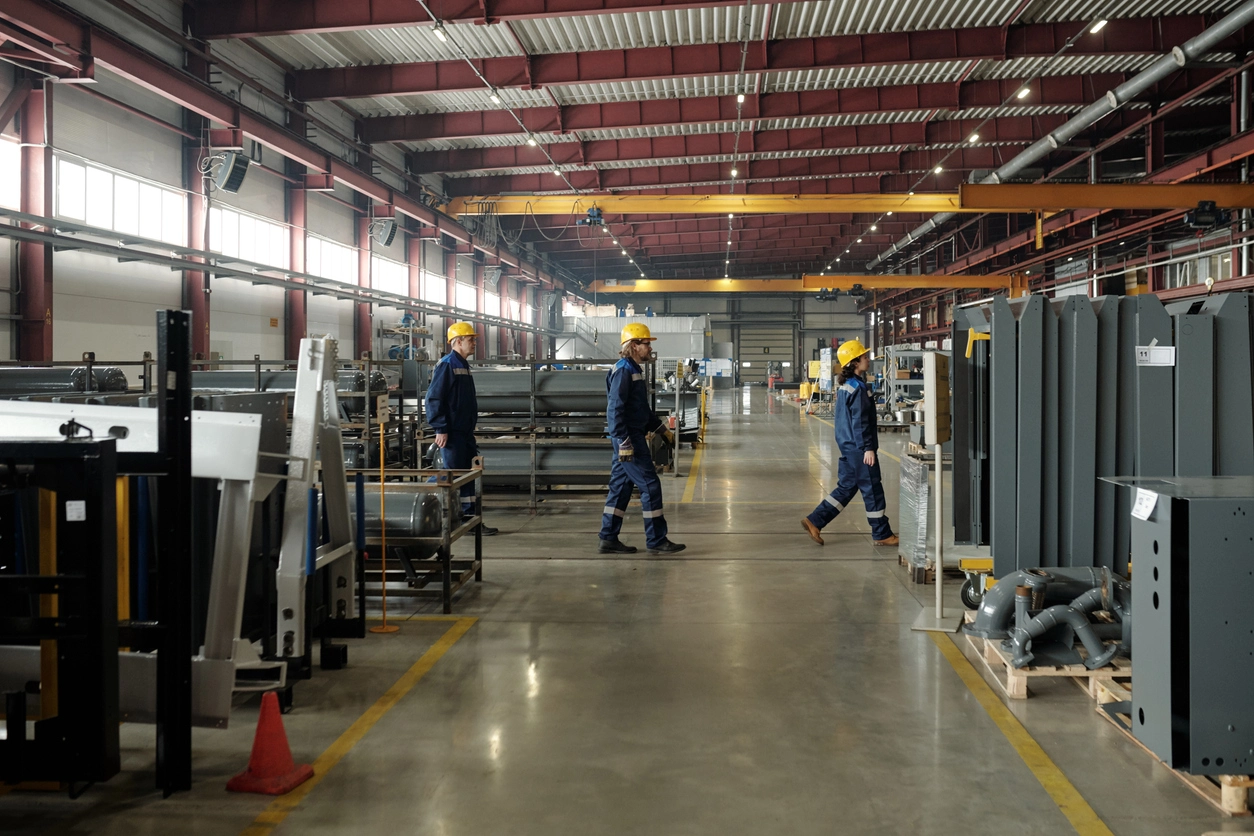
Manufacturing Equipment and Tools
Monitor selected tools, components, or equipment around controlled production areas.
AI Removed Object Detection
Camera Security Now helps organizations evaluate removed object detection analytics that may flag when supported assets or items are moved from a monitored position or defined area.
Removed object detection focuses on changes involving an item that was previously present in a monitored scene.
Depending on the platform, organizations may use this type of analytics around equipment, tools, inventory, displays, artwork, stored materials, or other selected assets where unauthorized movement deserves review.
Performance depends on a stable camera view, clear visibility of the object, scene changes, occlusion, lighting, and the specific capabilities of the analytics platform.
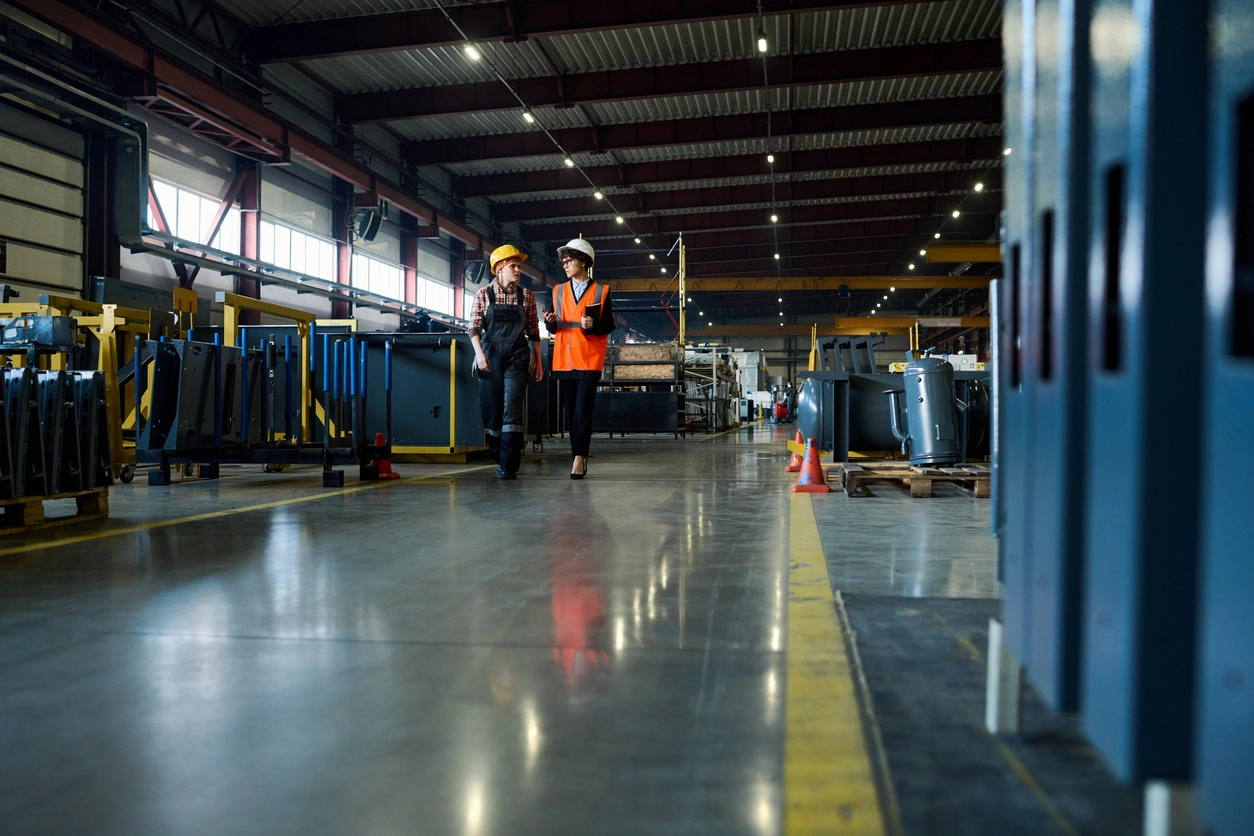
Asset-change analytics can create searchable events when important items are moved from expected locations.
Monitor supported equipment, tools, inventory, displays, or other items in selected camera views.
Use event timing to narrow video review around when an item was moved or removed.
Combine object-change analytics with access control and camera coverage around high-value areas.
The feature is most useful where objects normally remain in predictable, visible positions.
Monitor selected tools, components, or equipment around controlled production areas.
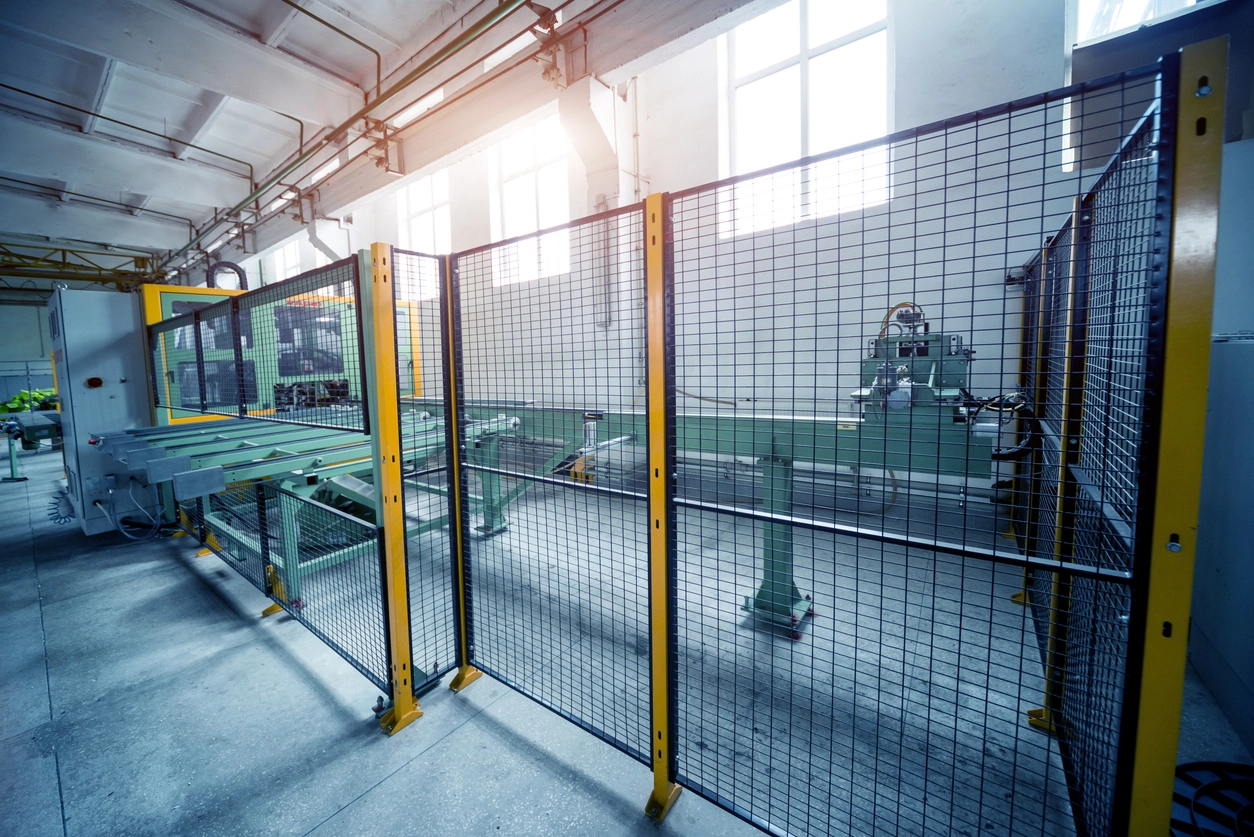
Review movement of selected items in inventory, staging, or controlled storage locations.
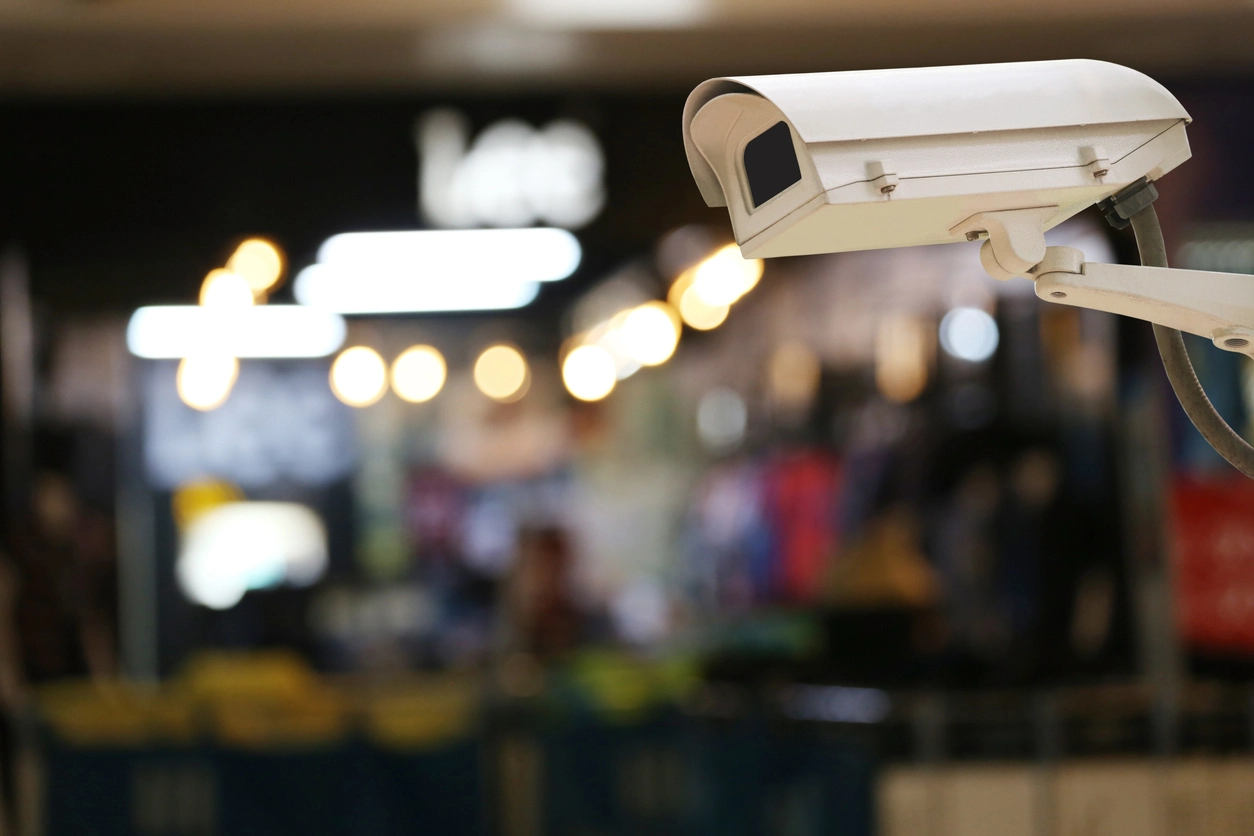
Use appropriate analytics around high-value displays or merchandise zones with stable camera coverage.
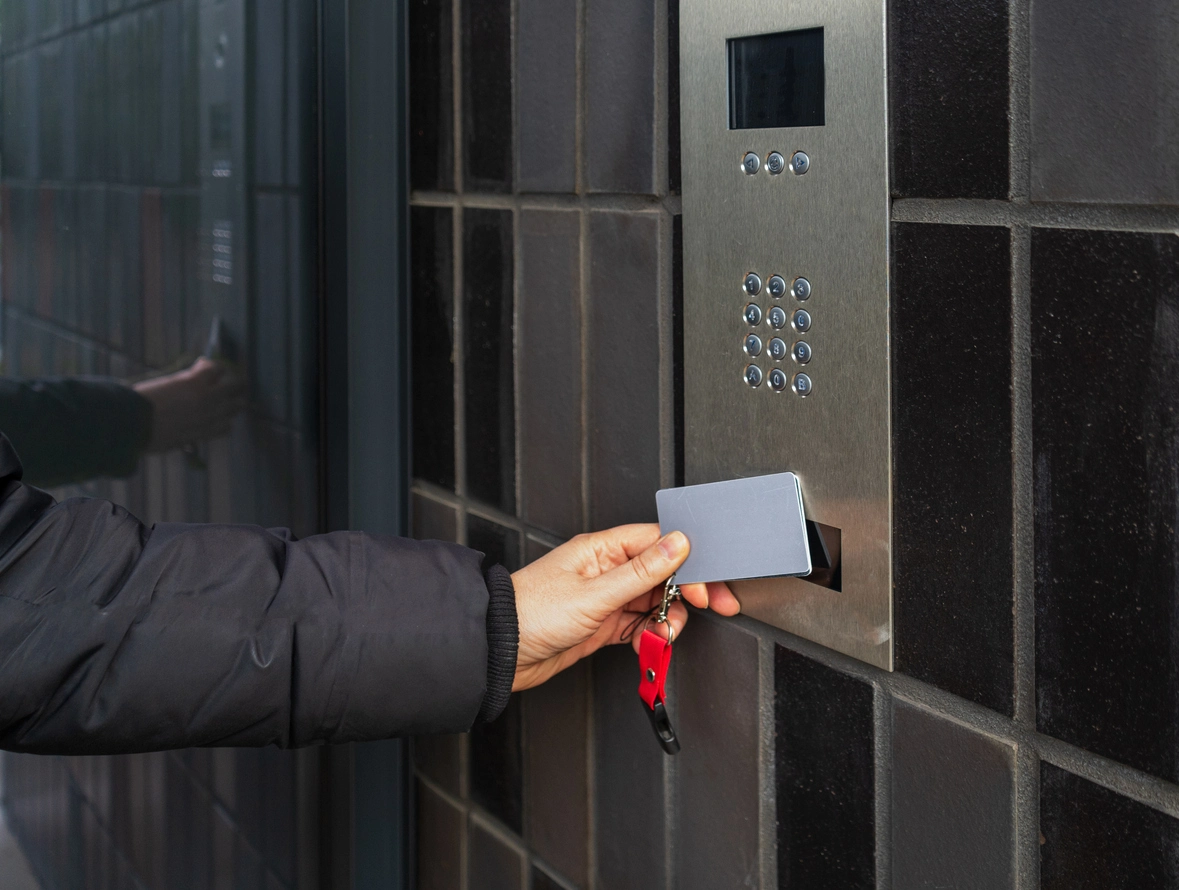
Pair object monitoring with access control around sensitive rooms, storage areas, or equipment spaces.
Planning Considerations
If objects constantly move, shelves change, or the camera view shifts, the rule may become less useful.
Removed-object detection works best when the monitored item is normally stationary and clearly visible. Frequent restocking, moving carts, temporary obstructions, camera vibration, or changing displays can create confusing scene changes.
For higher-value assets, video analytics should complement inventory controls, access control, physical security, and documented review procedures.
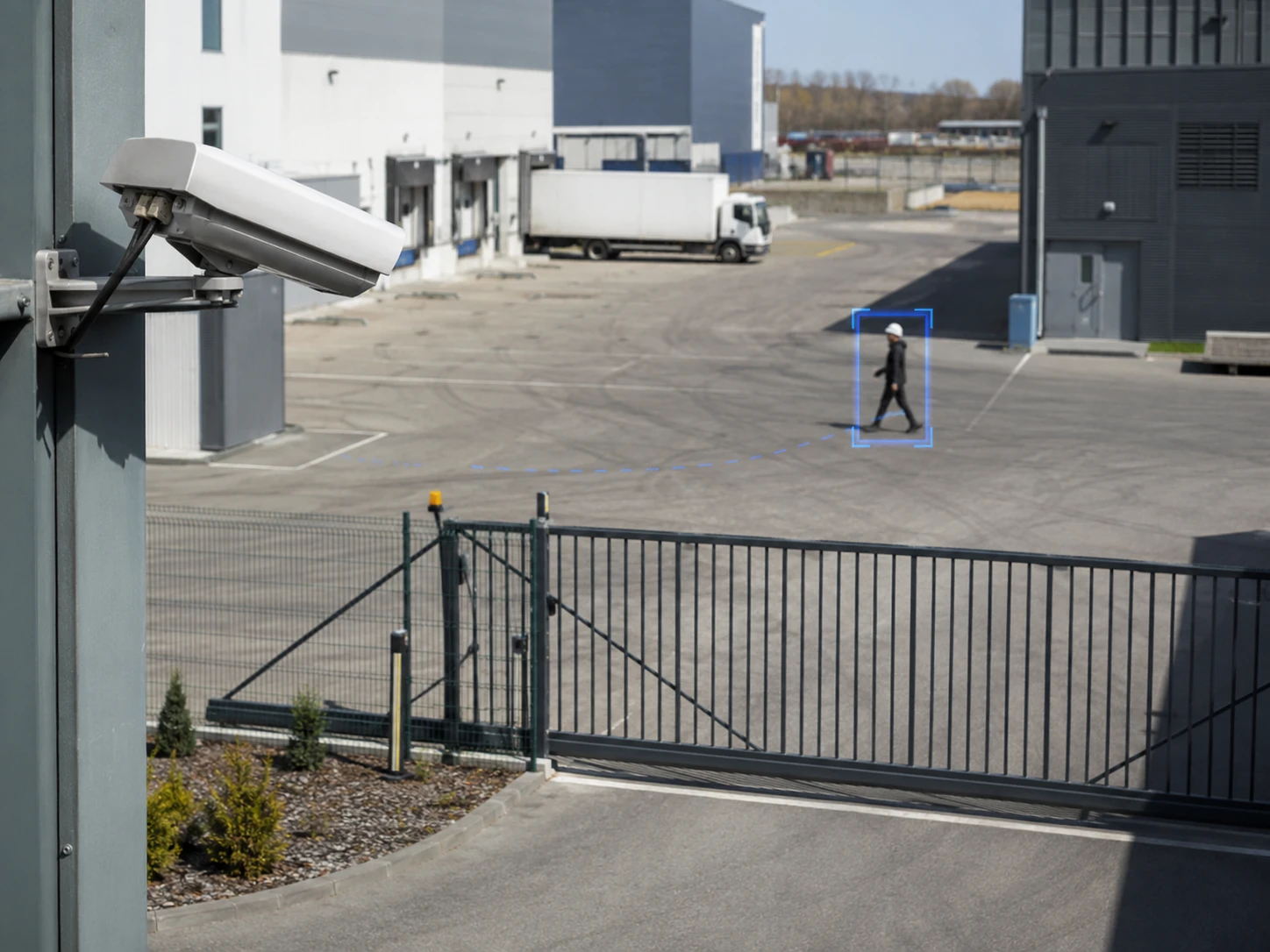
The camera and analytics should be matched to assets that remain visible and relatively stable.
The system needs a clear expectation of where the monitored item normally appears.
Camera movement or a changing field of view can interfere with scene-change analytics.
People, boxes, equipment, or other objects blocking the view may affect detection.
Define how staff will verify whether a detected change reflects authorized movement or a real security concern.
Removed object detection often works alongside object detection, object tracking, access control, warehouse surveillance, and incident review.
Removed object detection can help organizations create reviewable events when supported items are moved from monitored locations.
Asset-change analytics are useful where important objects normally remain in predictable positions. A system may monitor whether a tool, piece of equipment, display item, or other supported object is no longer present.
The feature is not a substitute for inventory management or access control. It works best as another source of video context that can help narrow when and how an item changed position.
Camera Security Now helps organizations evaluate removed-object analytics alongside camera placement, object tracking, recording, access control, and incident-review requirements.
Get answers to common questions about this security camera solution.
Removed object detection is a video analytics capability that may create an event when a supported object that was previously present is moved or no longer visible in its expected location.
Potential examples include tools, equipment, inventory, displays, artwork, stored materials, or other supported objects, depending on the analytics platform and scene.
Yes. Frequently changing scenes can make removed-object rules difficult to tune because normal operational changes may look like asset removal.
No. It should complement inventory management, access control, physical security, and human review rather than replace them.
Tell us which objects or areas matter most. We’ll help you evaluate removed-object analytics and supporting camera coverage.