
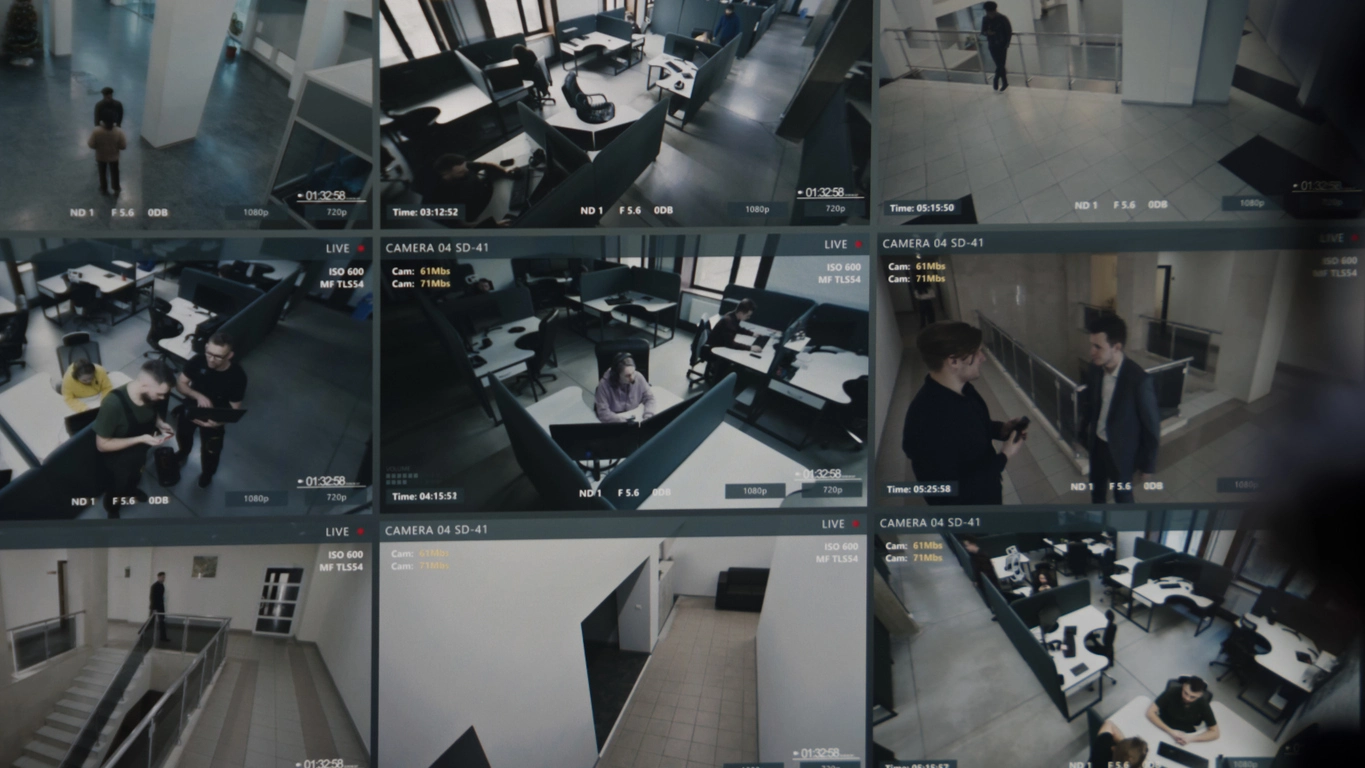
Multi-Site Businesses
Group stores, offices, warehouses, restaurants, or branches into one organized management environment.
Commercial Video Management Software
Camera Security Now helps organizations evaluate video management systems that bring live viewing, recorded footage, users, cameras, alerts, analytics, search, and multi-site surveillance into one organized platform.
A video management system, or VMS, is the software layer that helps users organize and operate a security camera system. Depending on the platform, it can manage live views, recorded playback, camera groups, user permissions, alarms, analytics, event search, maps, health monitoring, and multiple locations.
An NVR may include its own management software, but VMS platforms can serve a broader role when organizations need more cameras, more users, deeper integrations, or centralized control across multiple recorders and sites.
Camera Security Now helps businesses compare VMS requirements around camera count, recording architecture, analytics, remote access, storage, investigation workflows, user roles, and future expansion.

The VMS organizes the surveillance experience so users can move from individual cameras and recorders to a manageable security operation.
View live cameras and recorded footage through one organized interface when supported by the platform.
Control which sites, cameras, playback tools, exports, analytics, and administrative functions each user can access.
Combine timelines, alarms, analytics, bookmarks, and searchable metadata to make investigations easier.
VMS platforms become especially valuable as camera counts, locations, users, and investigation requirements grow.
Group stores, offices, warehouses, restaurants, or branches into one organized management environment.
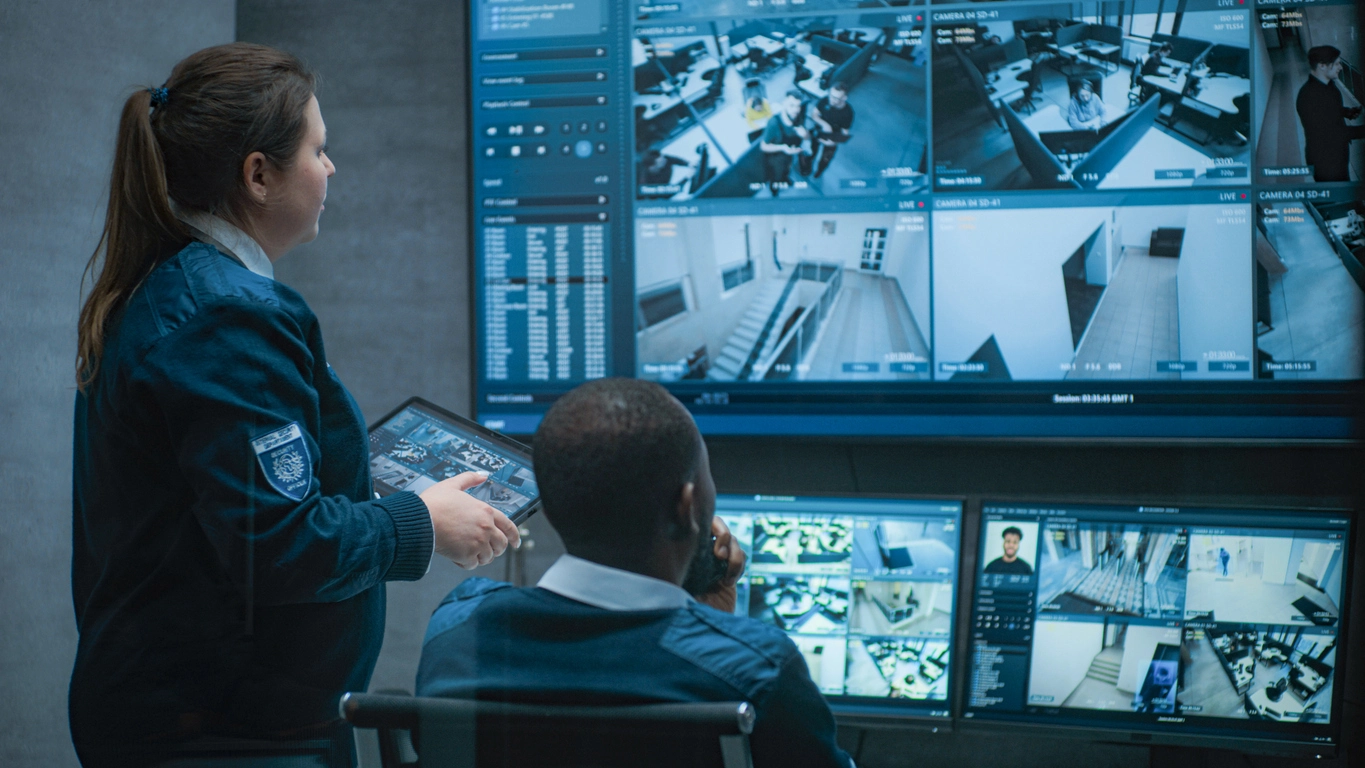
Use multi-monitor or video-wall layouts to keep priority cameras, alarms, and sites visible to security staff.

Manage large camera groups across buildings, yards, entrances, parking lots, production areas, and remote facilities.
Use playback, bookmarks, analytics events, smart search, exports, and camera groups to narrow incident review.
Planning Considerations
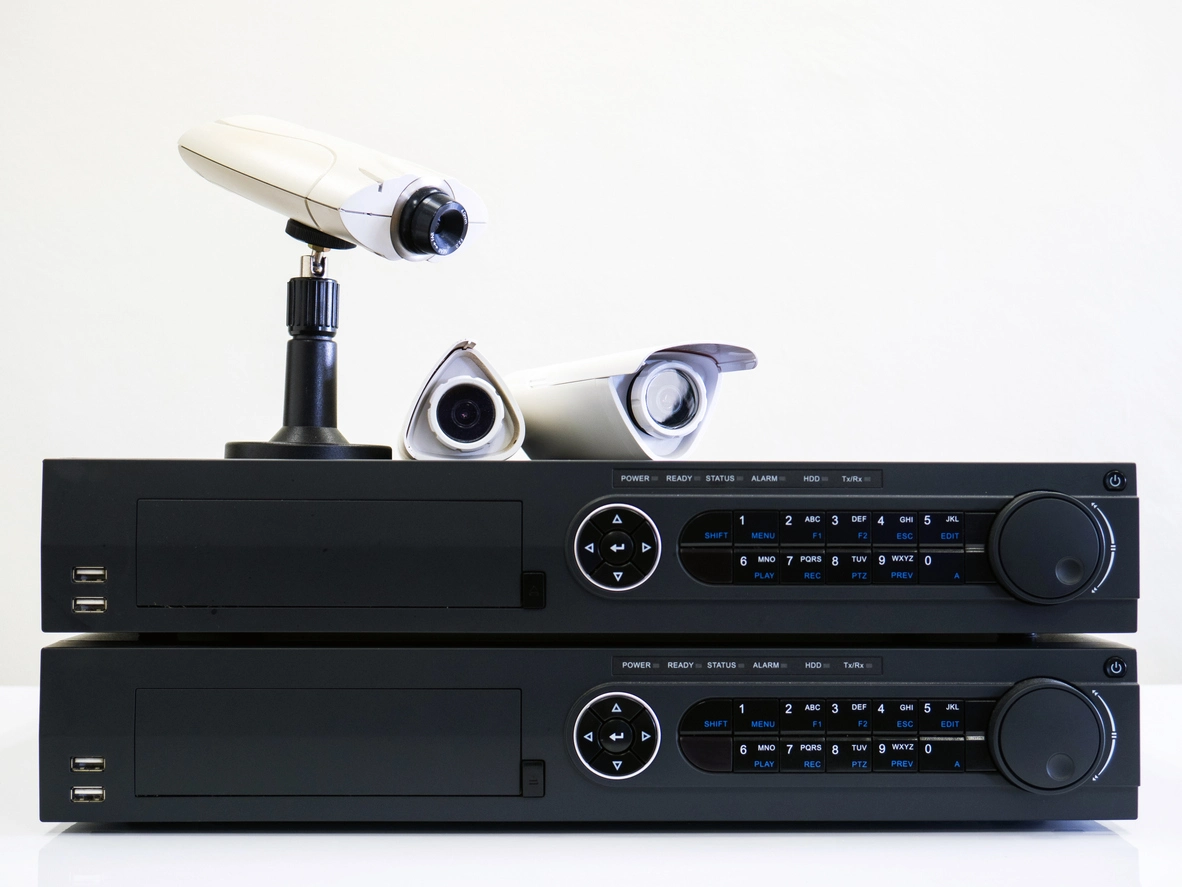
The NVR is primarily a recorder; the VMS is the management software that organizes how users interact with cameras and video.
Many NVRs include built-in video management software, which may be enough for a small or medium system. Larger or more complex environments may use a dedicated VMS to manage multiple recorders, servers, cloud-connected devices, locations, users, analytics, or integrations.
The best architecture depends on camera count, retention, bandwidth, redundancy, remote access, analytics, investigation needs, and whether the organization prefers local, cloud-managed, or hybrid system components.
A VMS should be selected around the real operational workflow, not just the camera count.
Confirm support for the cameras, NVRs, encoders, access-control systems, and other devices in the project.
Understand whether licensing is per camera, server, site, feature, or subscription and how expansion affects cost.
Evaluate the investigation tools, event filters, AI metadata, maps, alarms, and integrations users actually need.
Plan roles, permissions, authentication, updates, network segmentation, and remote access around the organization's security requirements.
VMS software works closely with NVRs, centralized management, smart search, remote access, storage, and cloud video management.
Video management systems help organizations control increasingly complex surveillance environments from one software platform.
A VMS can combine live viewing, playback, user permissions, event management, analytics, camera health, maps, exports, and multi-site administration. The feature set varies by manufacturer and licensing model.
Smaller systems may rely on the software included with an NVR, while larger organizations may need a dedicated VMS that can coordinate multiple recorders, servers, sites, and integrations.
Camera Security Now helps organizations evaluate VMS architecture alongside cameras, NVRs, storage, analytics, remote access, centralized management, and long-term expansion.
Get answers to common questions about this security camera solution.
A video management system, or VMS, is software used to organize and manage live cameras, recorded video, users, permissions, alerts, analytics, search, and other surveillance functions.
No. An NVR is primarily a recording device, although it may include management software. A VMS is the software layer used to manage cameras, video, users, events, and sometimes multiple recorders or sites.
Many commercial VMS platforms can manage cameras and recording systems across multiple buildings or sites, depending on the architecture and licensing.
Many modern VMS platforms can display, search, filter, or receive events from supported AI analytics, but exact capabilities depend on the cameras, software, integrations, and licensing.
Tell us how many cameras, locations, users, and investigation workflows you need to support. We’ll help you evaluate the right VMS architecture for the operation.