
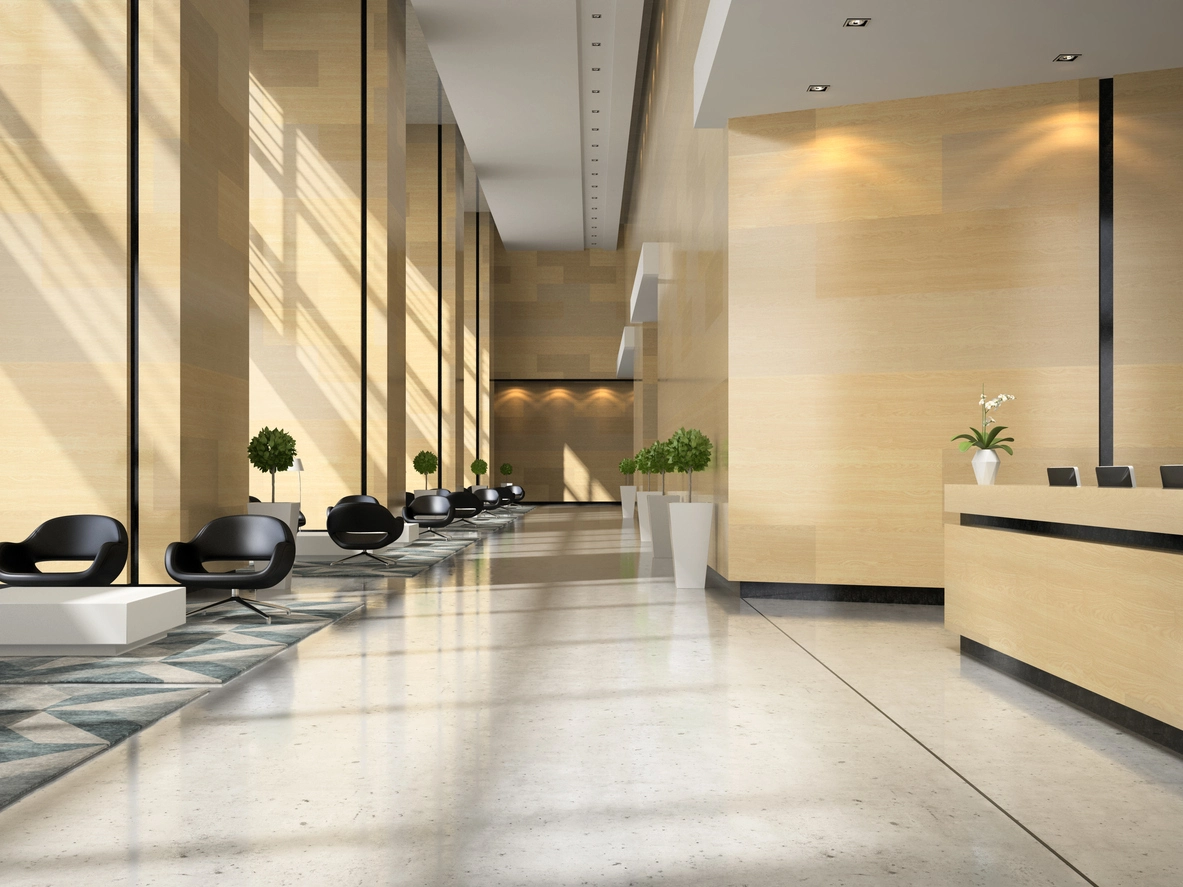
Public Lobbies
Review items left in waiting, reception, or common areas where objects are normally removed with their owner.
AI Unattended Object Detection
Camera Security Now helps organizations evaluate AI unattended object detection that can create events when supported items remain in a monitored area longer than a configured threshold.
Unattended object detection is designed to identify supported items that appear in a monitored area and remain there longer than expected.
Depending on the analytics platform, this may help users review packages, bags, equipment, or other objects left in lobbies, public areas, transportation spaces, schools, warehouses, and controlled facilities.
The feature is highly dependent on scene stability, object size, occlusion, crowding, camera angle, and the specific analytics supported by the manufacturer.
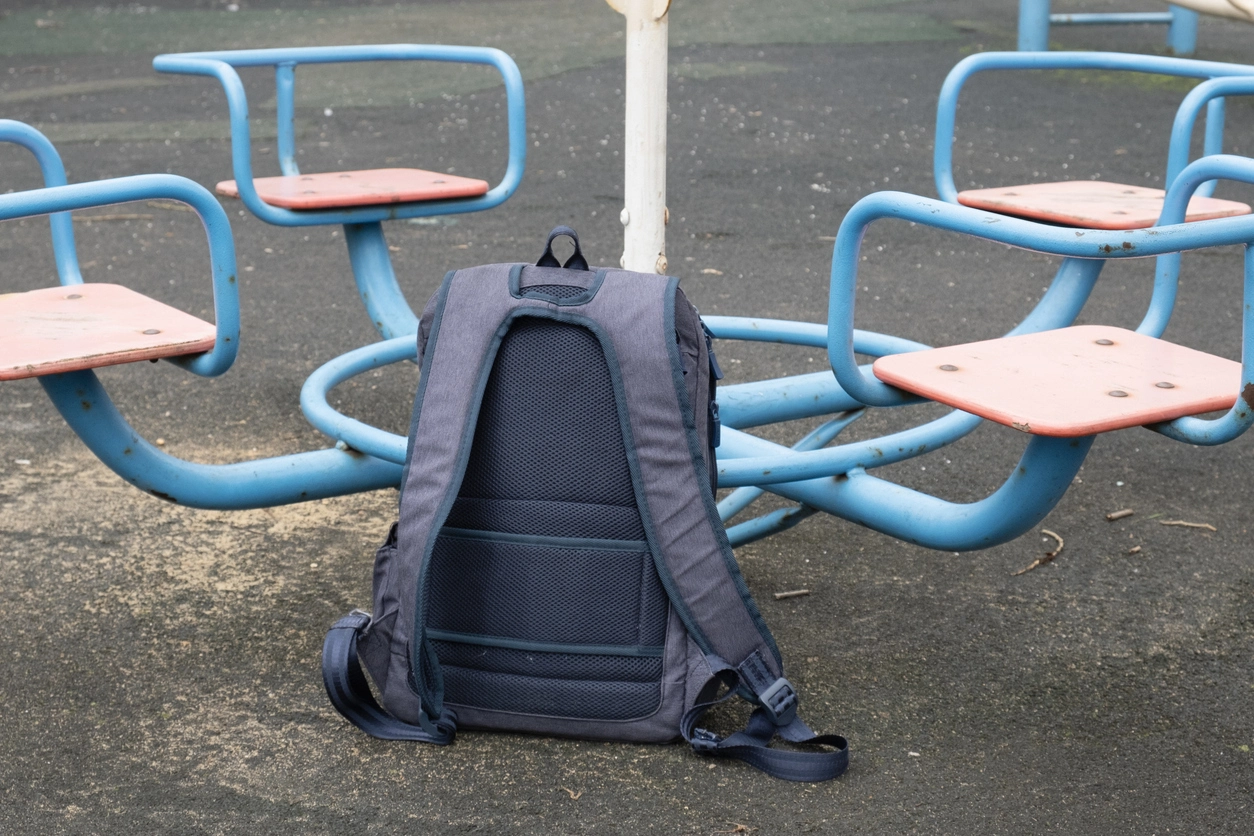
Object-presence rules can make it easier to identify items that remain in a scene longer than expected.
Create events after a supported object remains in the area for a defined period.
Use event metadata to narrow video searches around when an item appeared and remained.
Apply analytics in selected lobbies, corridors, waiting areas, or controlled spaces where abandoned items matter.
Stable camera views and predictable environments provide the strongest conditions for unattended-object analytics.
Review items left in waiting, reception, or common areas where objects are normally removed with their owner.
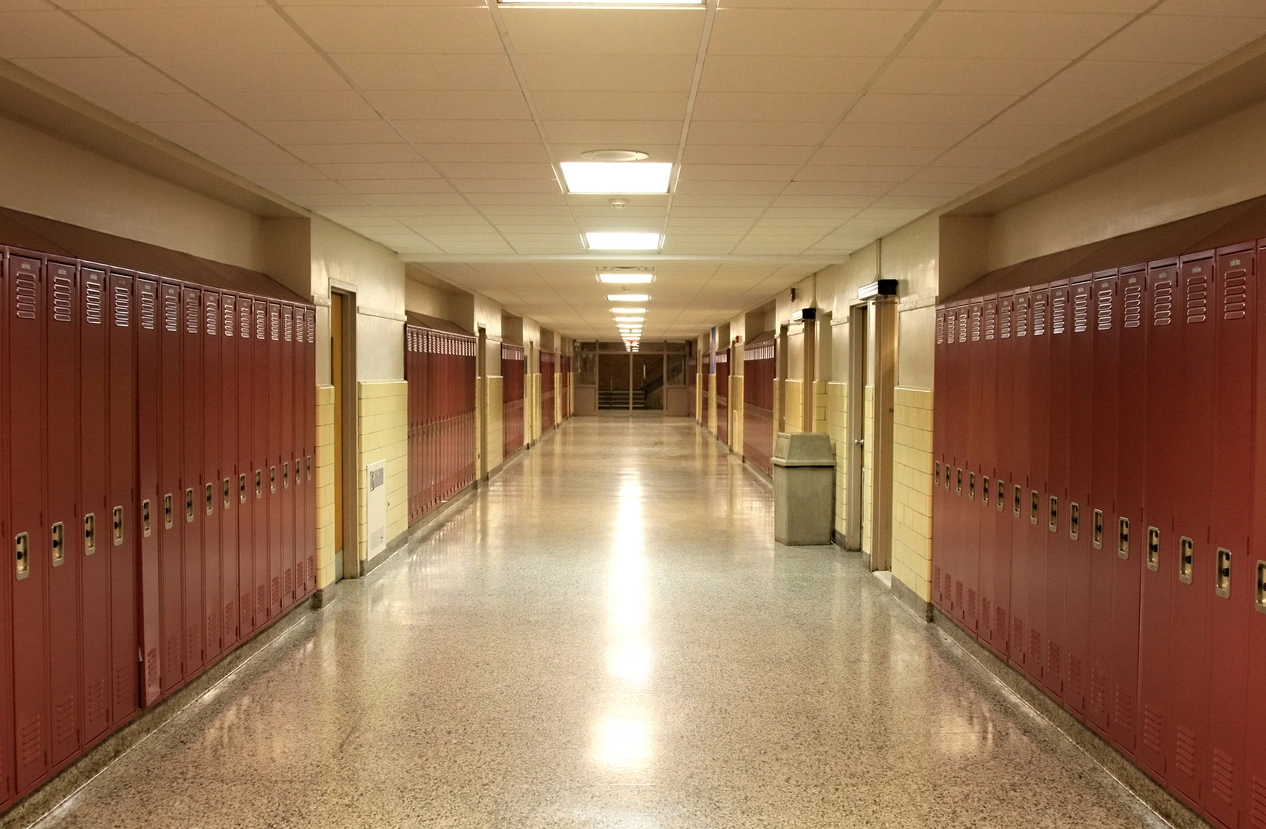
Monitor selected hallways, common areas, or public spaces for objects left behind.
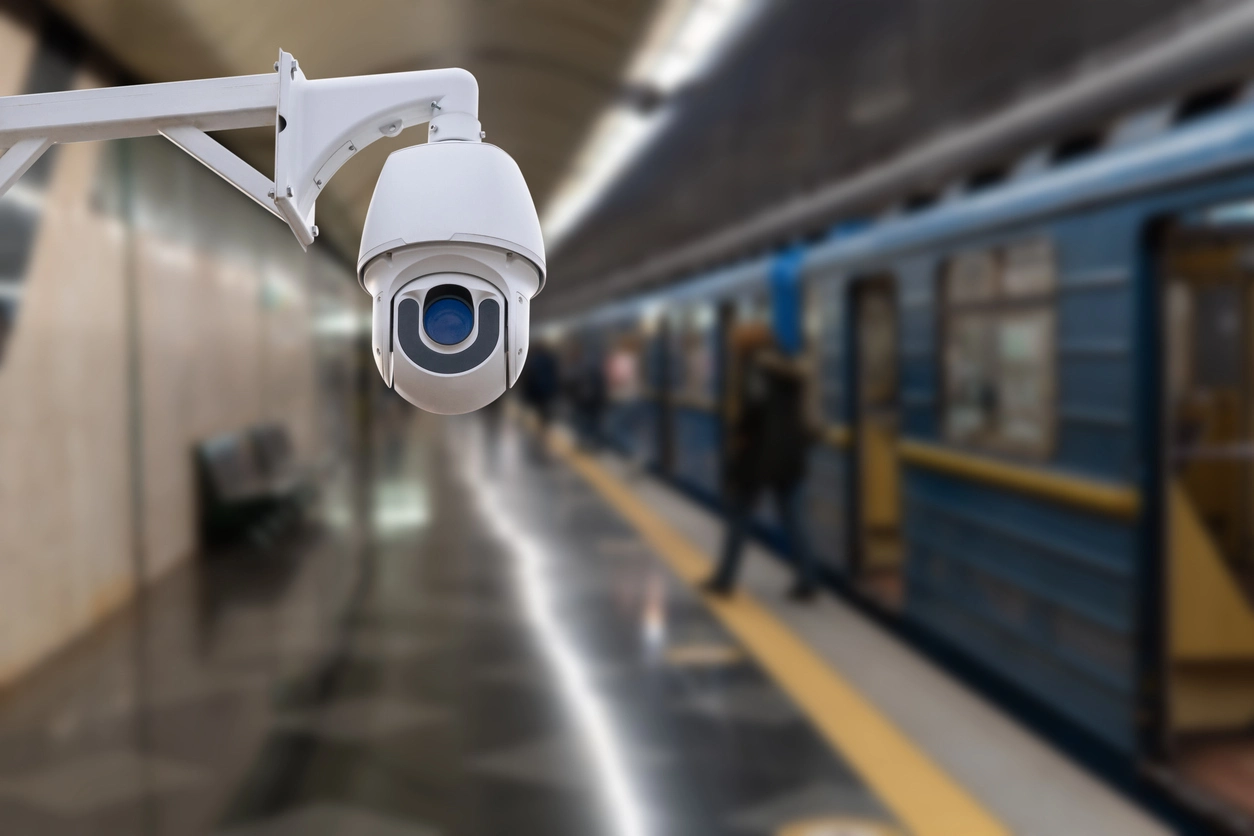
Use analytics in appropriate waiting, platform, or access areas where unattended items may require review.
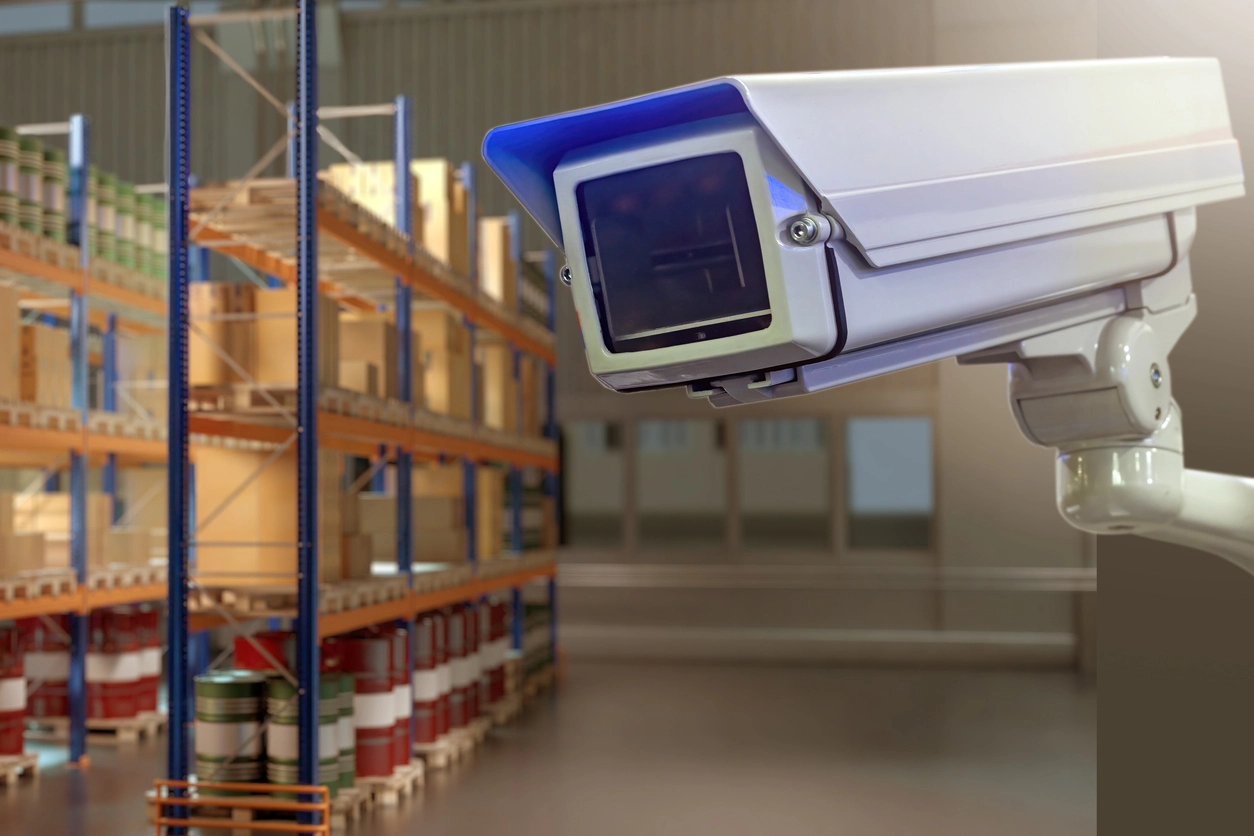
Flag supported items left in unusual locations within controlled operational areas.
Planning Considerations
Busy, cluttered, or constantly changing environments can make object-presence analytics difficult to tune.
An unattended-object rule works best when the camera has a consistent view and the expected background does not change constantly. Crowds, carts, moving displays, pallets, shadows, and overlapping objects may complicate detection.
The time threshold should also reflect normal behavior. A bag sitting for two minutes may be routine in one environment and unusual in another.
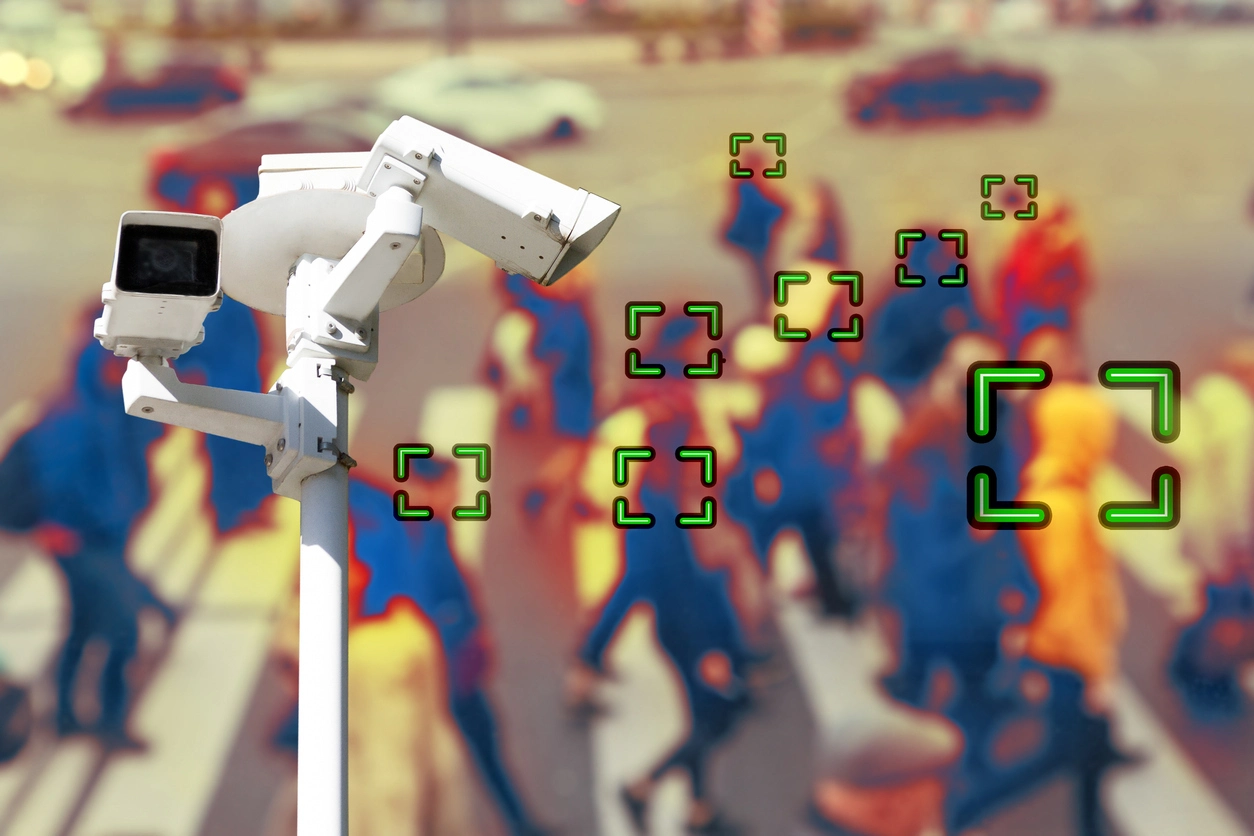
Reliable events require the right scene, time threshold, object size, and review workflow.
Very small or distant objects may not be large enough in the image for reliable analytics.
Constantly moving backgrounds or frequently rearranged areas can reduce usefulness.
Configure how long an object must remain before it creates an event.
Treat analytics as a prompt for authorized review rather than automatic confirmation of risk.
Unattended object detection often works alongside object detection, object tracking, person detection, and centralized video review.
Unattended object detection helps organizations identify supported items that remain in monitored areas longer than expected.
Unlike general object detection, unattended-object analytics add a time component. The system observes whether a supported item remains in the scene after surrounding activity changes.
This can be useful for selected lobbies, campuses, transportation areas, warehouses, and public facilities, but the analytics should be tuned around normal behavior and scene conditions.
Camera Security Now helps organizations evaluate camera placement, object analytics, recording, event search, and review workflows for practical unattended-object monitoring.
Get answers to common questions about this security camera solution.
Unattended object detection is a video analytics rule that may create an event when a supported item remains in a monitored area longer than a configured period.
Capabilities vary by platform. Some systems may recognize or track bags, packages, equipment, or other supported object classes, while others use more general scene-change logic.
It can be more difficult. Crowds, occlusion, moving carts, changing displays, and overlapping objects may reduce reliability.
No. The event indicates that the analytics detected an object matching its rule. Authorized personnel should review the scene and follow established procedures.
Tell us what areas and object behaviors you need to review. We’ll help you evaluate realistic camera and analytics options.