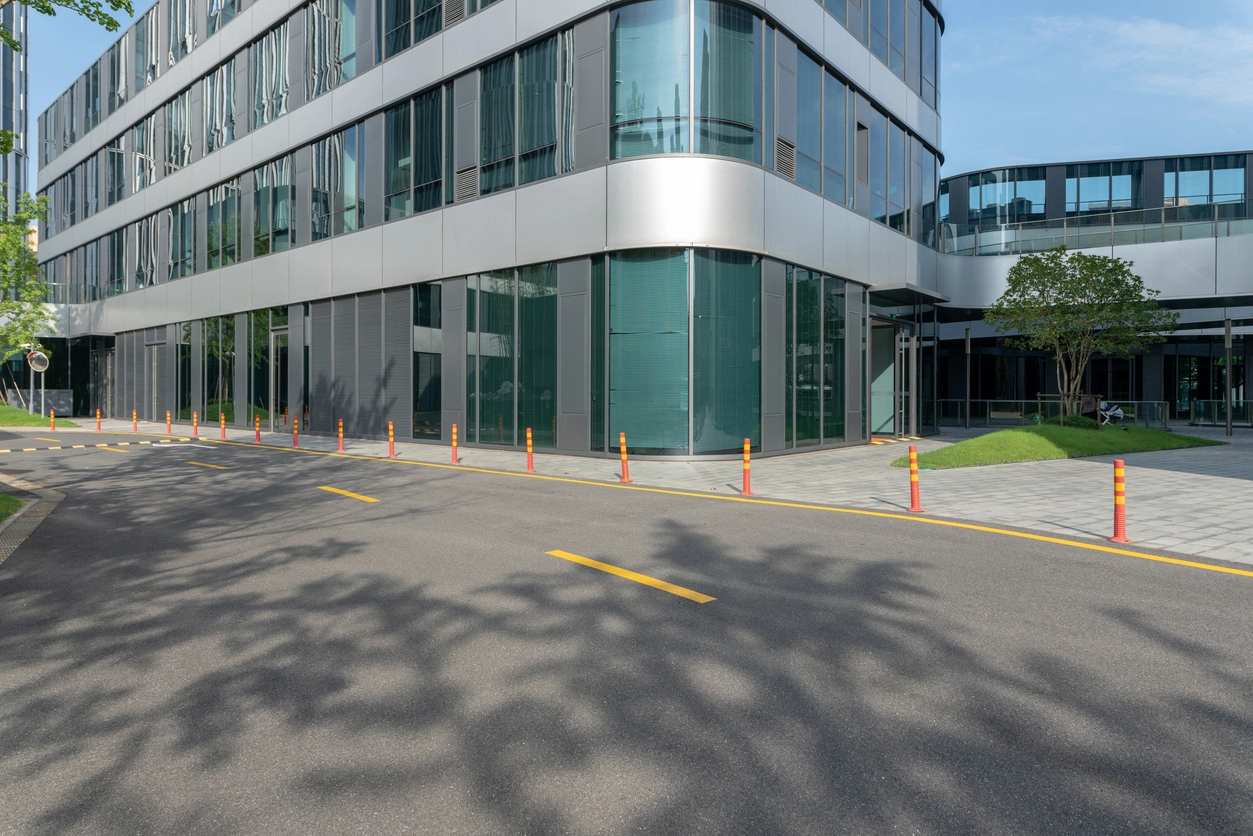
After-Hours Entrances
Notify selected users about person or intrusion events around closed buildings.
Immediate Camera Event Notifications
Camera Security Now helps businesses evaluate real-time security camera alert workflows that notify approved users when supported motion, AI analytics, access, or security events occur.
A camera system can record an incident without anyone knowing about it until hours or days later. Real-time alerts add a notification workflow so selected events can reach approved users while the activity is still current.
Depending on the platform, notifications may be triggered by motion, person detection, vehicle detection, intrusion rules, line crossing, loitering, access-control events, system health conditions, or other supported analytics.
The goal is not to notify users about everything. A useful alert strategy reserves immediate notifications for events that are important enough to justify attention.
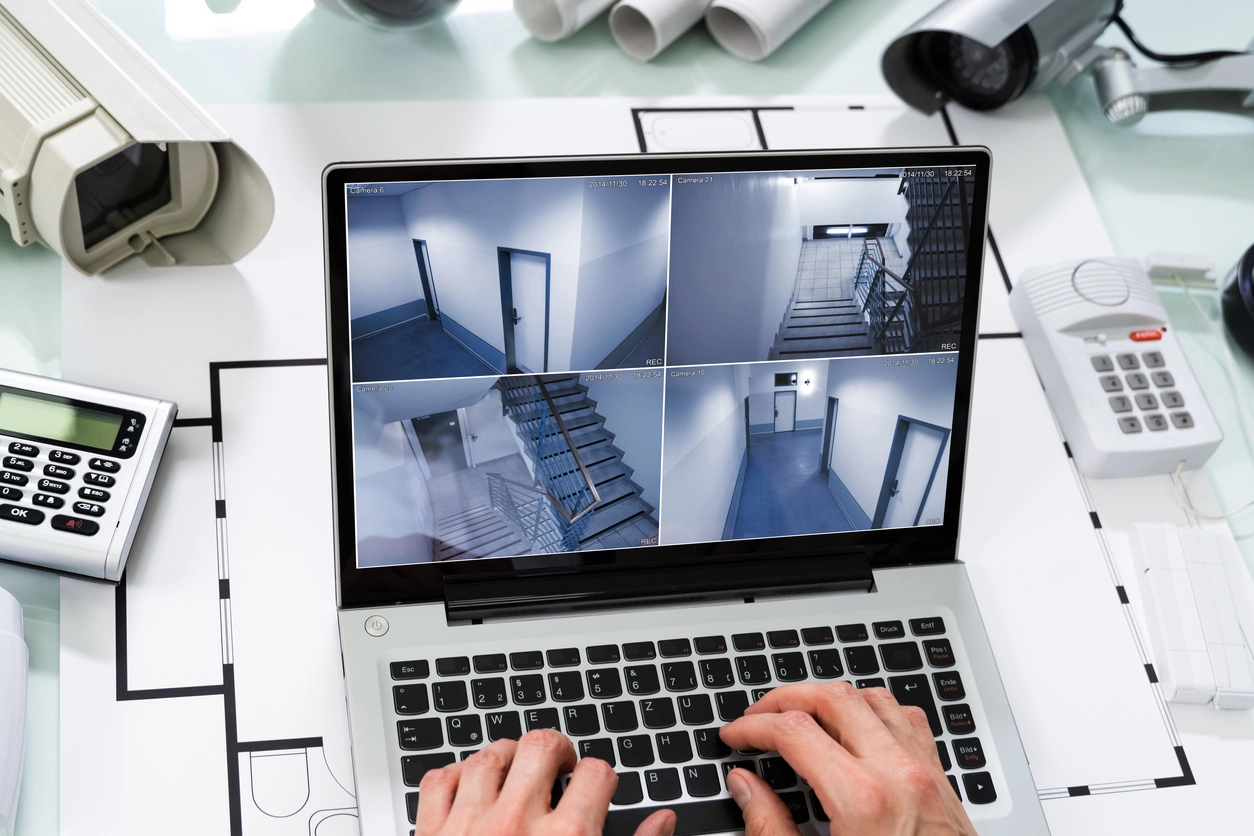
Well-designed notifications can shorten the gap between an event and authorized review.
Notify approved users when selected events occur instead of waiting for someone to discover them during later playback.
Review supported event information or camera views from approved devices when users are away from the property.
Use schedules, zones, analytics rules, or object classes to avoid treating every motion event as urgent.
Real-time alerts are most useful when the event has a clear owner and a defined response.
Notify selected users about person or intrusion events around closed buildings.
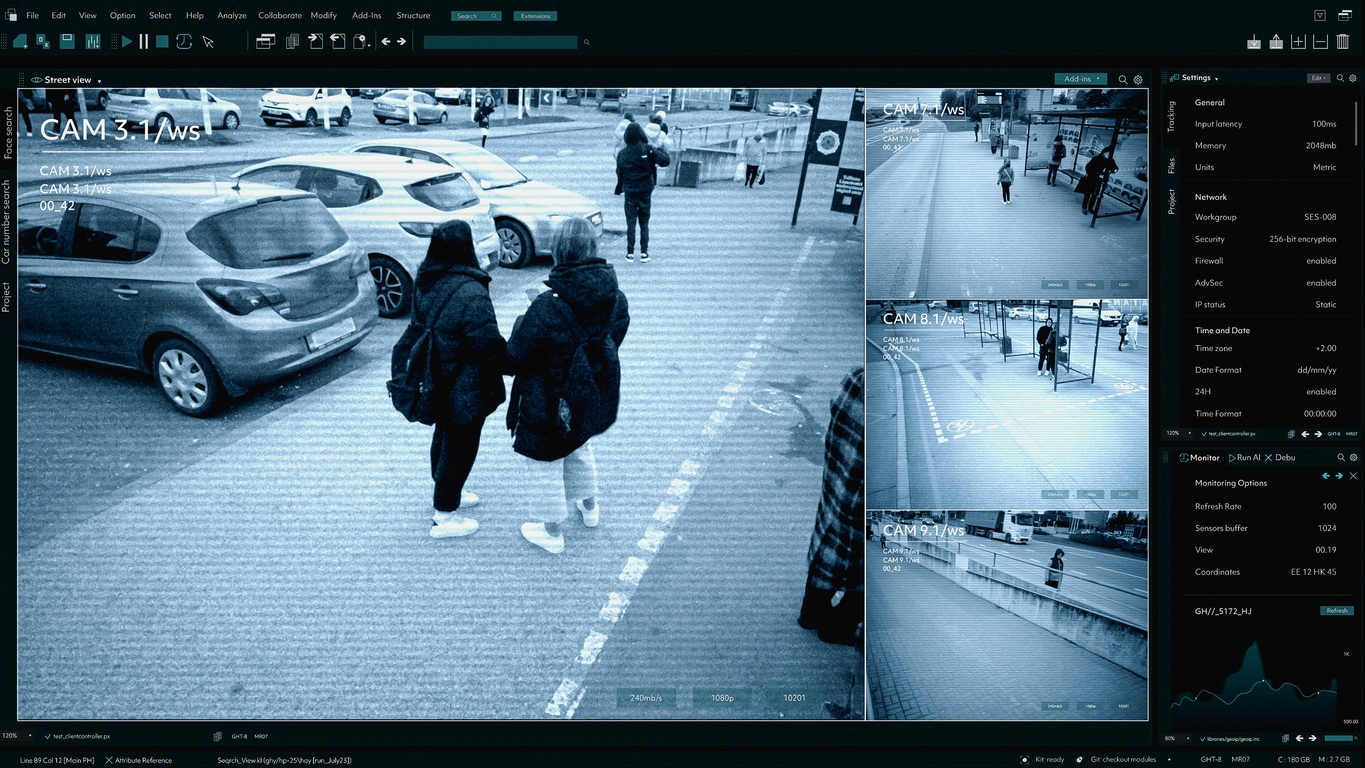
Prioritize selected people, vehicles, or boundary events around exterior property zones.
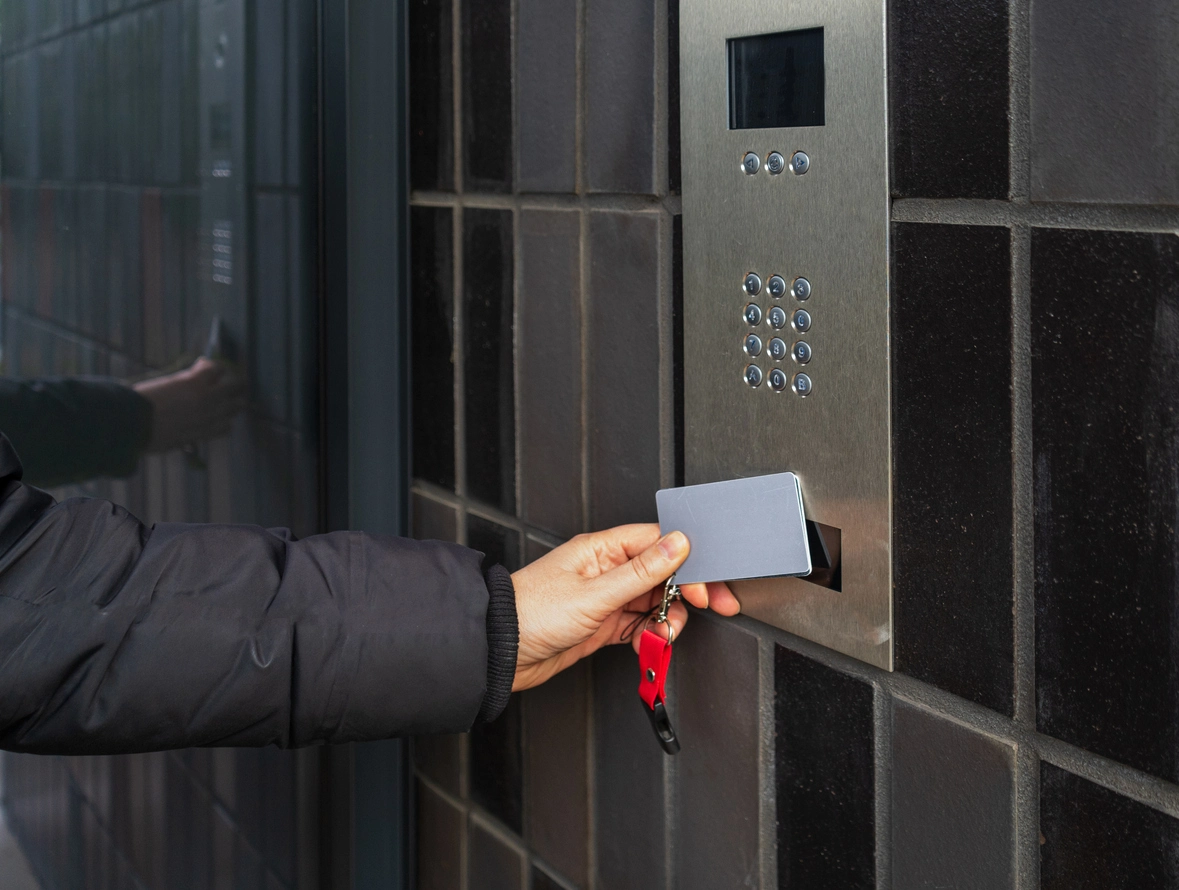
Create alerts around controlled rooms, yards, or other zones where unauthorized activity needs faster review.
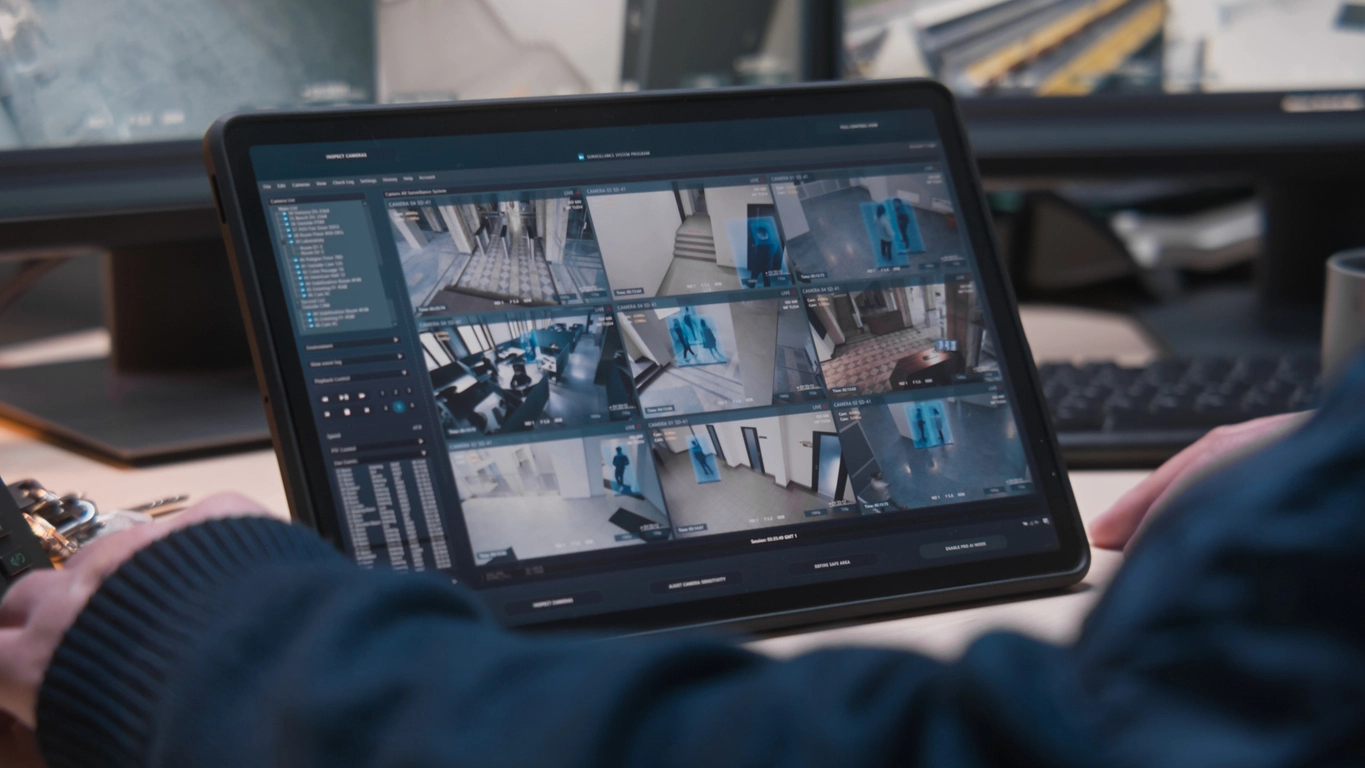
Route selected events to regional managers or security teams responsible for many sites.
Planning Considerations
If users receive too many low-value notifications, they may stop paying attention to the ones that matter.
Alert design should distinguish urgent events from activity that is better left searchable in the event history. Smart motion, person and vehicle classification, schedules, and event filtering can all help reduce notification overload.
Organizations should also define who receives each alert type, whether the event requires immediate review, and how escalations are documented.

Notifications should be specific enough to be useful and limited enough to remain actionable.
Choose the motion, AI, access, health, or system events that genuinely require immediate awareness.
After-hours alerts may need different rules from business-hours notifications.
Send alerts only to users responsible for reviewing or acting on that event type.
Document what users should do when an event appears meaningful or cannot be verified.
Real-time alerts work closely with smart motion detection, event filtering, remote AI monitoring, intrusion detection, and false alarm reduction.
Real-time alerts can help approved users review meaningful camera events while the activity is still current.
Modern commercial systems may send notifications from cameras, recorders, VMS platforms, cloud services, or integrated access-control systems.
The most effective alert strategy uses classification, zones, schedules, and filtering so users are not overwhelmed by routine activity.
Camera Security Now helps organizations evaluate analytics, notification workflows, remote viewing, centralized management, and recording so real-time alerts support actual security operations.
Get answers to common questions about this security camera solution.
Real-time alerts are notifications generated when a supported camera, analytics, access, or system event occurs.
Many commercial platforms support mobile notifications, although delivery methods and app requirements vary by system.
Supported person, vehicle, intrusion, and other classifications can help make alerts more selective than basic motion-only notifications.
No. Many routine events are better stored for later search or review. Immediate alerts should be reserved for activity that warrants attention.
Tell us which events should reach your team immediately and which are creating too much noise today. We’ll help you evaluate a practical real-time alert workflow.