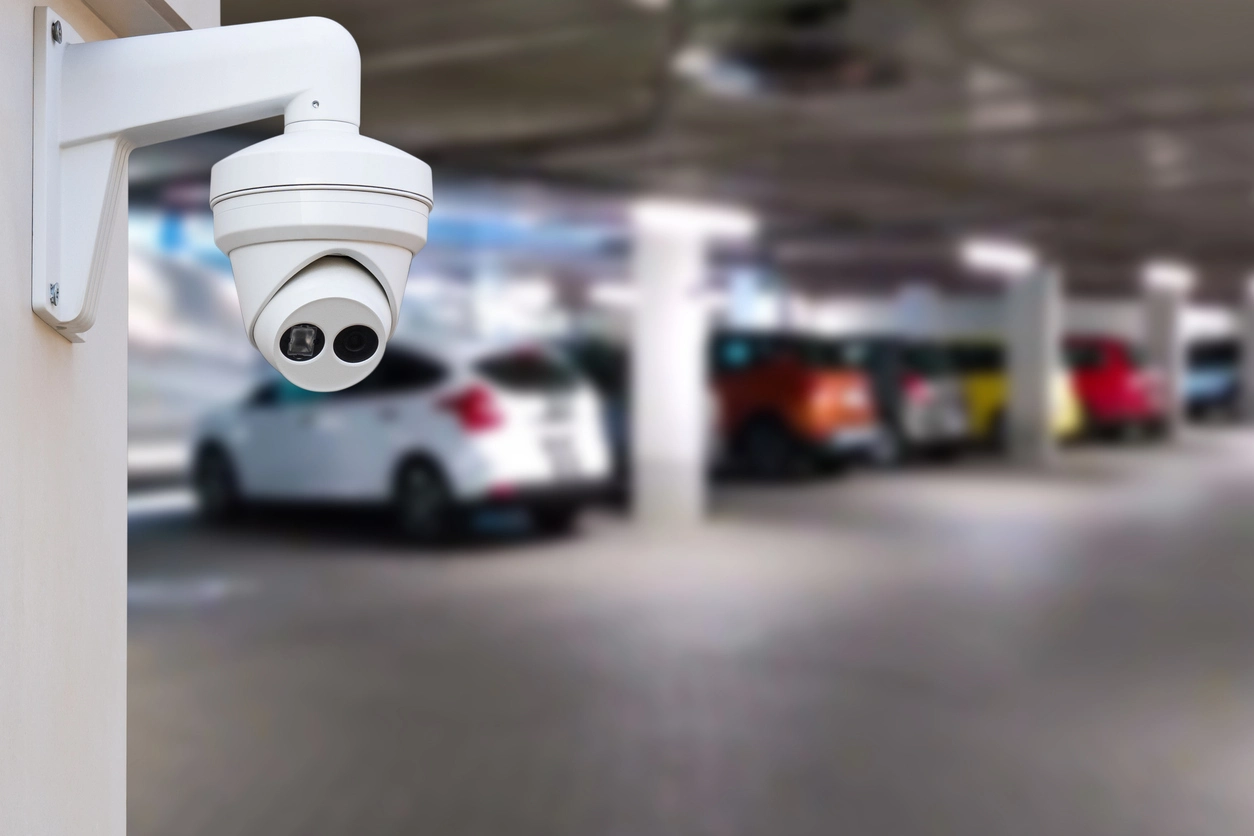
Parking Lots
Review after-hours person, vehicle, loitering, or perimeter activity in exposed exterior areas.
Remote Security Operations
Camera Security Now helps businesses evaluate virtual guarding workflows that use cameras, analytics-generated events, remote review, and defined escalation procedures to support after-hours and remote-site security.
Virtual guarding generally combines camera coverage with remote monitoring so selected activity can be reviewed without requiring someone to watch every camera continuously.
AI analytics and event filtering can help prioritize people, vehicles, intrusion rules, loitering, line crossings, or other supported events before human review.
Some platforms may also support two-way audio, speaker announcements, access workflows, or dispatch escalation. These capabilities vary and should be verified for the selected system.
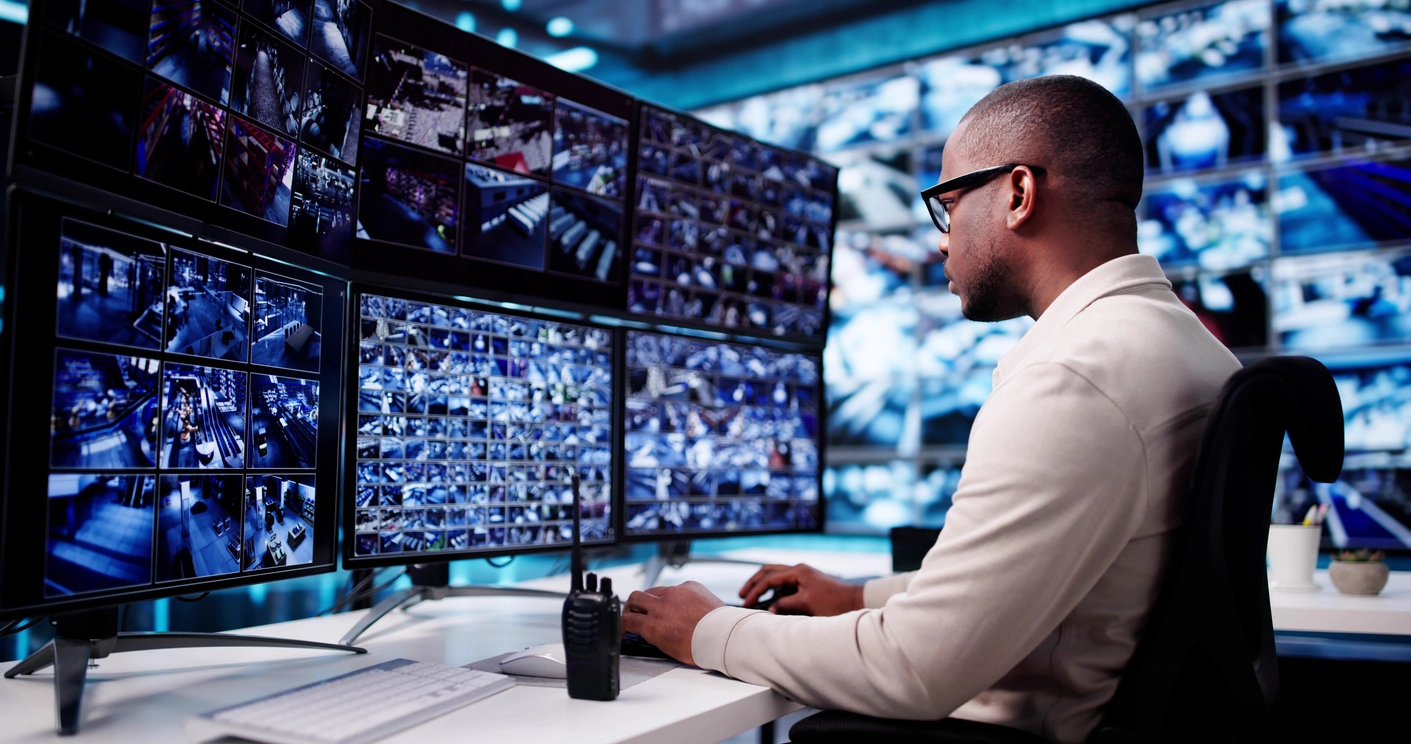
Commercial security systems are most useful when cameras, analytics, alerts, and human response are planned as one workflow.
Give an authorized remote user or monitoring team access to prioritized camera events and the surrounding video context.
Use supported analytics and filtering so routine movement does not overwhelm the guarding workflow.
Establish what happens after an event is verified, including notification, documentation, on-site contact, or other approved response.
The right deployment depends on the site, the events that matter, and the people responsible for reviewing or responding to them.
Review after-hours person, vehicle, loitering, or perimeter activity in exposed exterior areas.
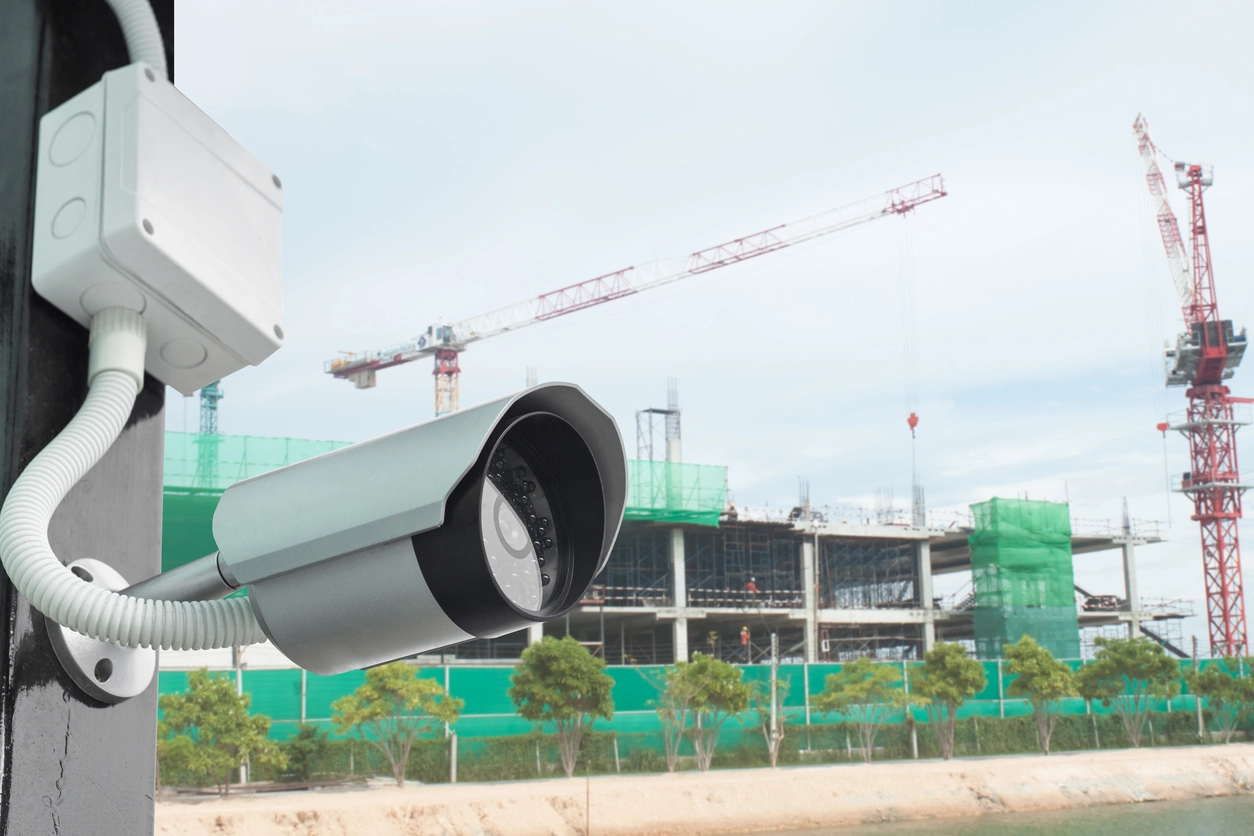
Support remote oversight of tools, equipment, materials, entrances, and changing perimeter conditions.
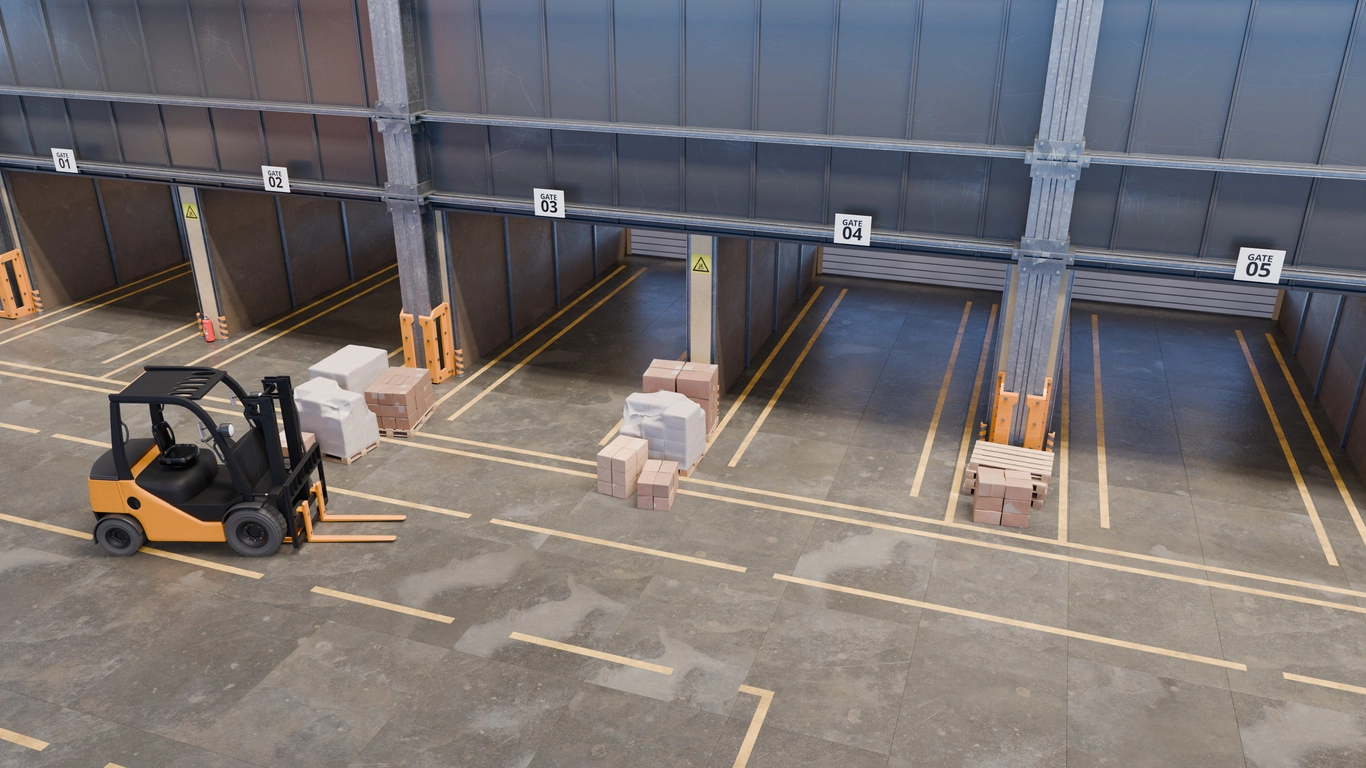
Monitor yards, docks, employee entrances, and restricted areas during evenings and low-staff periods.

Use cameras and prioritized alerts where a site is geographically distant or rarely staffed.
Planning Considerations
Analytics can help identify activity, but the workflow still needs people, procedures, and realistic escalation rules.
Organizations should decide which events enter the monitoring queue, how quickly they should be reviewed, what evidence is needed before escalation, and who is responsible for each type of response.
Camera Security Now can help plan compatible cameras, analytics, remote access, connectivity, recording, alerts, and audio options while keeping expectations aligned with the capabilities of the chosen platform.
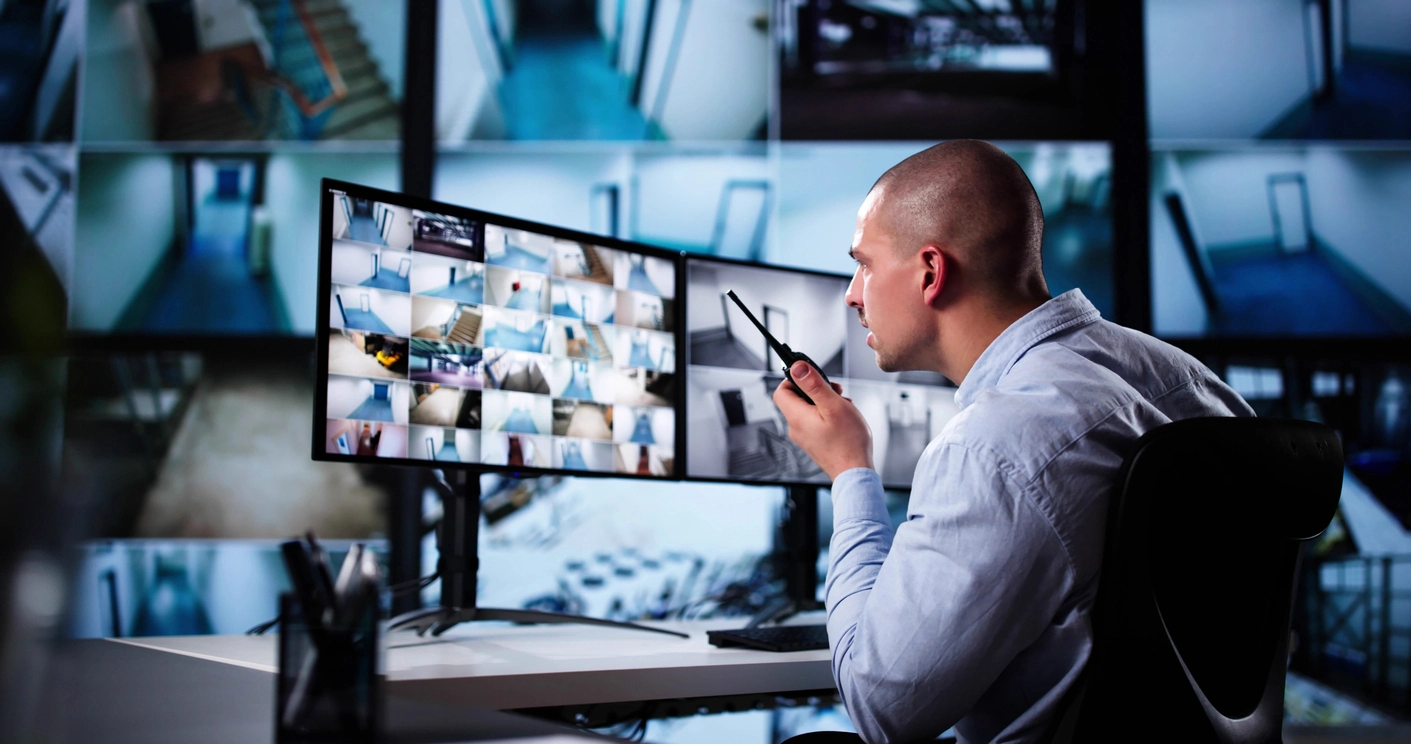
Capabilities vary by camera, recorder, VMS, cloud platform, analytics license, integration method, and site conditions.
Define whether events are reviewed internally, by a third-party monitoring provider, or through another approved process.
Camera placement, lighting, object classification, zones, schedules, and nuisance-event reduction all affect the monitoring queue.
Remote guarding depends on reliable network connectivity and appropriate remote access architecture.
Document when an event is simply recorded, when someone should review it, and when escalation is appropriate.
This capability often works alongside AI video analytics, alerts, remote monitoring, investigation tools, access control, and other commercial security workflows.
Evaluate virtual guarding workflows that combine commercial security cameras, AI events, remote monitoring, real-time alerts, audio where supported, and human review.
Virtual guarding uses cameras and remote review to support security oversight without requiring continuous manual viewing of every feed.
AI-assisted detection, event filtering, remote access, real-time alerts, audio capabilities, and centralized management can all contribute to the workflow, but the exact feature set varies by platform.
Camera Security Now helps organizations evaluate the camera, analytics, monitoring, connectivity, recording, and escalation requirements needed for realistic virtual guarding deployments.
Get answers to common questions about this security camera solution.
Virtual guarding is a remote security workflow in which camera events or live views are reviewed by authorized personnel, often with analytics and alerts helping prioritize activity.
It can. AI person, vehicle, intrusion, line-crossing, loitering, and other supported analytics can help prioritize events before human review.
Some platforms support microphones, speakers, two-way audio, or remote announcements. Availability and legal or policy requirements should be evaluated for the specific deployment.
Not necessarily. It can supplement or change how some monitoring tasks are handled, but staffing and response decisions depend on the site’s risks, policies, and operational requirements.
Tell us about your locations, cameras, current systems, and the events your team needs to detect or review. We’ll help you evaluate a practical commercial security approach.