
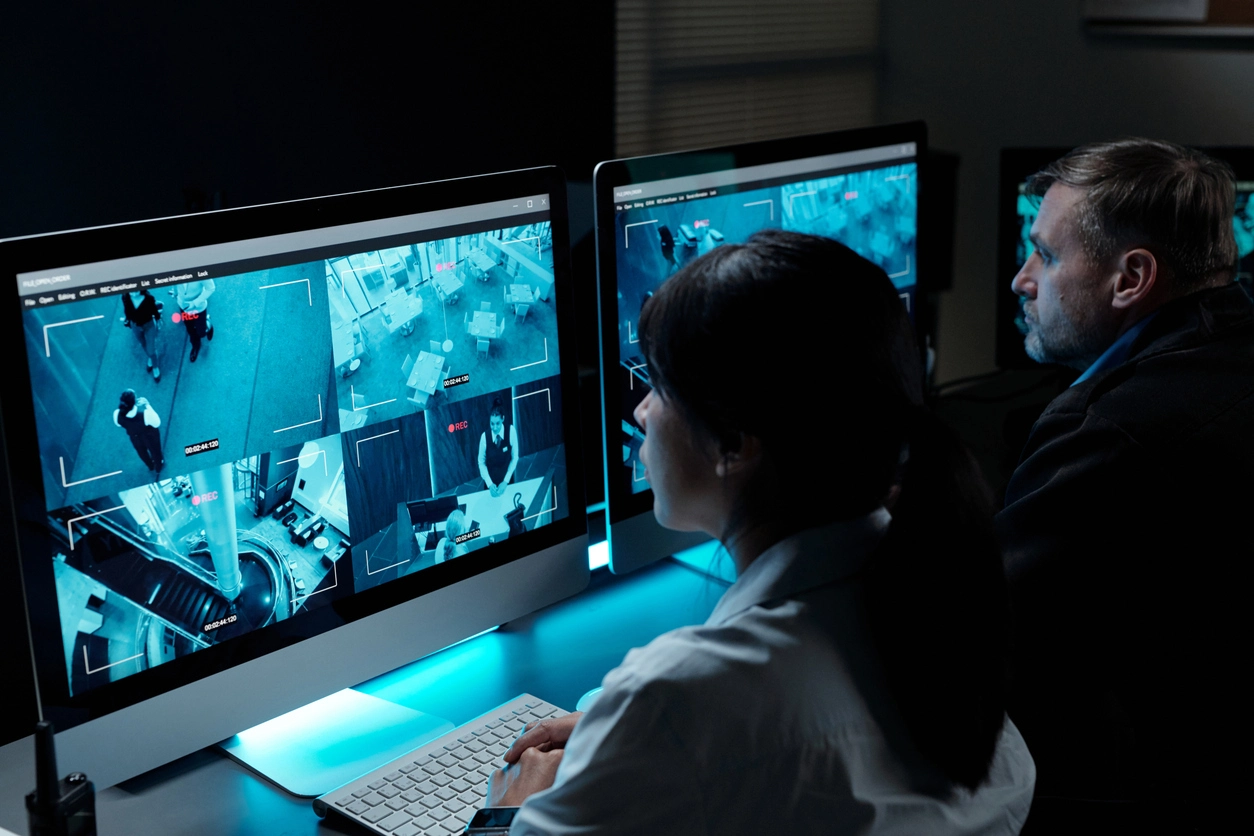
Retail Operations
Filter events around entrances, registers, stock rooms, parking areas, or selected analytics rules.
Smarter Surveillance Event Management
Camera Security Now helps organizations evaluate event filtering tools that make large volumes of camera activity easier to review by narrowing events to supported criteria that actually matter.
Modern security camera systems can generate motion events, person events, vehicle events, intrusion alerts, line crossings, access events, analytics bookmarks, and other notifications.
Without filtering, the event list can become almost as difficult to review as raw video. Event filtering allows authorized users to narrow activity by supported criteria such as event type, camera, site, object class, zone, schedule, or severity.
A practical event-filtering strategy helps users focus on the events connected to their actual security and operational responsibilities.
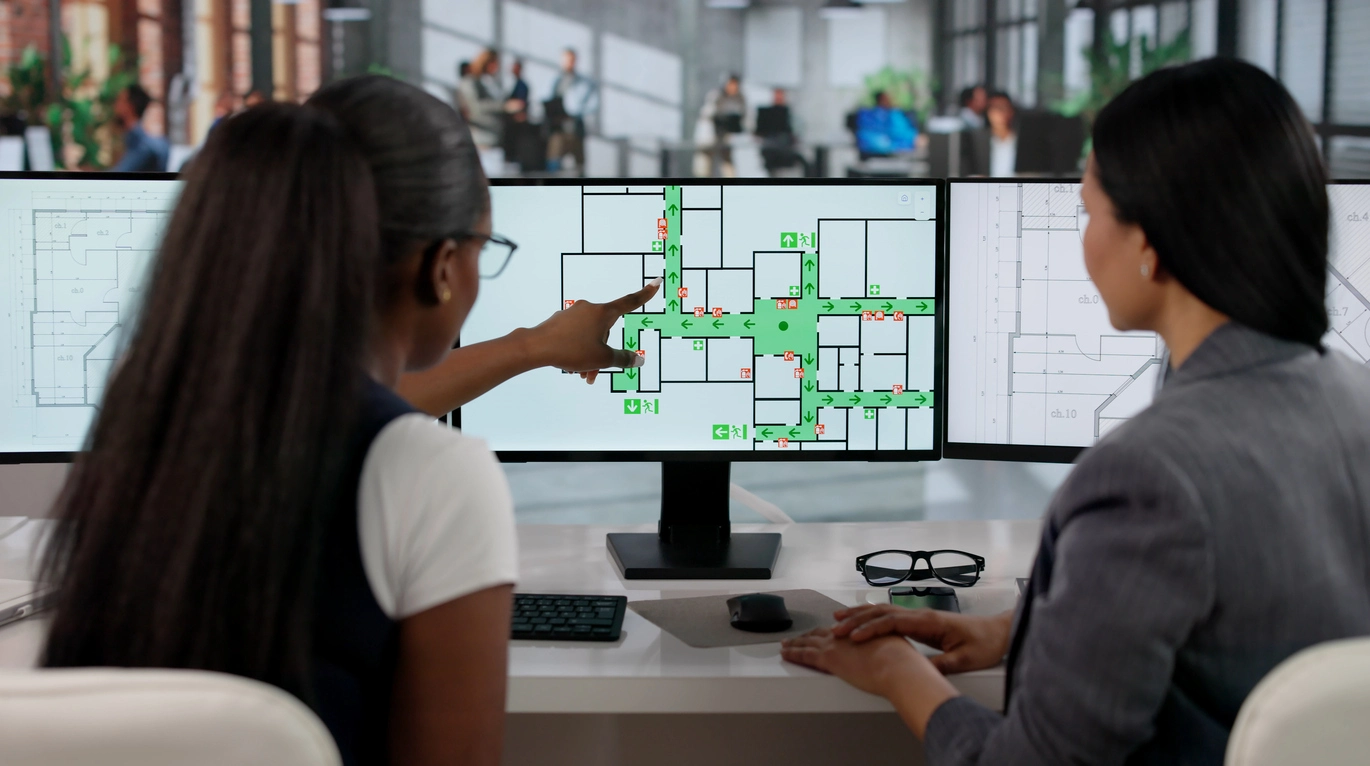
Filtering helps users separate high-value camera events from routine activity.
Reduce the number of clips or alerts users must examine during routine review.
Narrow historical events to the camera, object type, rule, site, or time period connected to the incident.
Different users can concentrate on the types of events relevant to their responsibilities when supported by the platform.
Event filtering is especially useful in systems with many cameras, locations, analytics rules, or remote users.
Filter events around entrances, registers, stock rooms, parking areas, or selected analytics rules.

Narrow events around restricted areas, docks, yards, person detection, or after-hours activity.
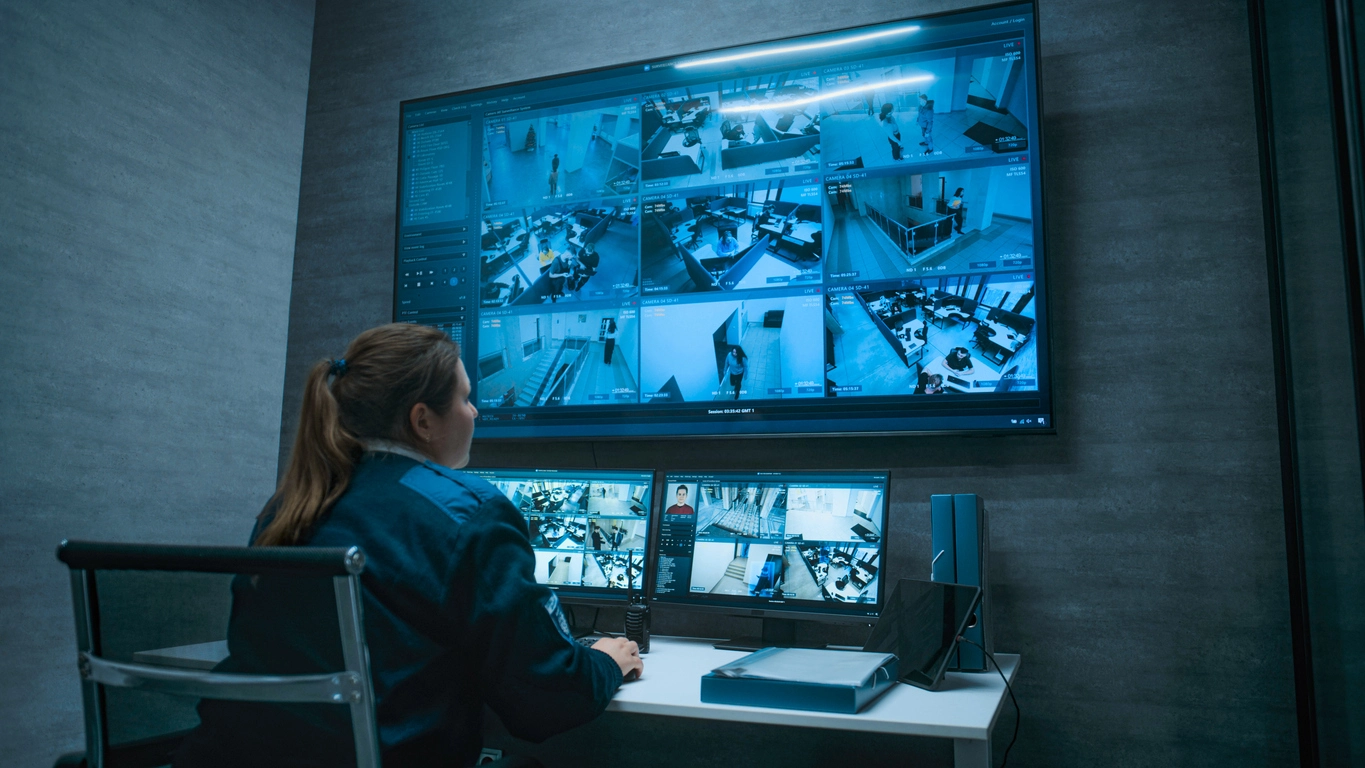
Review selected entrances, after-hours events, perimeter activity, or administrative camera groups.
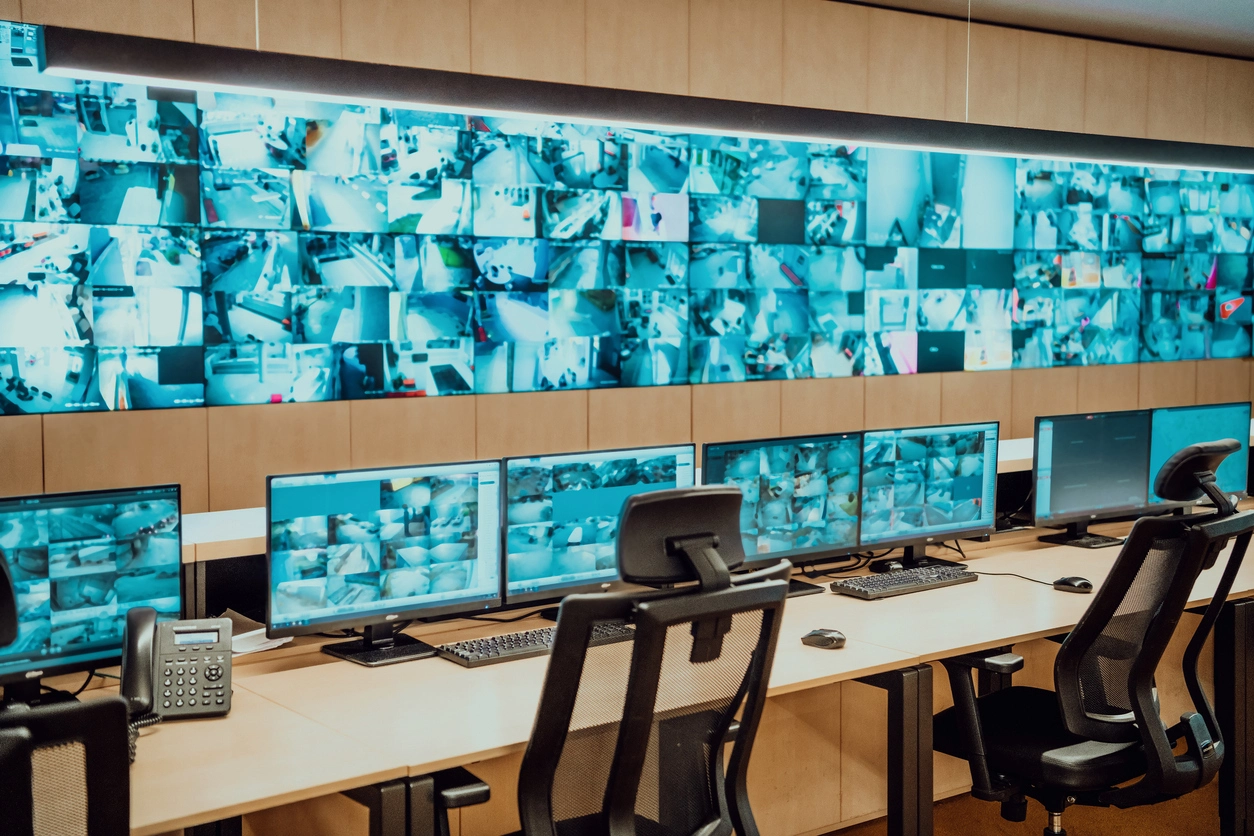
Filter events by site, region, camera group, analytics rule, or time period from a centralized system.
Planning Considerations
A system cannot filter intelligently if every event is simply labeled as generic motion.
Person, vehicle, intrusion, line-crossing, access, plate, and other event classifications can make filters much more useful than a basic motion-only event list.
Organizations should decide which events deserve alerts, which should remain searchable, and which routine events can be ignored for day-to-day review.
Useful filtering starts with a clear event taxonomy and realistic user workflow.
Confirm which analytics and device events the platform can classify and filter.
Business-hours and after-hours review may require different priorities.
Consistent site and camera grouping makes multi-location filtering easier.
Not every filtered event needs a real-time notification; many are more useful as searchable records.
Event filtering works alongside smart search, real-time alerts, false alarm reduction, centralized management, and AI video analytics.
Event filtering helps organizations manage the growing volume of analytics and camera events produced by modern surveillance systems.
Commercial camera systems increasingly generate structured events rather than only continuous video. The value of those events depends on how easily users can narrow them to the activity that matters.
Filters may be based on camera, site, time, event type, object class, analytics rule, or other platform-specific metadata.
Camera Security Now helps organizations evaluate event classification, smart search, alerts, centralized management, and user permissions so event workflows remain manageable as systems grow.
Get answers to common questions about this security camera solution.
Event filtering allows users to narrow surveillance events using supported criteria such as camera, site, time, object class, analytics rule, or event type.
No. False alarm reduction tries to prevent or de-prioritize nuisance events. Event filtering helps users organize and review events that have already been created.
Many AI-enabled platforms can separate supported person and vehicle events, but exact filtering options depend on the system.
No. Many events are useful for later search or reporting without requiring an immediate notification.
Tell us which camera events your team needs to see immediately and which should simply remain searchable. We’ll help you evaluate a more manageable event strategy.